 EN
EN BR
BR DE
DE ES
ES FR
FR RU
RU ID
ID TR
TR IT
IT JP
JP SA
SA VN
VN TH
TH KR
KR
VPN Kill Switch Explained: What It Is and How It Works

 Key takeaways
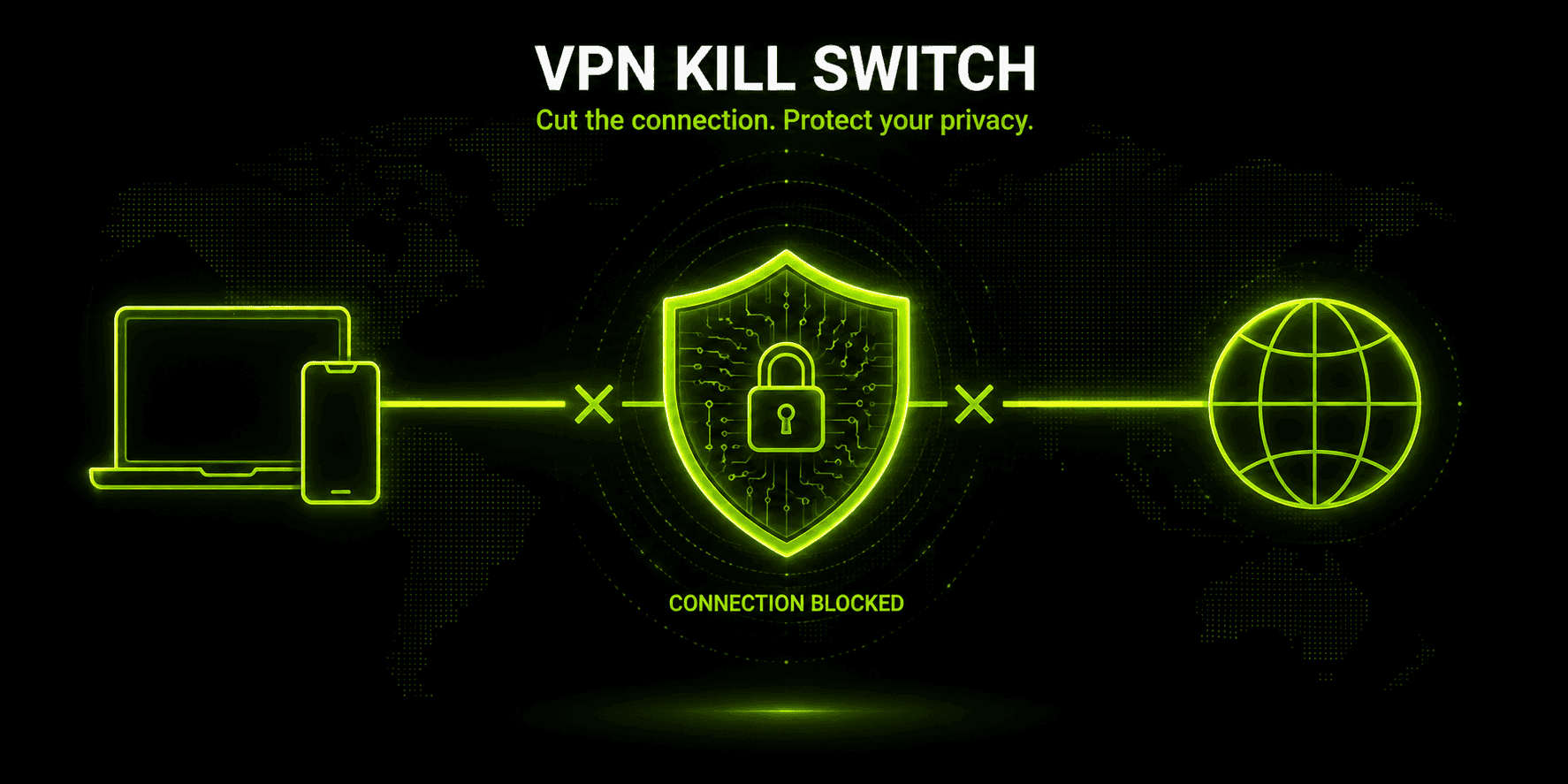
- A VPN kill switch cuts your device's internet access the instant the VPN connection drops, so your real IP address and unencrypted traffic never get exposed, even for a moment.
- There are two main types: system-level (blocks all internet access) and app-level (blocks only the apps you've chosen to protect).
- Common causes of VPN drops include unstable Wi-Fi, overloaded or distant servers, and antivirus or firewall conflicts.
- Android has a native, OS-level kill switch built into system settings, separate from whatever kill switch an individual VPN app might offer on top of it.
- Not every free VPN includes a kill switch — many providers reserve it for paid plans, so it's worth checking before you rely on one.
- Guru VPN and similar apps aim to make this protection continuous, rather than something you have to remember to double-check.
Losing a VPN connection for even a few seconds can be enough to expose your real IP address — and that's exactly the failure mode a kill switch exists to prevent. If you've ever searched what is a vpn kill switch and wondered whether you actually need one, the short answer is: probably yes, especially if you rely on public Wi-Fi, torrent occasionally, or simply don't want a dropped connection to quietly hand your unencrypted traffic to your ISP. Below, we'll break down what this feature actually does, the difference between system-level and app-level protection, what changes on Android, and what to expect from apps like Guru VPN that build this safeguard directly into the connection.
Key Takeaways
- A VPN kill switch cuts your device's internet access the instant the VPN connection drops, so your real IP address and unencrypted traffic never get exposed, even for a moment.
- There are two main types: system-level (blocks all internet access) and app-level (blocks only the apps you've chosen to protect).
- Common causes of VPN drops include unstable Wi-Fi, overloaded or distant servers, and antivirus or firewall conflicts.
- Android has a native, OS-level kill switch built into system settings, separate from whatever kill switch an individual VPN app might offer on top of it.
- Not every free VPN includes a kill switch — many providers reserve it for paid plans, so it's worth checking before you rely on one.
- Guru VPN and similar apps aim to make this protection continuous, rather than something you have to remember to double-check.
What Is a VPN Kill Switch?
A VPN kill switch is a safety mechanism that sits quietly in the background of your VPN app, waiting for exactly one thing to happen: the encrypted tunnel between your device and the VPN server failing unexpectedly. The moment that happens, the kill switch steps in and blocks your device from sending or receiving any internet traffic outside that tunnel — rather than letting your connection silently fall back to your regular, unencrypted network.
Without this safeguard, a dropped VPN connection is invisible in the worst possible way. Your device usually reconnects to the internet directly through your ISP within a second or two, and unless you're staring at the app the entire time, you'd have no idea your real IP address, browsing activity, and location were briefly exposed. A kill switch closes that gap by treating "VPN is down" as a reason to stop all traffic, not a reason to quietly keep going.
It's worth being clear that not every kill switch VPN implementation behaves identically. Some providers trigger protection only after an unexpected drop; others block internet access by default the moment you launch the app, and only allow traffic once the VPN tunnel is confirmed active — meaning you're protected even before the first connection attempt succeeds, not just after a later failure.
How Does VPN Kill Switch Work?
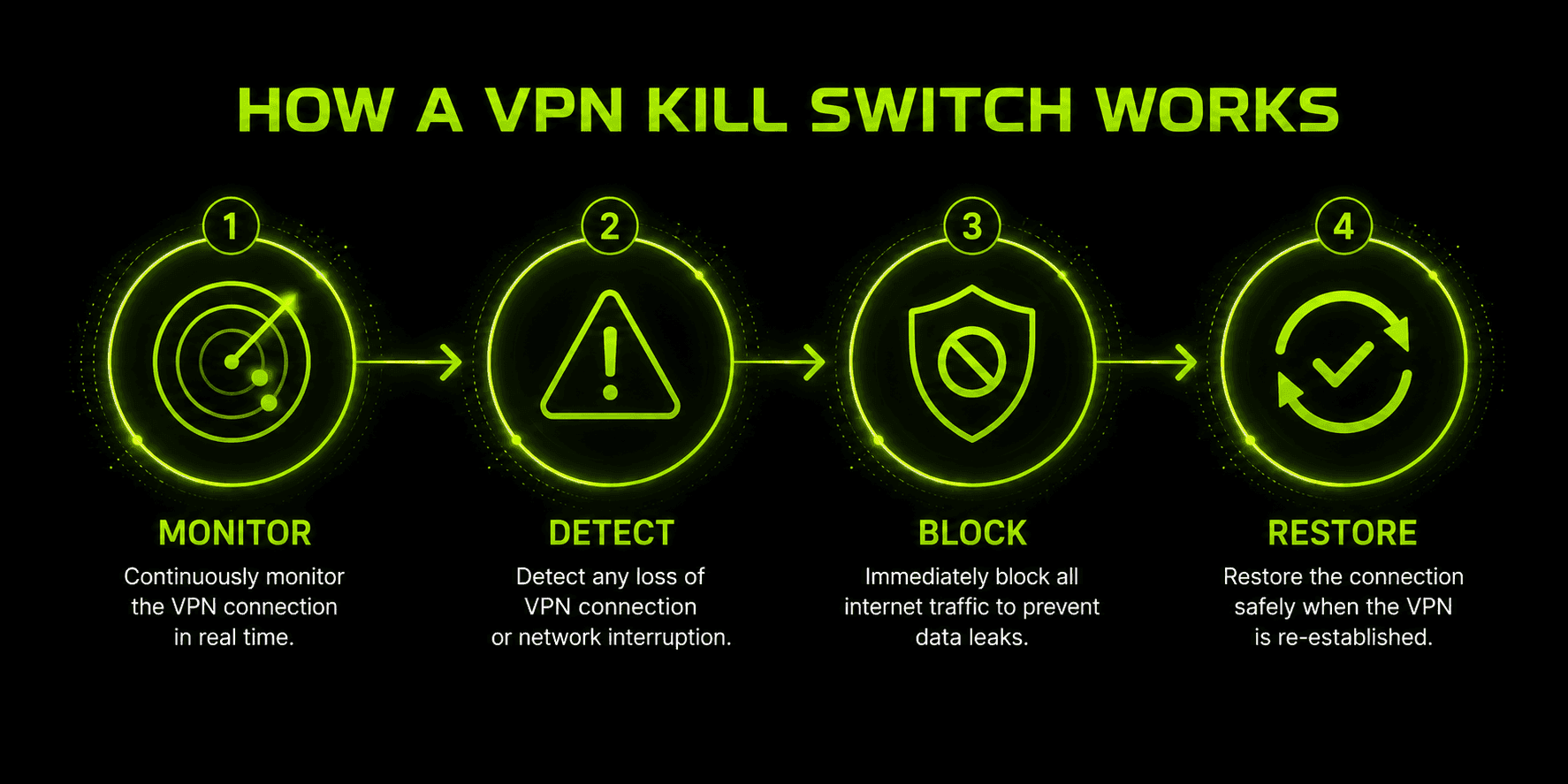
Under the hood, most kill switches run the same basic loop, regardless of which VPN app implements it:
- Monitor — the app continuously checks the status of the VPN connection and the device's network interface, watching for anything that looks like a drop: a lost handshake, an IP address change, or the tunnel interface disappearing entirely.
- Detect — the instant something changes, the kill switch registers it as a failure, even if the interruption only lasts a moment.
- Block — the app applies firewall-level rules that stop any traffic from reaching the network unless it's routed through the encrypted tunnel, either for the entire system or for a specific list of apps, depending on which mode is active.
- Restore — once the VPN reconnects and the tunnel is verified secure again, normal traffic flow resumes automatically, without you needing to do anything.
That loop is what separates a real kill switch from a VPN app that just tries to "reconnect quickly" after a drop. Reconnecting quickly still leaves a window — however small — where your traffic could travel unprotected. A properly working kill switch closes that window by blocking first and reconnecting second, so there's no gap for your real IP or unencrypted data to slip through.
System-Level vs. App-Level Kill Switches
Kill switches generally come in two flavors, and the difference matters more than it might seem at first glance.
A system-level kill switch blocks all internet traffic on the device the moment the VPN drops — every app, every browser tab, every background process loses its connection until the VPN is back up. It's the more comprehensive option, and the one security-focused sources tend to recommend, because there's no way for any app to accidentally leak data through a gap in the rules.
An app-level kill switch takes a narrower approach, cutting off only the specific apps you've selected — a torrent client, for example — while leaving everything else, like your email or a video call, connected as normal. This trades some protection for convenience: it won't interrupt tasks you didn't ask it to protect, but any app outside your selected list is exposed if the VPN fails.
| Feature | System-Level Kill Switch | App-Level Kill Switch |
|---|---|---|
Scope | Blocks all internet traffic on the device | Blocks only the apps you select |
Protection | Comprehensive — no leak gaps | Partial — unselected apps stay exposed |
Disruption | Can interrupt unrelated tasks (calls, downloads) | Minimal — only affects chosen apps |
Best for | Public Wi-Fi, sensitive work, journalists/activists | Torrenting or a single high-risk app |
Availability | Common on Windows/macOS/Linux; more limited on mobile | Offered by some providers as an add-on option |
Whichever mode you pick, the fact that a vpn with kill switch protection even needs to make this choice says something important: perfect uptime doesn't exist. Servers get overloaded, networks hiccup, and no provider can promise a connection that never drops for a second — which is exactly why the fallback behavior matters as much as the connection itself.
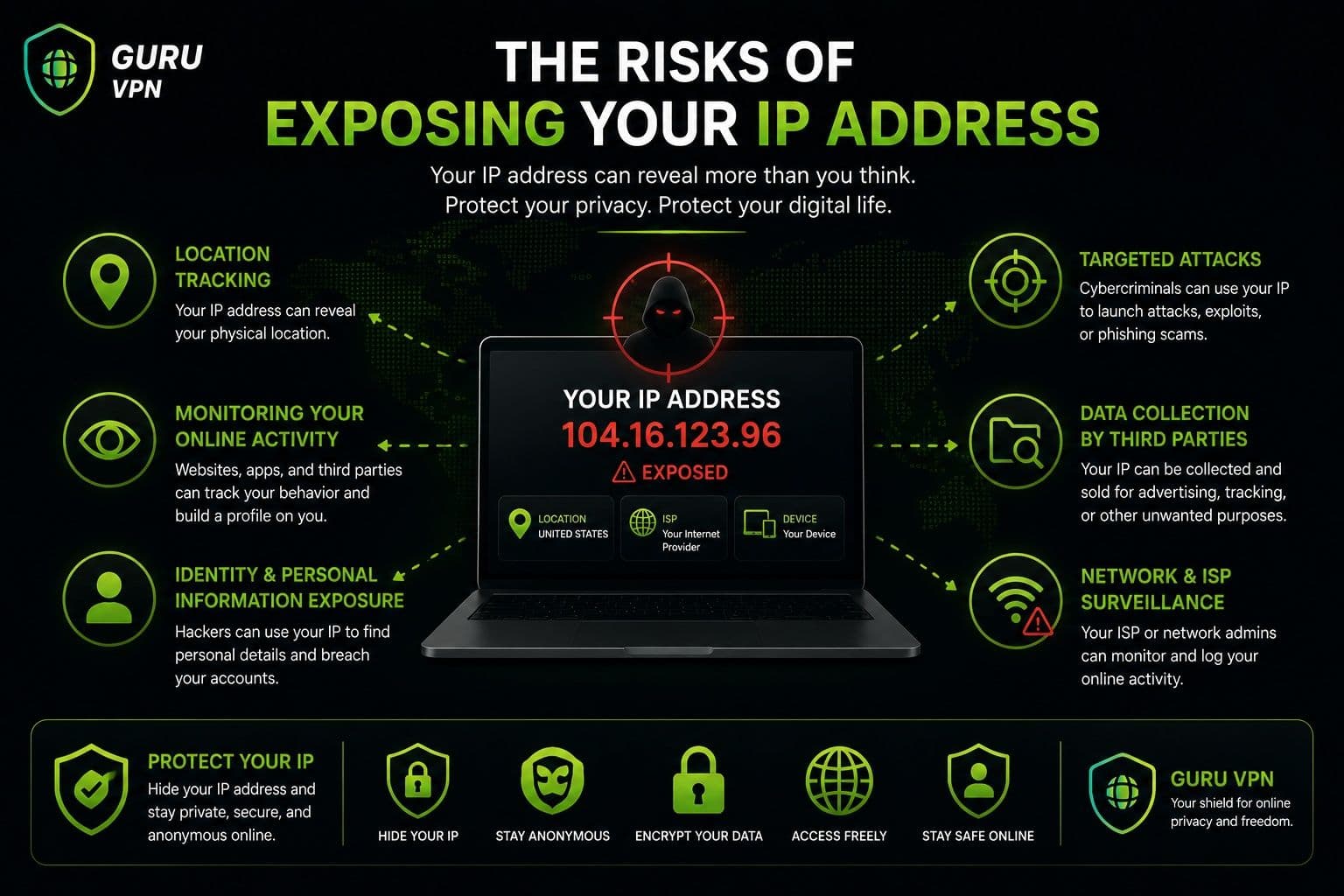
It's worth separating two related but distinct things a kill switch is protecting against: an IP leak, where your device's real IP address becomes visible because traffic is routing outside the VPN entirely, and a DNS leak, a narrower problem where your device's DNS queries — the requests that translate a website name into an address — get sent to your regular network's DNS server instead of the VPN's, even if the rest of your traffic is still tunneled correctly. A DNS leak can expose your browsing activity (which sites you're looking up) to your ISP even when your IP address itself stays hidden, which is why a well-implemented kill switch needs to block both categories of traffic, not just general internet access.
For app-level kill switches specifically, most providers implement this through a whitelist (sometimes called an exceptions list): a settings screen where you add the specific apps allowed to bypass the kill switch and keep running even if the VPN drops. Setting this up is usually a matter of opening the kill switch settings, finding an "app exceptions" or "allowed apps" list, and adding only the apps you're deliberately choosing to leave unprotected — anything left off that list falls under whatever the default (usually system-level) behavior is. The fewer apps on that list, the closer an app-level kill switch behaves to a full system-level one.
Common Reasons a VPN Connection Drops
A kill switch only matters because VPN connections do, in fact, drop — more often than most people realize. The usual culprits:
- Unstable or weak Wi-Fi. The single most common cause. Weak signal strength or a congested network can interrupt the tunnel without you noticing until something stops loading.
- Switching networks. Moving from Wi-Fi to mobile data, or between Wi-Fi networks, briefly breaks the existing tunnel while the device reconnects.
- Overloaded or distant servers. A VPN server under heavy load, or one that's geographically far from you, is more likely to time out or drop the connection.
- Firewall or antivirus conflicts. Security software on your own device can sometimes interfere with the VPN client's ability to maintain its connection.
- Device sleep or restarts. Laptops going to sleep and phones restarting overnight can silently drop an active VPN session.
- ISP throttling or interference. Some internet providers actively detect and throttle VPN traffic, which can cause intermittent disconnects.
None of these causes are unusual or rare — they're just normal network behavior. That's precisely the point: a kill switch isn't protecting against some exotic edge case, it's protecting against the ordinary, everyday reasons a connection blips.
How Major VPN Kill Switches Compare
The underlying monitor-detect-block-restore logic is similar across providers, but the naming and exact behavior differ enough that it's worth knowing what you're actually getting before assuming a checkbox in settings does what you expect.
| Provider | What They Call It | How It Behaves |
|---|---|---|
ProtonVPN | Standard / Advanced Kill Switch | Standard triggers only on accidental drops; Advanced blocks all traffic by default with no exceptions, even before you connect, and persists across reboots |
Surfshark | Soft / Strict Kill Switch | Soft activates only on unexpected drops; Strict blocks internet any time the VPN isn't active, including deliberate disconnects |
ExpressVPN | Network Lock | Single system-level mode, branded differently from the term "kill switch" but functioning the same way |
NordVPN | App Kill Switch + System Kill Switch | Offers both an app-level mode and a system-level mode, letting users choose per their situation |
The practical takeaway is that "does this VPN have a kill switch" is really only half the question — whether it defaults to blocking before you even connect (proactive) or only after a drop (reactive), and whether it survives a restart, varies enough between these implementations that it's worth checking the specific behavior rather than assuming a checked box means maximum protection.
VPN Kill Switch by Platform: What Changes on Each OS
The same core feature doesn't behave identically everywhere it runs — some of that comes down to how much control each operating system gives an app over the network stack, and some of it comes down to documented quirks worth knowing about.
Windows and Linux generally give VPN apps the deepest level of firewall access, which is why the most comprehensive kill switch modes — including persistent, reboot-surviving protection in some apps — tend to be Windows/Linux-only features. App-exception whitelisting for a kill switch is also most commonly a Windows/macOS-only option in several providers' implementations, with Linux and mobile platforms offering less granular control.
macOS and iOS share a specific, documented edge case worth knowing about: some DNS requests generated by Apple's own system services can bypass the VPN tunnel even with a kill switch enabled, because those requests are handled at a system level the kill switch doesn't fully intercept. It's a narrow gap — it doesn't expose your general browsing — but it's a real limitation on Apple platforms that doesn't have an equivalent on Windows or Android. macOS users may also notice a brief moment of IP exposure specifically when switching between VPN servers, even with the kill switch active, since the old tunnel closes fractionally before the new one is confirmed.
Android handles this slightly differently than most other platforms, because a version of the protection is built into the operating system itself, independent of whatever VPN app you're using. Buried in Settings under Network & Internet → VPN → the gear icon next to your chosen VPN, Android offers two toggles: "Always-on VPN" and "Block connections without VPN." Turning both on gives you a system-level vpn kill switch Android's own software enforces directly — no internet traffic reaches the network unless that specific VPN connection is active, regardless of which app you're using to connect.
This matters because it means the protection doesn't disappear if your VPN app crashes, gets force-closed, or simply doesn't implement its own kill switch particularly well. The operating system is enforcing the rule at a lower level than any individual app can reach. That said, an android vpn with kill switch built into the app itself can still add value on top of the OS setting — some apps offer faster detection, more granular app-level exceptions, or clearer status indicators than Android's fairly bare-bones native toggle provides.
The practical recommendation is to use both together where possible: enable Android's native "Block connections without VPN" as your baseline, and use your VPN app's own kill switch for the more immediate, app-aware protection layered on top.
One more platform-crossing interaction worth flagging: kill switches and split tunneling don't always play well together. Because a kill switch's job is to block traffic outside the tunnel, and split tunneling's job is to deliberately route some traffic outside the tunnel on purpose, the two features can conflict — most providers' documentation notes this combination working reliably only on Windows, with macOS, Linux, and mobile platforms either disabling one feature while the other is active or requiring more careful configuration to use both at once. If you rely on both features, it's worth testing the specific combination on your specific platform rather than assuming they'll simply work together by default.
How to Test Whether Your Kill Switch Actually Works
Turning a kill switch on in settings isn't the same as confirming it actually does something — and since the entire point of the feature is to catch a failure you wouldn't otherwise notice, it's worth verifying it directly rather than taking it on faith:
- Connect to your VPN normally and confirm it's active — check your IP address through any "what's my IP" page to note the VPN server's address.
- Force the connection closed without using the app's own disconnect button — force-quit the VPN app through your device's task manager, or temporarily block the app in your firewall settings. This simulates the kind of unexpected drop a kill switch is designed for, rather than a clean, intentional disconnect.
- Try to load a webpage. If the kill switch is working, nothing should load at all — no fallback to your regular connection, no partial page load. If a page loads successfully while the VPN is down, the kill switch isn't functioning as expected.
- Reconnect the VPN app and confirm your internet access resumes automatically once the tunnel is back up, without needing to manually reset anything else.
Running this check once after first setting up a kill switch, and again after any major app or OS update, is a reasonable habit — kill switch behavior is exactly the kind of thing that can silently break during an update without any obvious symptom until the moment you actually need it.
Free VPN with Kill Switch: What to Expect
If you're hunting for a free vpn with kill switch support, it's worth going in with realistic expectations. This is one of the features providers most commonly hold back for paid tiers — it takes real engineering effort to implement well, and free plans are often built around minimizing cost rather than maximizing security depth. Some well-known free VPN tiers strip the kill switch out entirely while keeping the same brand name, which means the free and paid versions of the same app can have meaningfully different protection.
That doesn't mean every free plan skips it — some providers do include a basic kill switch even on their free tier — but it does mean the feature is inconsistent enough that you shouldn't assume it's there. If a kill switch matters to you (and for anyone using public Wi-Fi regularly, it should), checking a plan's feature list before relying on it is worth the two minutes it takes.
Why Choose Guru VPN
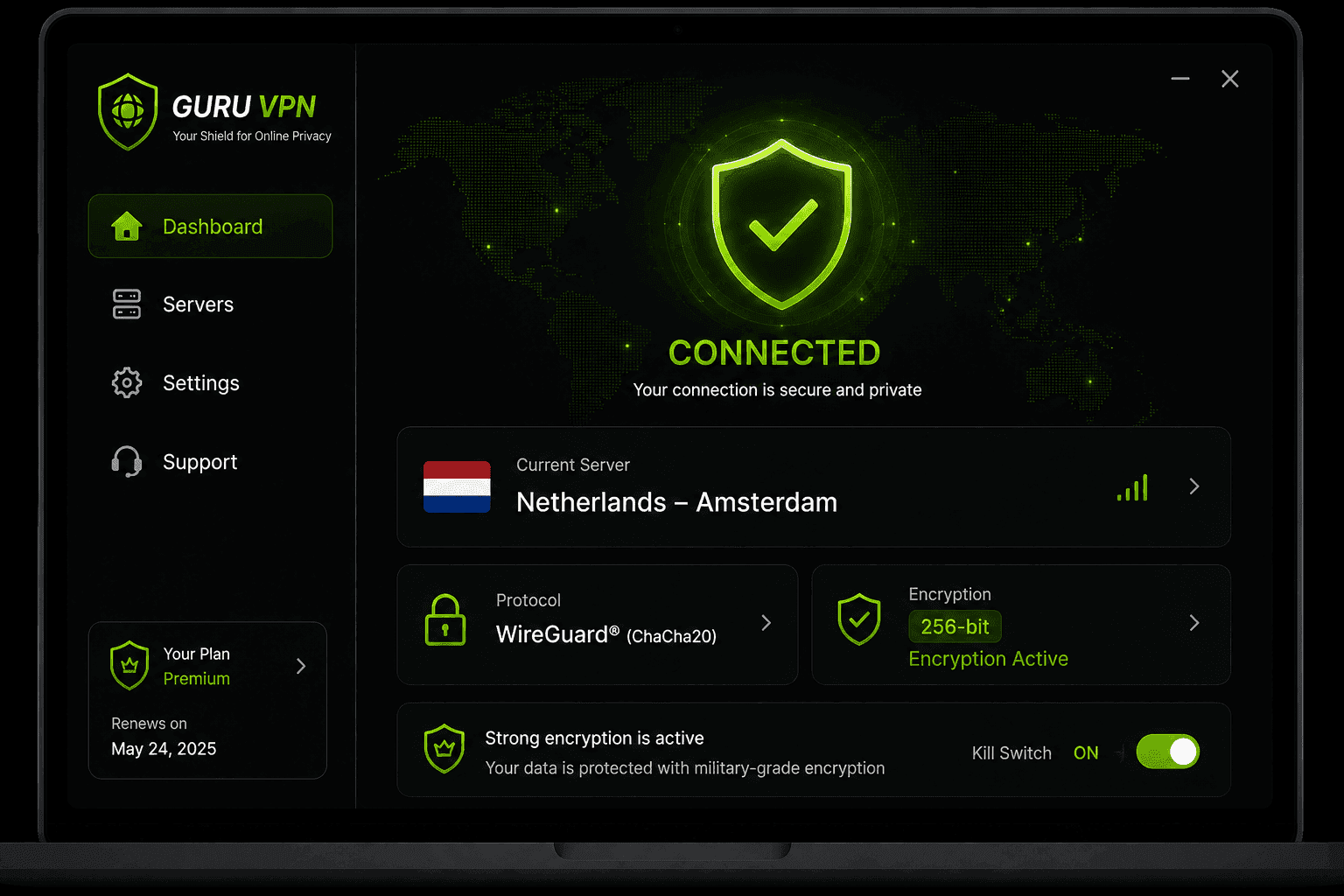
A kill switch is only useful if it's actually part of the app you're using, so it's worth being specific about what to look for rather than taking a feature list at face value. Guru VPN includes a kill switch built around that same monitor-detect-block-restore principle covered above — the goal being that a dropped connection interrupts your browsing rather than quietly exposing it, without requiring you to babysit the connection status yourself.
Beyond the kill switch itself, what tends to matter day-to-day is the rest of the package around it: consistent encryption on every connection, a wide spread of server locations so a nearby, uncongested server is usually available (which, per the causes above, also means fewer drops to begin with), and an app simple enough that turning on protection doesn't require reading a manual first. You can compare what's included at each tier on the pricing page, and check whether your preferred regions are covered on the server list before deciding which plan fits how you actually use a VPN.
Frequently Asked Questions
It's a background safety feature that blocks your device's internet access the instant the VPN connection drops, so your traffic never falls back to an unprotected, unencrypted connection without you noticing.
Mainly IP address exposure and unencrypted data leaking out during a connection failure — the moments when your device would otherwise reconnect directly through your regular network without you realizing the VPN is down.
No — it doesn't affect speed while the VPN is connected normally. It only activates during a drop, at which point it blocks traffic entirely rather than slowing it down, until the VPN reconnects.
Usually, yes. Most apps let you disable it in settings, though doing so removes the protection against exactly the scenario it's designed for, so it's generally best left on.
An IP leak exposes your real IP address because traffic is routing outside the VPN entirely. A DNS leak is narrower — it means your DNS lookups (which translate site names into addresses) are going through your regular network instead of the VPN, which can expose your browsing activity even if your IP address itself stays hidden.
On some platforms, yes — Windows is generally the most reliable for combining both. On macOS, Linux, and mobile, the two features can conflict since one is designed to block traffic outside the tunnel while the other deliberately routes some traffic outside it, so it's worth testing the specific combination on your device rather than assuming it works by default.
Conclusion
A VPN kill switch isn't a flashy feature, and most of the time you won't even notice it's there — which is exactly the point. It exists for the moments when a connection drop would otherwise happen silently, quietly exposing your real IP address and unencrypted traffic while you assume you're still protected. Whether it's enforced system-wide, limited to specific apps, or built into Android at the OS level, the underlying job is the same: treat a failed VPN connection as a reason to stop, not a reason to keep going unprotected. Guru VPN builds that safeguard in as one part of keeping a connection dependable from the moment you turn it on.