

 BR
BR DE
DE ES
ES FR
FR RU
RU
Server coverage close to you and to the match
49+ countries, so you can connect near yourself or near friends playing from another region.
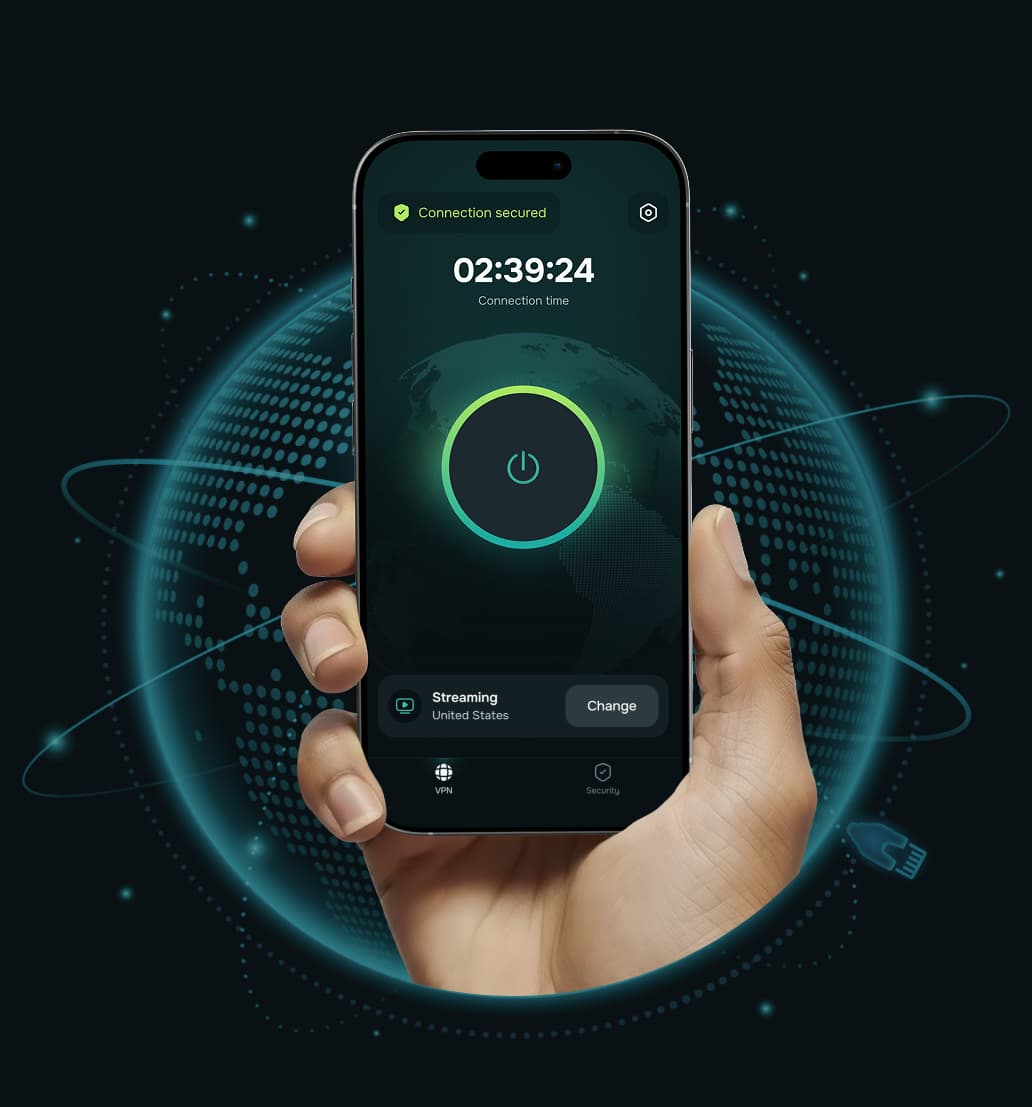




A gaming VPN does the same core job as any VPN — it encrypts your connection and routes it through a server you choose — but it's evaluated by a different yardstick.
For browsing or streaming, what matters most is throughput. For gaming, what matters most is consistency: a connection that doesn't spike mid-match, a server close enough to keep the round trip short, and a tunnel that doesn't add noticeable overhead of its own.
That's the bar a VPN needs to clear before it's actually useful for competitive or fast-paced games, not just technically compatible with them.
49+ countries, so you can connect near yourself or near friends playing from another region.

Servers built for up to 10 Gbps, with nothing throttling you back down once you've connected.

Some ISPs quietly slow gaming and streaming traffic at peak hours; the encrypted tunnel hides what kind of traffic it is, so there's nothing for them to selectively throttle.

If the VPN connection drops mid-match, your device goes offline instead of quietly falling back to your real IP.

Route the game and its launcher through the VPN while Discord, downloads, or your browser go direct, so nothing non-gaming pays a speed penalty.

ChaCha20 outperforms AES on devices without dedicated encryption hardware, which is most phones, laptops, and consoles-via-router setups. Security here isn't a speed tax.

Nothing about your gaming sessions gets kept to sell or hand over.

Phone, PC, and a console connected through your router, without juggling separate subscriptions.
Guru VPN doesn't require a "gaming mode" or special configuration — connect and it works.
Roblox
Minecraft
Fortnite

Valorant

Maplestory

Genshin Impact

Pubg

Bluestacks

Pubg Mobile

Lost Ark

Apex Legends

Destiny

Diablo

World Of Warcraft

League Of Legends

Call Of Duty

Counter Strike 2

Fifa

Call Of Duty Black Ops 6

World Of Tanks

Apex Legends Mobile

Brawl Stars

Final Fantasy

Black Desert Online

Rocket League

Call Of Duty Warzone

Final Fantasy 14

Pubg Lite

Rust

Rainbow Six Siege

Helldivers 2

Efootball

Warframe

Call Of Duty Mobile

Dota 2

Epic Games

Clash Of Clans

Overwatch 2

Pokemon Go

Escape From Tarkov

Honkai Star Rail

Knives Out

Mobile Legends

Standoff 2

War Thunder

Dead By Daylight

Squad Busters
A few criteria actually predict whether a VPN will hold up in a match, regardless of which provider you pick.

Your IP address usually changes each time you reconnect — and changes again if the VPN rotates you between servers. Some games flag a "new" IP as suspicious activity, which can mean extra login verification or, in stricter cases, a temporary lock. A static or dedicated IP avoids that by keeping your VPN-assigned address consistent.
Distance is still the single biggest lever on latency — a VPN with a thin server list forces you onto a farther server than you'd choose otherwise. Look for coverage both close to where you physically are and close to where the game's servers actually run.
The VPN protocol determines how much processing overhead gets added to every packet. Newer protocols in the WireGuard class are lighter and faster than legacy options like OpenVPN. Guru VPN automatically selects a modern, secure protocol for your connection — so this isn't something you need to configure by hand, but it's worth knowing what's actually running under the hood.
The differences that matter most for gaming aren't abstract — they show up as caps, queues, and logging you can't see from the outside.
| Feature | Guru VPN | Most free VPNs |
|---|---|---|
 Simultaneous connections Simultaneous connections | Up to 10 devices | Usually 1 |
 Bandwidth Bandwidth | Unlimited, up to 10 Gbps per server | Limited, often throttled |
 Data cap Data cap | None | Often capped (a few GB/day) |
 Server countries Server countries | 49+ | Usually 5–10 |
 Logging Logging | Zero-logs, GDPR | Often monetizes user data |
 In-app ads In-app ads | None | Often present |
 Support Support | Yes | Typically none |
No speed or latency figures below that aren't backed by a real, current test — a number we can't stand behind doesn't belong in a spec sheet.
| Spec | Value |
|---|---|
 Countries/locations Countries/locations | 49+ |
 Max server speed Max server speed | Up to 10 Gbps |
 Encryption Encryption | ChaCha20 |
 Logging policy Logging policy | Zero-logs, GDPR |
| Kill switch | Yes |
| Split tunneling | Yes |
 Devices per account Devices per account | Up to 10 |
 Price Price | From $0.96/week, billed annually ($49.99/year) |
| Money-back guarantee | 30 days |

The nearest one for the lowest latency, or a specific region if you need access to that region's content or friends.
Your connection is protected from the moment you connect, no extra setup required.

This part isn't about the VPN itself — it's general digital hygiene worth having in one place.

During a drive across the Prairies I used Guru VPN whenever I stopped at motels with open Wi‑Fi, and the app connected quickly each time and kept my email access private.
lectures from a university portal that blocks some regions, and since switching to a suggested server the streams load quickly and stay smooth.
After noticing my kids often connect to random Wi‑Fi at malls, I added Guru VPN to their phones and showed them the single connect button, and now they enable it before watching videos or using social apps in public places.
auto-connect on certain networks, so once configured, I don't have to think about it. It provides constant, silent protection in the background. I've never seen that feature before.
I use this app daily for streaming, and it never buffers. It's super fast, super secure, and I love that it doesn’t log anything. One tap and I’m fully protected! Couldn’t ask for more!
layer of security when accessing corporate dashboards from home, and it now connects automatically before I log in to any work system or cloud service.
The way this VPN works, I'd say it is perfect for everyday use! Whether I’m shopping online or watching geo-restricted media, Guru VPN keeps me anonymous and connected. Simple, trustworthy, and effective.
On my daily train cọmmute I open Guru VPN, hit the single button, and read emails over the train Wi‑Fi knowing my connection is encrypted the entire ride.
every millisecond counts. This VPN's optimized servers actually improved my ping. I connect to a location closer to the game host, and my latency drops noticeably.
As someone who works remotely, I rely on VPNGuru every day to secure my connection. It’s fast, stable, and I’ve never had an issue with dropped connections.

Test it on your own connection, your own games, for a full 30 days. If it doesn't hold up, get a full refund — no case to make, no hoops.
30-day money-back guarantee

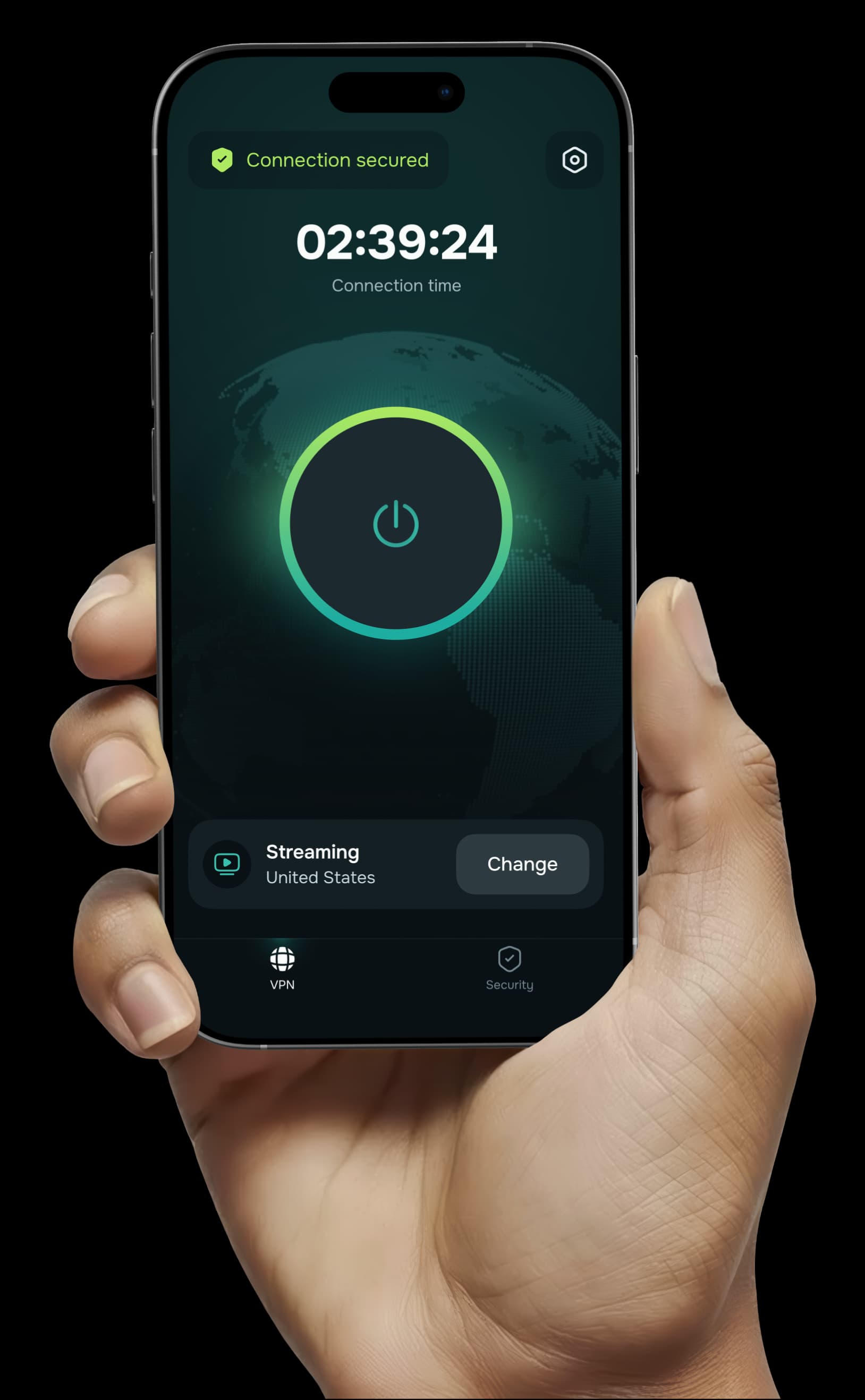



Pick a plan, connect, and play — with a full 30 days to decide if it's right for you.


