 EN
EN BR
BR DE
DE ES
ES FR
FR RU
RU ID
ID TR
TR IT
IT JP
JP SA
SA VN
VN TH
TH KR
KR
What Can Someone Do With Your IP Address?

 Key takeaways
- Your public IP address can reveal your approximate location, ISP, and information about your network.
- An IP address alone generally isn't enough to access your files, passwords, accounts, or exact physical address.
- Attackers may use an exposed IP for activities such as connection disruption, port scanning, or targeted network attacks.
- Strong passwords, updated software, firewalls, and secure networks can reduce related security risks.
- A VPN can hide your regular public IP and encrypt internet traffic, adding an extra layer of privacy when browsing.
- Understanding what an IP can and cannot reveal helps you protect your online activity without unnecessary concern.
An IP address is a normal part of using the internet, but many people wonder what could happen if someone else gets access to it. If you've searched for What Can Someone Do With Your IP Address, the answer is more nuanced than you might expect. An IP address can reveal certain information about your internet connection, such as your approximate location and internet service provider, but it doesn't automatically give someone access to your device, files, passwords, or exact home address.
Your public IP address is visible to websites and online services whenever you connect to them. In some situations, malicious actors may use an exposed IP as part of attempts to disrupt your connection, scan for vulnerabilities, or gather information about your network. However, an IP address alone is generally not enough to compromise a properly secured device.
Understanding these limitations is important for maintaining realistic expectations about online privacy. A VPN can add another layer of protection by replacing your visible IP address with the address of a VPN server and encrypting your internet traffic. Services such as Guru VPN can make this process straightforward, allowing users to browse without directly exposing their regular public IP to the websites they visit.
In this guide, you'll learn what information an IP address can reveal, what someone can realistically do with it, what they cannot do with it alone, and which practical steps can help reduce unnecessary IP exposure.
Key Takeaways
- Your public IP address can reveal your approximate location, ISP, and information about your network.
- An IP address alone generally isn't enough to access your files, passwords, accounts, or exact physical address.
- Attackers may use an exposed IP for activities such as connection disruption, port scanning, or targeted network attacks.
- Strong passwords, updated software, firewalls, and secure networks can reduce related security risks.
- A VPN can hide your regular public IP and encrypt internet traffic, adding an extra layer of privacy when browsing.
- Understanding what an IP can and cannot reveal helps you protect your online activity without unnecessary concern.
What Is an IP Address?
An IP address, or Internet Protocol address, is a numerical identifier assigned to a device or network connected to the internet. It allows computers, smartphones, servers, and other devices to find and communicate with one another. Without IP addresses, internet traffic wouldn't know where to go or where information should be delivered.
There are two main types of IP addresses: public and private. A public IP address identifies your internet connection on the wider internet. It is usually assigned by your internet service provider (ISP) and can be visible to websites, online services, and other systems you connect to.
A private IP address is used inside your local network. Your router assigns private addresses to devices such as laptops, smartphones, smart TVs, and printers so they can communicate with one another. These addresses aren't normally visible to websites.
Depending on the network, devices can receive IP addresses automatically through protocols such as DHCP. Mobile devices may receive an IP from their cellular provider, while devices connected to home Wi-Fi typically receive a private IP from the router and share the network's public IP when accessing the internet.
What Information Does an IP Address Reveal?
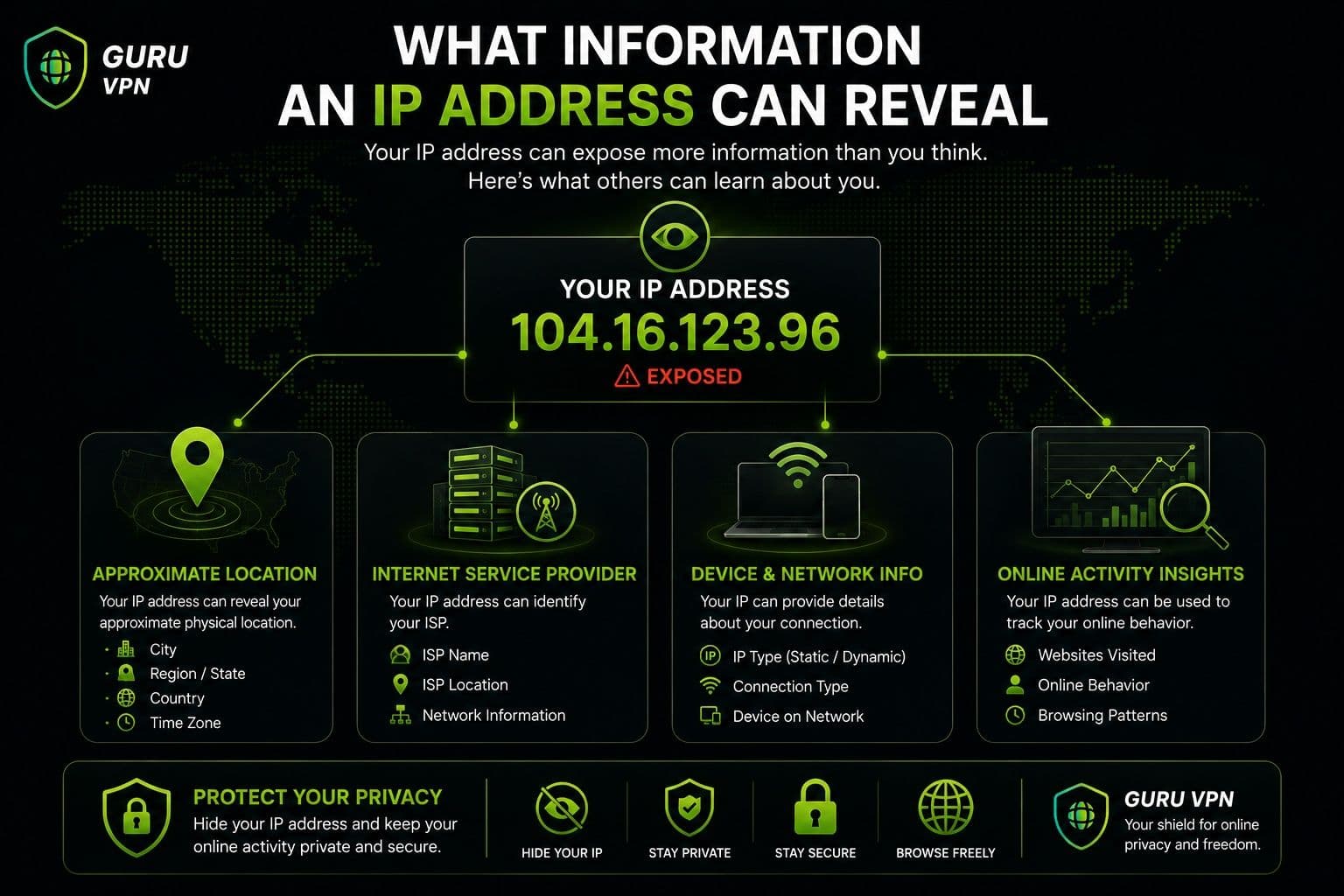
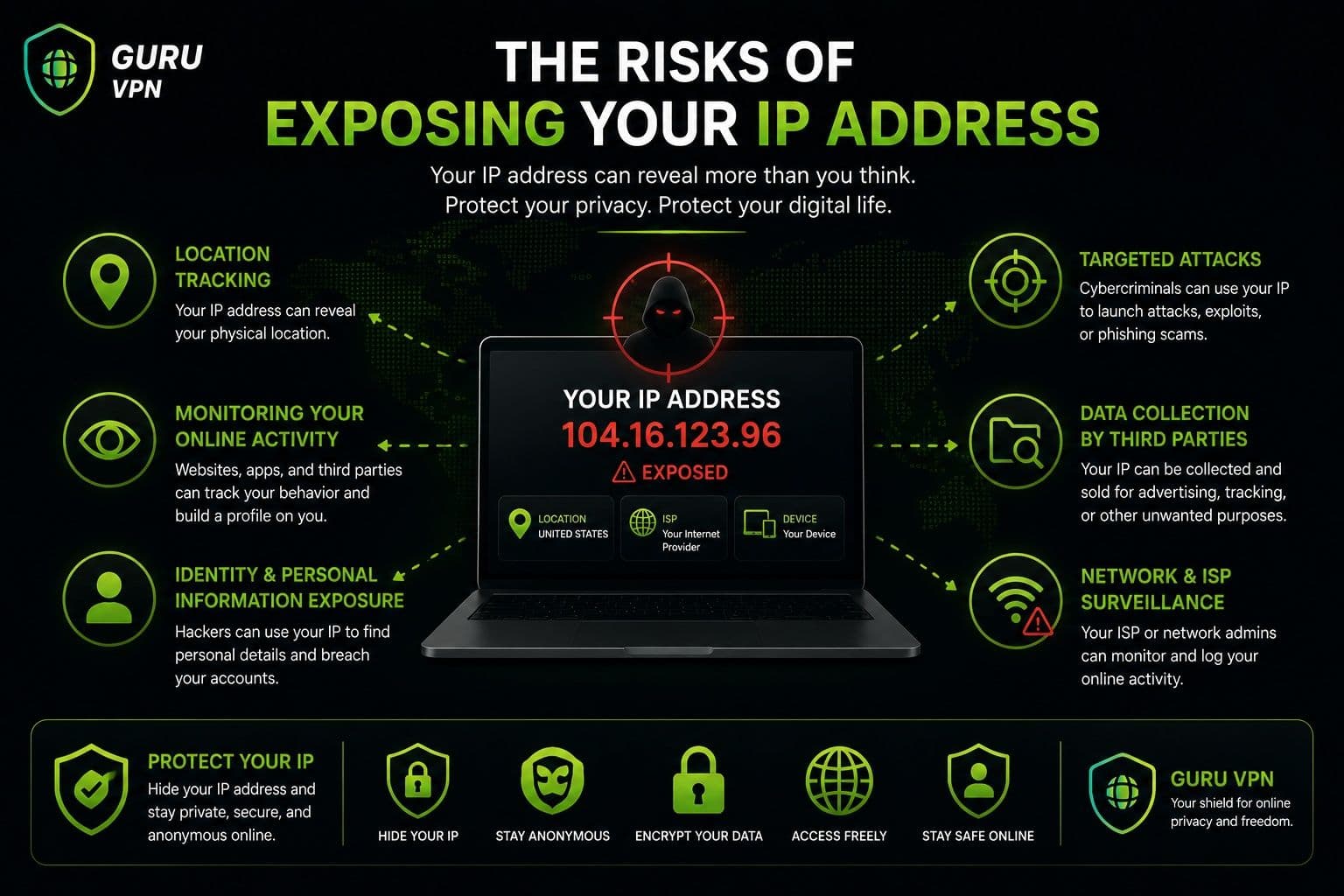
An IP address can provide some general information about your internet connection. IP geolocation databases can often associate it with a country, region, or approximate city, although this information isn't precise enough to determine your exact physical location.
It can also identify your ISP or network provider and provide basic information about the network through which you're connecting.
| An IP Address Can Reveal | An IP Address Cannot Reveal by Itself |
|---|---|
Approximate country or region | Your exact home address |
Sometimes an approximate city | Your passwords |
Internet service provider | Personal files |
General network information | Your identity with certainty |
Public network address | Your exact physical location |
What Can Someone Do With Your IP Address?
Knowing your IP address isn't automatically dangerous. In fact, websites and online services routinely see the public IP associated with your connection. The potential risk depends on who has the address, what other information they have, and whether your network or devices have additional security weaknesses.
Determine Your Approximate Location
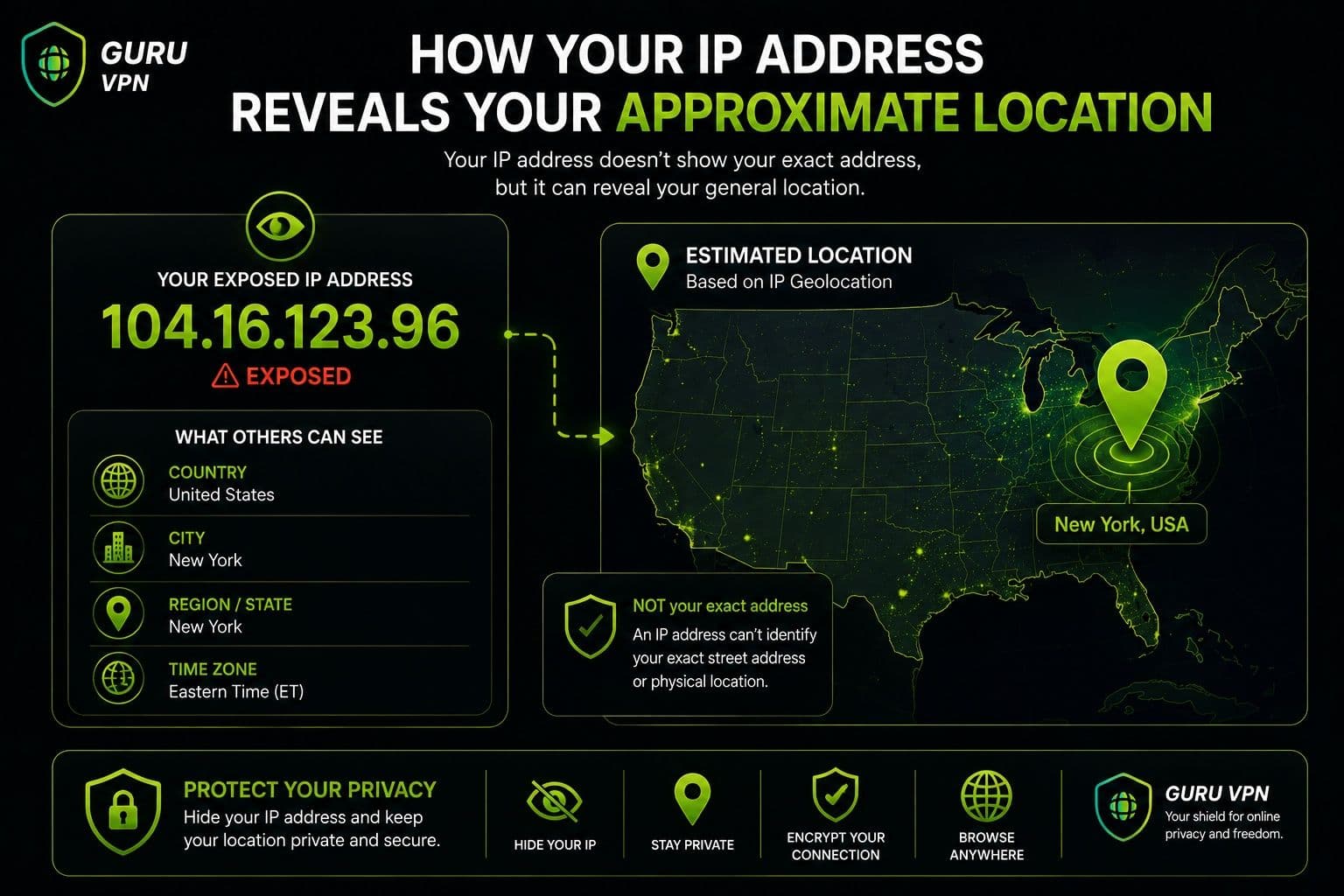
One of the most common things someone can do with an IP address is look up its approximate geographic location.
IP geolocation services can often identify the country associated with an address and may estimate a city or region. However, these results aren't equivalent to GPS coordinates. The location may correspond to an ISP facility, data center, or nearby city rather than your actual residence.
For example, someone who knows your public IP might determine that your connection is associated with a particular metropolitan area. They generally cannot use the IP alone to determine your exact street address.
Identify Your ISP
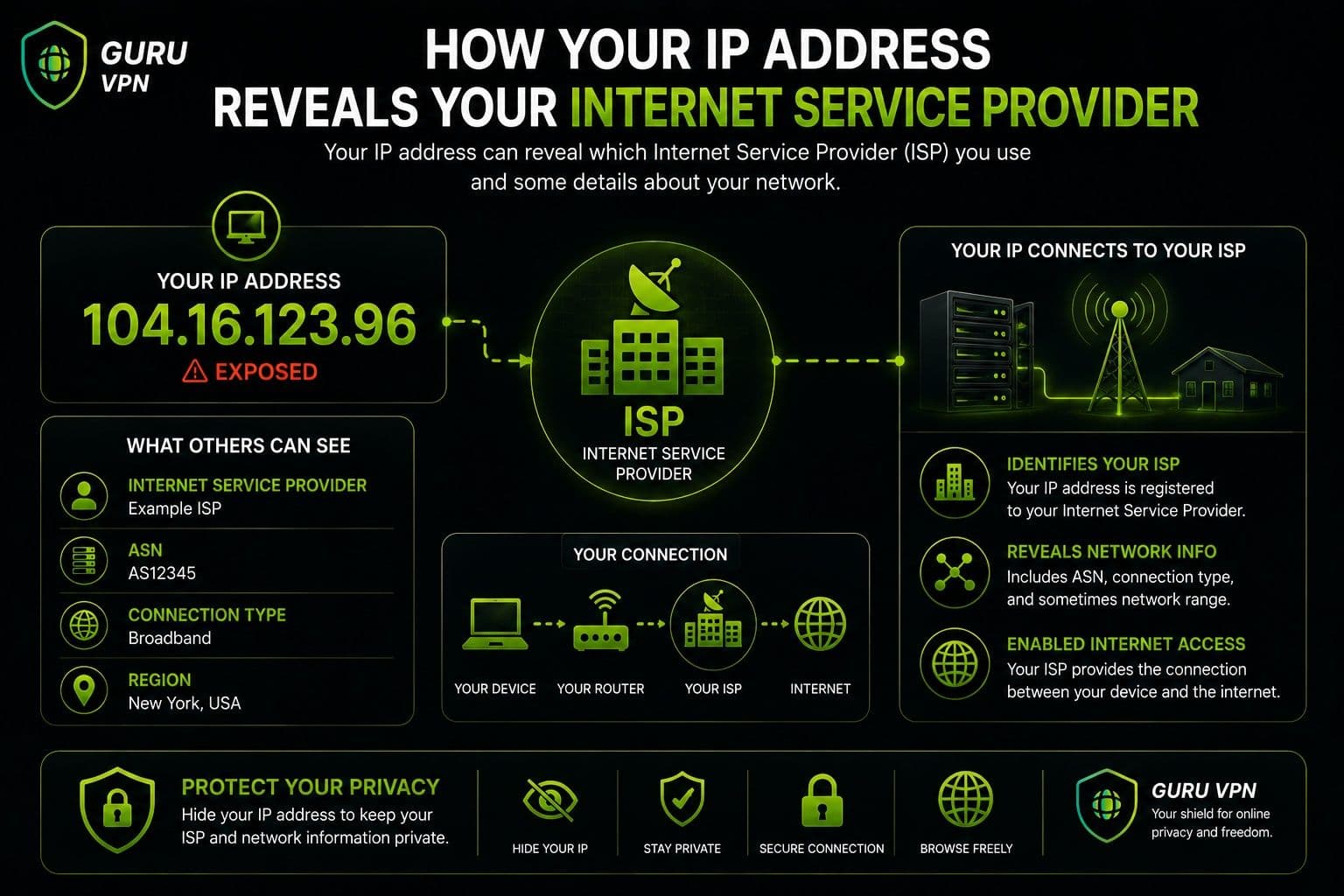
An IP address can also reveal your internet service provider or network operator. Public databases may associate the address with the organization that owns or operates the relevant IP range.
This can provide general connection details, such as whether an address belongs to a residential ISP, business network, mobile carrier, hosting provider, or data center.
This information alone usually isn't enough to identify a specific person. ISPs maintain customer records, but those records aren't publicly accessible simply because someone knows your IP address.
Target You With Network Attacks
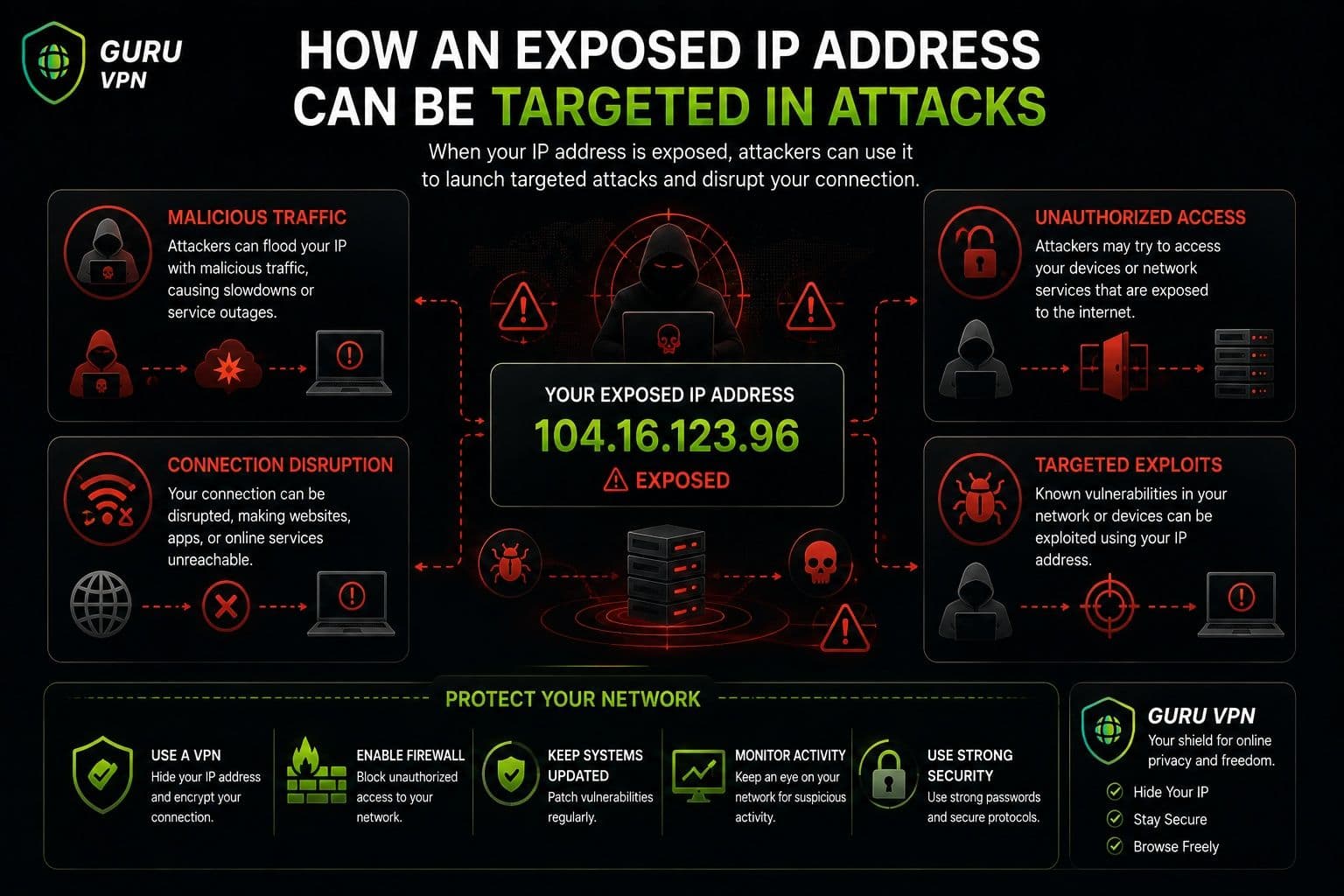
A more significant concern is that an exposed IP can potentially be used as a target for certain network attacks.
One example is a DDoS (Distributed Denial-of-Service) attack, in which an attacker attempts to overwhelm a connection or service with large amounts of traffic. This can cause unusually slow internet speeds or temporarily prevent a connection from working normally. DDoS attacks are particularly relevant in competitive online gaming and other situations where an attacker may deliberately target a particular connection.
Attackers may also perform port scanning to determine whether particular network services are accessible from the internet. An open port isn't necessarily a vulnerability, but unnecessary or poorly secured services can increase the potential attack surface.
In some cases, the result may simply be connection disruption rather than unauthorized access. Proper router configuration, firewalls, security updates, and secure device settings can significantly reduce these risks.
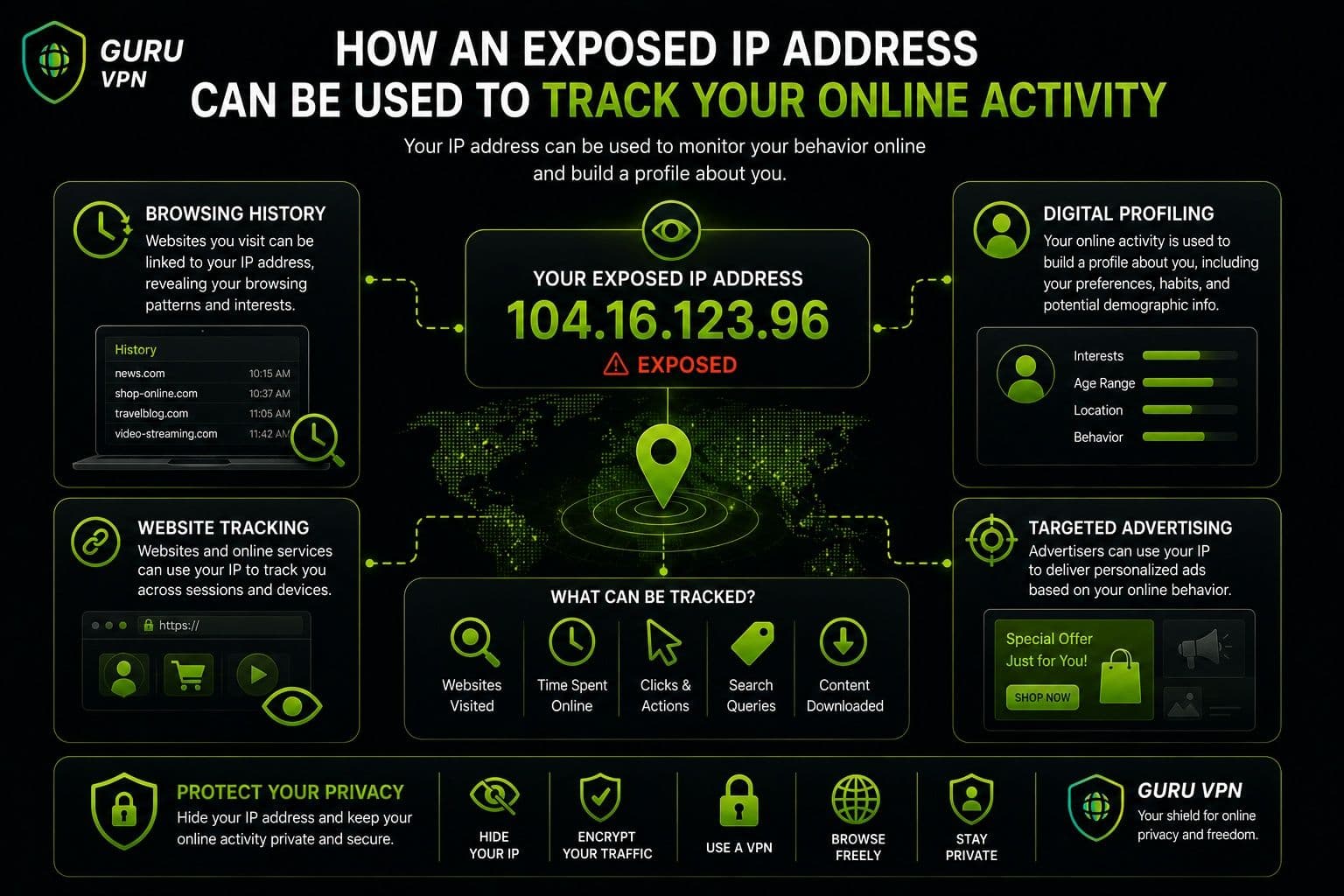
Track Online Activity
An IP address can also play a role in advertising and analytics. Websites and online services may record IP addresses as part of technical logs, security systems, analytics, or fraud prevention.
An IP can sometimes be used for IP-based tracking, allowing services to associate multiple visits with the same network address. However, IP tracking has limitations. Dynamic addresses can change, multiple people can share one public IP, and additional technologies such as cookies and account information are often used to recognize users.
Restrict or Block Access
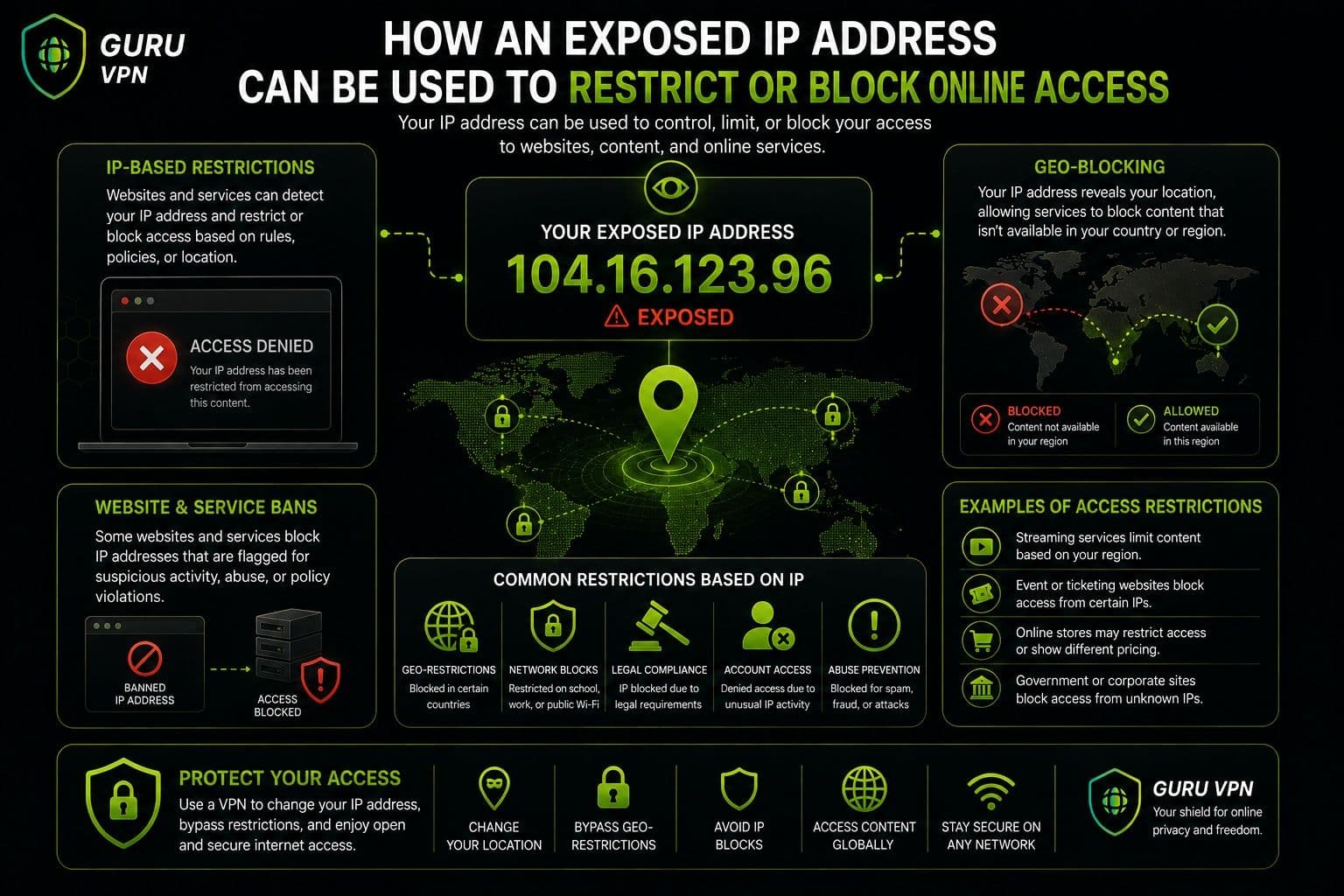
Websites and online platforms can use IP addresses to apply access restrictions.
For example, an online service may impose an IP ban after detecting suspicious activity or repeated violations of its rules. Businesses can also block traffic from particular addresses or ranges to protect their systems.
Services may use rate limiting as well. If an IP sends too many requests in a short period, the service can temporarily reduce or restrict its access to prevent abuse, automated attacks, or excessive traffic.
What Can an Attacker Really Do?
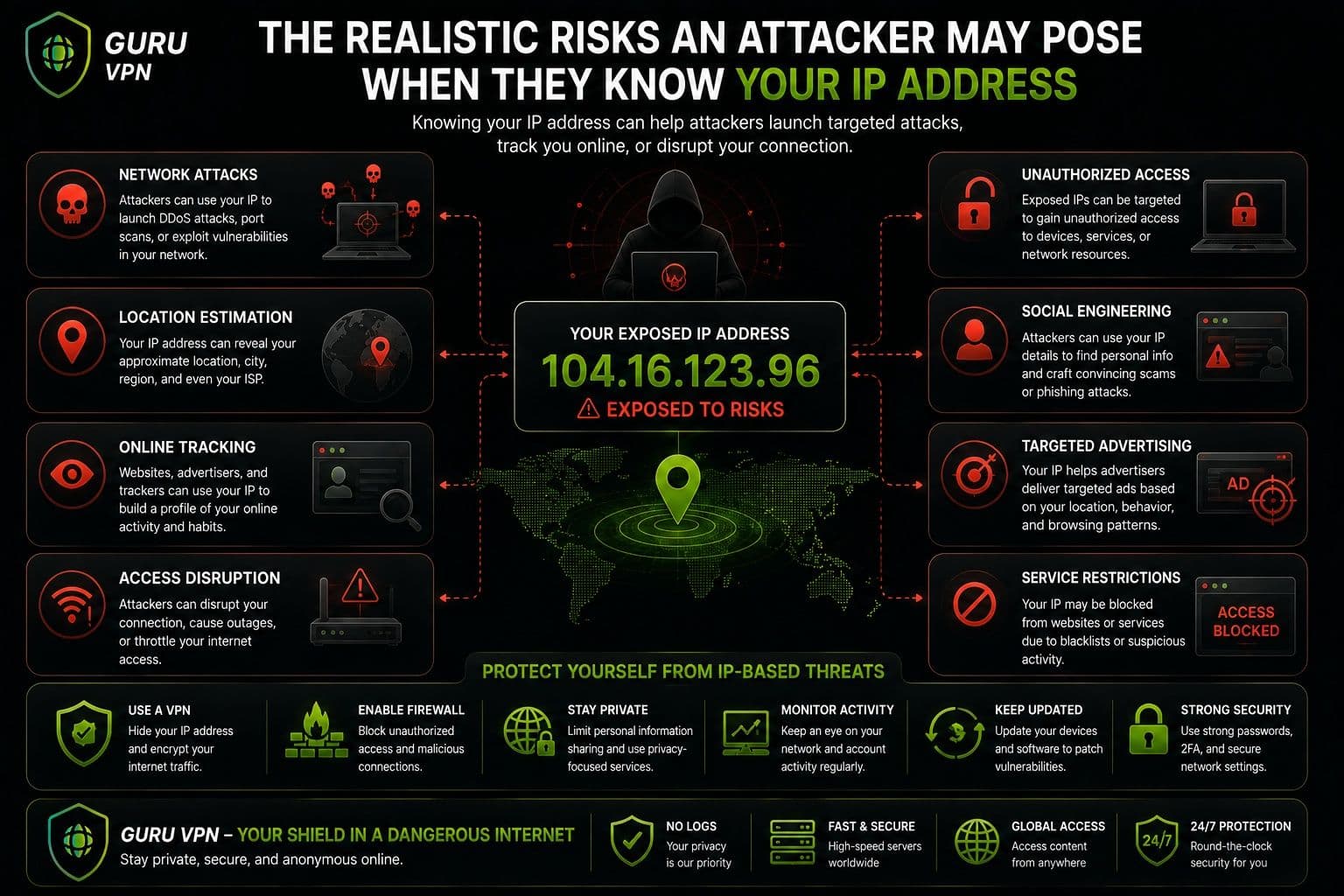
The important distinction is between having your IP address and having access to your device. An IP address alone generally doesn't allow someone to read your files, discover your passwords, take control of your accounts, or determine your exact home address.
The greater risk comes when an IP address is combined with other information or when a network has unpatched vulnerabilities, exposed services, weak authentication, or poor security settings. Keeping devices updated, using strong passwords, enabling firewalls, and avoiding suspicious downloads can therefore be more important than simply keeping your IP secret.
For users who want to reduce direct IP exposure, a VPN can provide an additional privacy layer by presenting a VPN server's IP to websites instead of the user's regular public IP.
What Can't Someone Do With Your IP Address?
Knowing your public IP address may sound alarming, but there are important limits to what someone can actually do with it. Understanding these limits can help separate realistic ip address risks from common internet myths.
Common Myths
They cannot see your exact home address.
An IP address can often provide an approximate location, such as a country, region, or sometimes a city. However, it doesn't normally reveal your exact street address or GPS coordinates. Only the relevant ISP may be able to associate an IP with a specific customer account, and that information isn't publicly available through a simple IP lookup.
They cannot instantly hack your device.
An IP address isn't a password or remote-access key. Simply knowing it doesn't give someone automatic control over your computer or smartphone. If you're researching what can someone do with your ip, it's important to understand that an IP is only one piece of network information.
They cannot access personal files using only your IP.
Someone generally can't open your photos, documents, emails, or other private files just because they know your IP address. Access would normally require another vulnerability, compromised credentials, malicious software, or an improperly secured service.
Additional Factors Required
The actual danger depends heavily on other circumstances. Security vulnerabilities in an outdated operating system, router, or exposed application can potentially give attackers opportunities that an IP address alone doesn't provide.
Weak passwords can also make accounts and devices easier to compromise, while malware may provide attackers with access that an IP address by itself never could.
Finally, user mistakes remain a major security risk. Clicking suspicious links, installing untrusted software, reusing passwords, or sharing sensitive information can expose far more than an IP address ever would.
So, when asking what can someone do with my ip, the realistic answer is: an IP can provide useful network information and potentially become a target, but it isn't a direct key to your digital life.
How to Protect Your IP Address
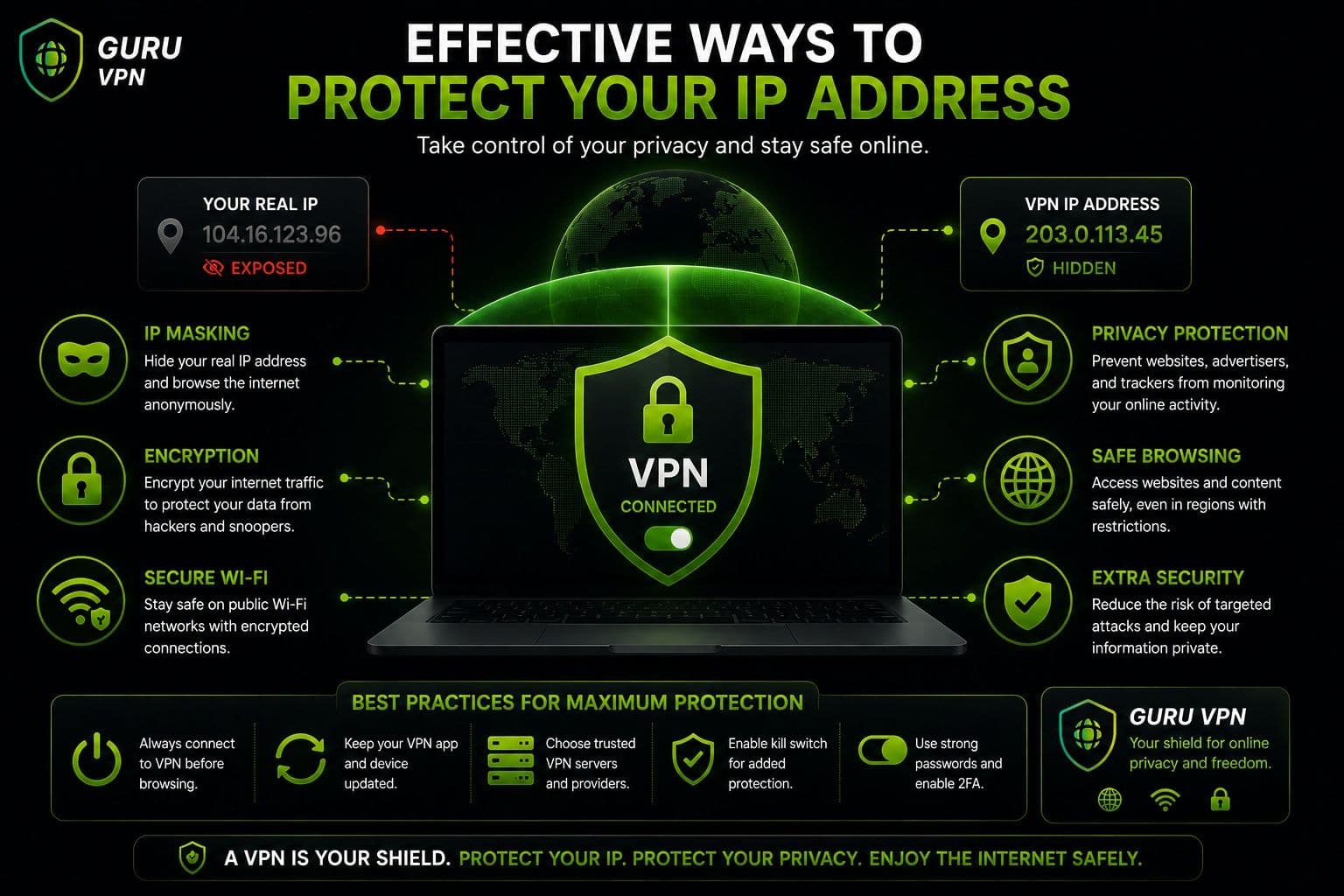
You don't necessarily need to hide your IP address at all times, but reducing unnecessary exposure can be a useful part of a broader privacy and security strategy. The best approach combines IP protection with secure devices, strong authentication, and careful online habits.
Use a VPN
One of the simplest ways to hide your public IP address is to use a reputable VPN. Instead of websites seeing the public IP assigned to your home or mobile connection, they see the IP address of the VPN server.
A VPN also encrypts internet traffic between your device and the VPN server. This is particularly useful when you're connecting through networks that you don't fully control.
When choosing a VPN, look beyond the number of available locations. Consider its privacy policy, encryption, security features, reputation, and approach to handling user data. These factors are important when evaluating overall vpn safety and deciding whether a service is trustworthy.
Guru VPN provides an accessible option for users who want to hide their regular IP without manually changing network settings. You can connect to a VPN server through the application and keep your normal connection details hidden from the websites you visit.
Avoid Suspicious Networks
Public networks aren't automatically dangerous, but they can present additional security concerns. Airports, cafés, hotels, and other shared Wi-Fi networks may be used by many unknown devices, making it harder to know who else is connected.
When using public Wi-Fi, avoid entering sensitive information on suspicious websites and don't connect to networks with unclear or misleading names. A VPN can add encryption to your connection, but you should still use HTTPS websites and maintain normal security precautions.
If possible, use a trusted network or your mobile connection when handling particularly sensitive information.
Secure Your Home Network
Your home router is an important part of your internet security. Start with a strong router password that isn't shared with other accounts. If your router still uses a default administrator password, change it as soon as possible.
You should also install firmware updates when they become available. Router manufacturers periodically release updates that can fix security vulnerabilities, improve compatibility, and address other technical issues.
Use modern Wi-Fi security standards when supported by your router and devices, and disable unnecessary features or services that you don't use. These simple measures can reduce opportunities for unauthorized access to your network.
Enable Firewalls
A firewall provides another layer of protection by controlling which network connections are allowed or blocked.
On computers and many routers, firewall functionality is already available. Keep it enabled unless you have a specific technical reason to change the configuration. A firewall can help with device protection by restricting unwanted inbound connections.
Network firewalls can also provide network filtering, helping prevent certain types of unwanted traffic from reaching devices. However, a firewall isn't a replacement for antivirus software, software updates, or secure passwords. Effective security relies on multiple layers working together.
Be Careful With Online Sharing
Think about where your IP address may become visible. In gaming, for example, direct peer-to-peer connections can sometimes expose participants' public IP addresses to other players. Using reputable platforms and appropriate privacy settings can reduce unnecessary exposure.
The same principle applies to forums and online communities. Avoid sharing technical information about your home network publicly, especially when it can be combined with other personal details.
P2P services require particular attention because some connection models can expose participants' IP addresses to other peers. If privacy is important, understand how the platform handles network connections before using it.
Combine IP Protection With Good Security Habits
Hiding your IP can reduce exposure, but it shouldn't be treated as complete anonymity. Even when a VPN masks your IP, websites can still use accounts, cookies, browser characteristics, and other information to recognize activity.
That's why the most effective approach combines IP protection with strong passwords, multi-factor authentication, regular software updates, secure networks, and cautious browsing.
If you're wondering what can someone do with your ip, focusing on these broader security measures is more useful than worrying about the address alone. Protecting your IP is one layer of privacy; securing the devices and accounts connected to it is equally important.
Why Choose Guru VPN
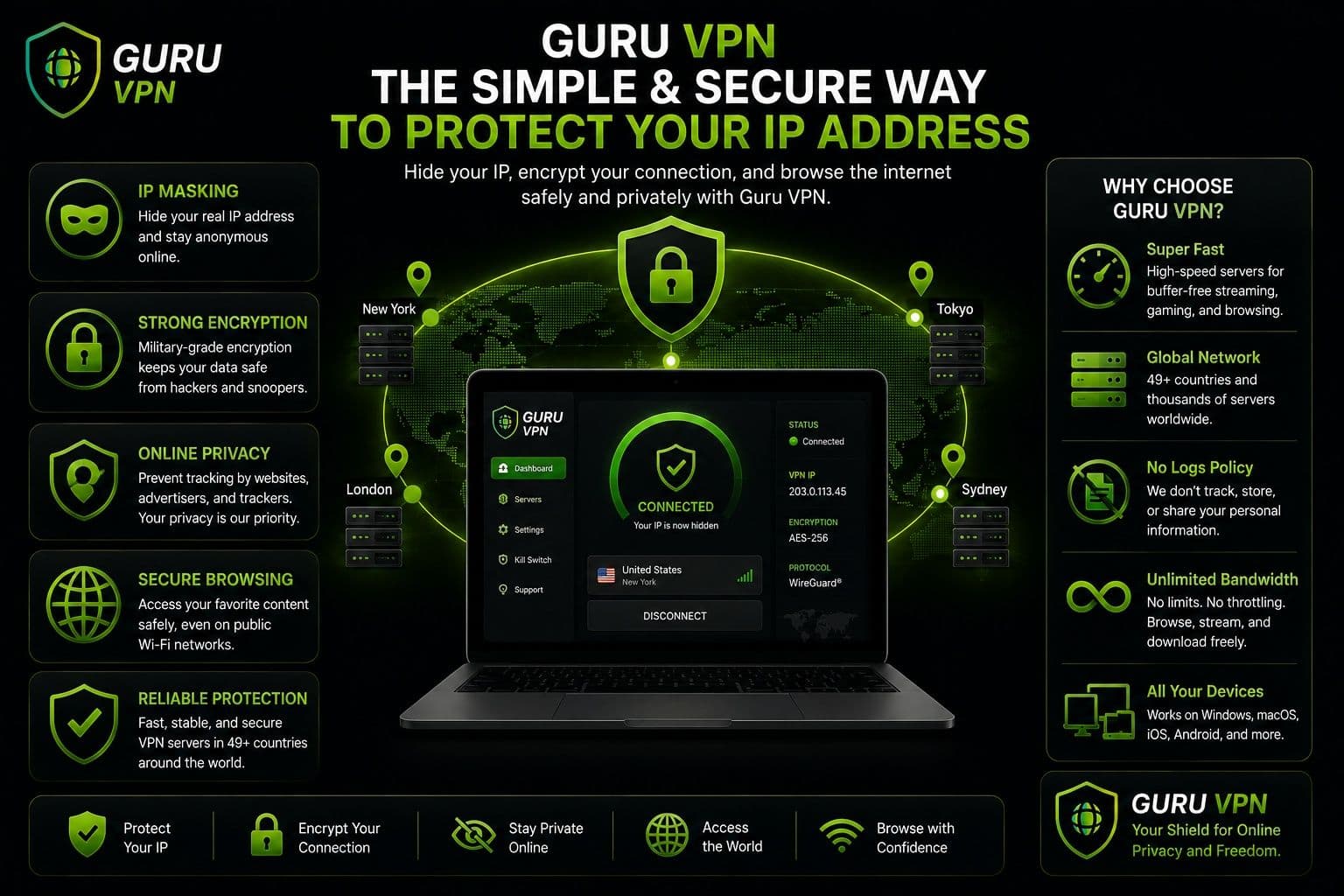
A VPN can be a practical way to reduce unnecessary exposure of your public IP address while adding encryption to your internet connection. For users who want a straightforward privacy solution, Guru VPN combines IP masking with several security and performance features.
Key Features
| Feature | Benefit |
|---|---|
IP address masking | Replaces your visible IP with the VPN server's IP |
Military-grade encryption | Helps protect internet traffic from unauthorized access |
Strict no-logs policy | Supports greater privacy for online activity |
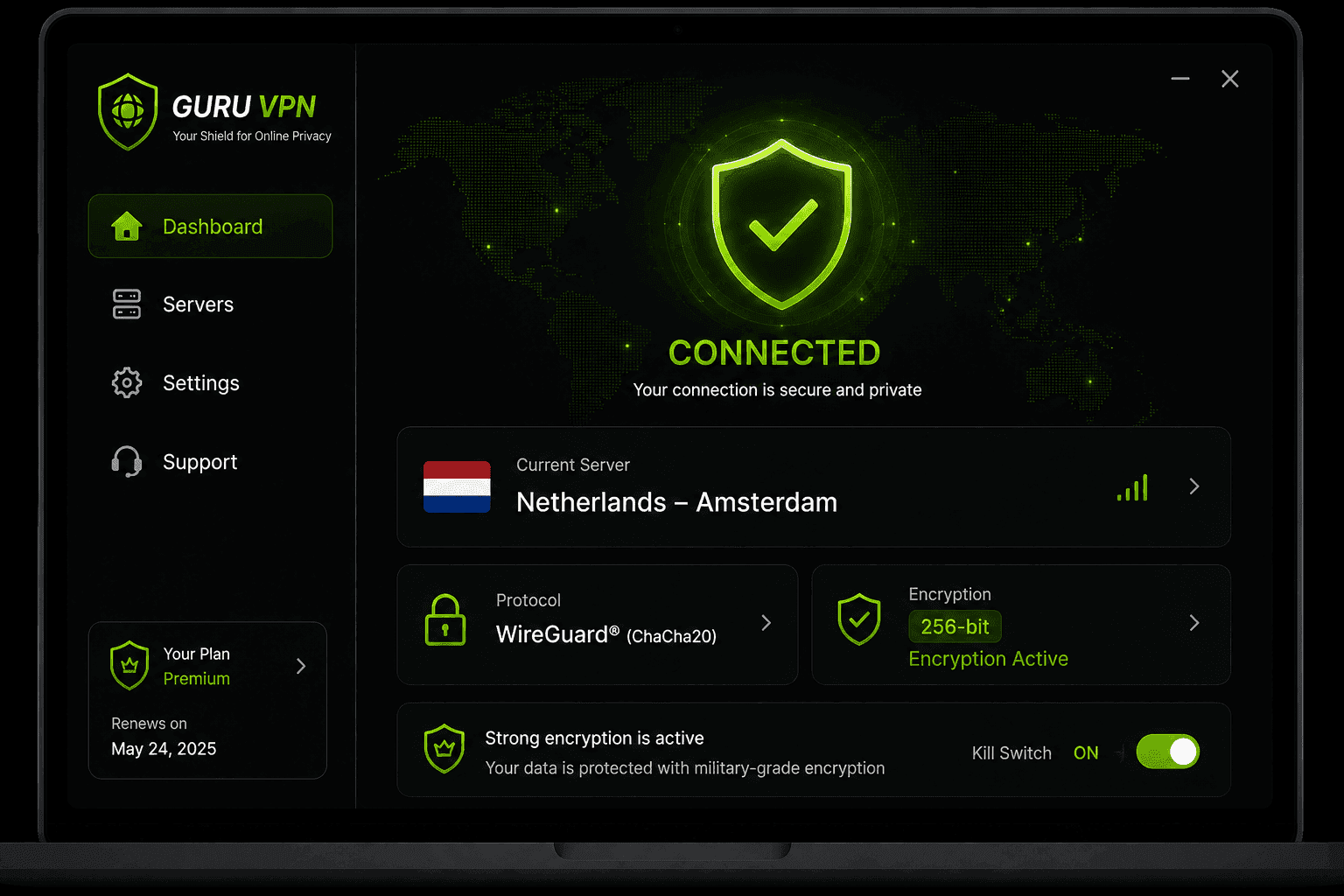
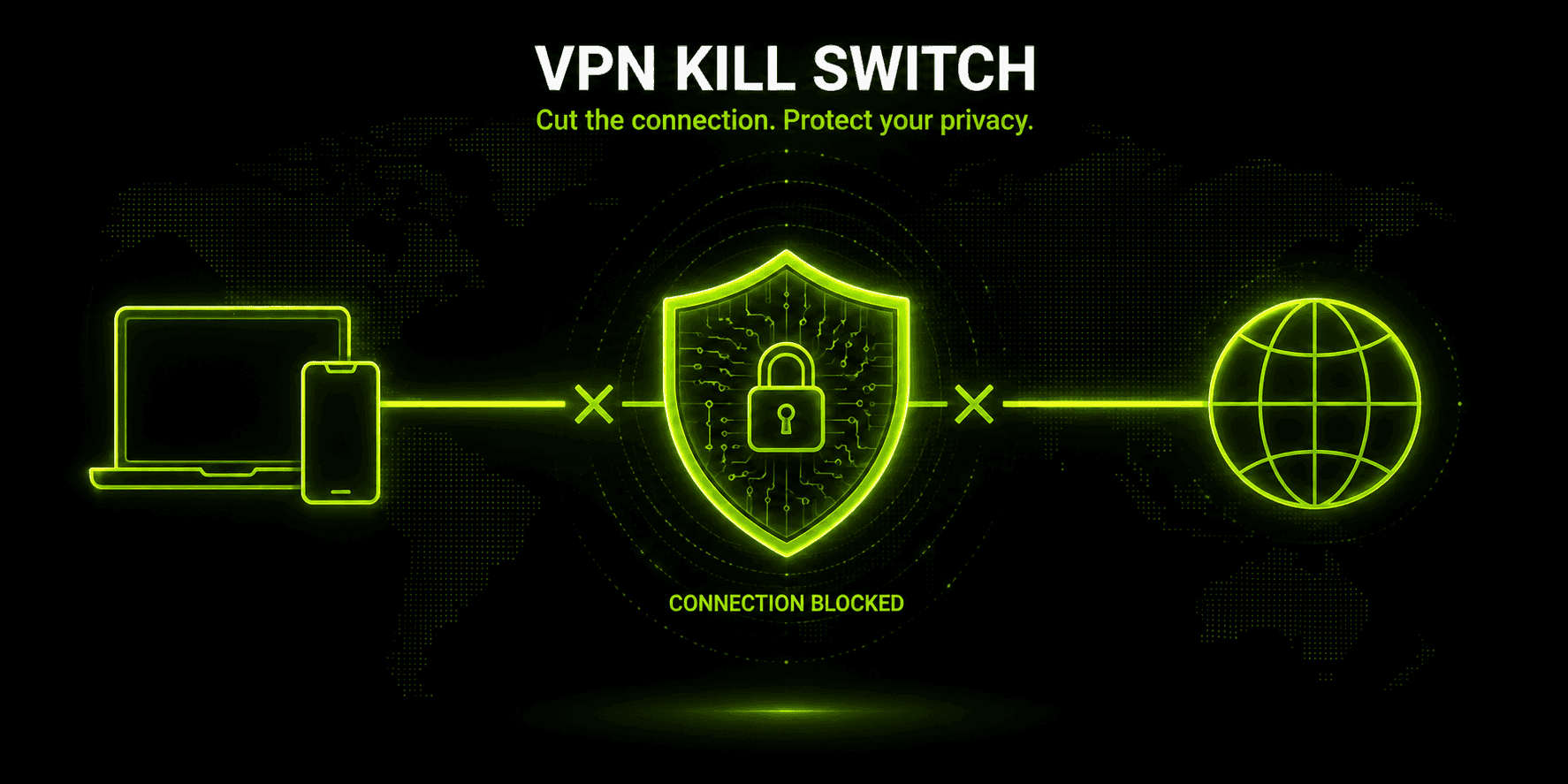
Kill Switch | Helps prevent traffic from being exposed if the VPN disconnects |
Leak protection | Helps protect against accidental IP and DNS exposure |
Fast global servers | Provides flexible locations and reliable performance |
Cross-platform compatibility | Supports VPN protection across multiple devices |
Unlimited bandwidth | Allows browsing, streaming, and downloads without data limits |
How Guru VPN Protects Your IP
When you connect to a Guru VPN server, websites generally see the server's IP address rather than your real public IP. This makes it more difficult for individual websites to directly associate your online activity with your regular network address.
The VPN also encrypts internet traffic between your device and the VPN server. This can be particularly useful on public Wi-Fi, where you're connecting through a network you don't control. If the VPN connection unexpectedly drops, a Kill Switch can help prevent traffic from continuing outside the protected connection.
Leak protection adds another layer by helping prevent your real IP or DNS requests from being exposed through connection or configuration issues. A reliable global server network also gives you alternative locations if one server isn't performing well.
For beginners, the setup is designed to be simple: install the application, choose a server, and connect. You don't need to manually configure complicated network settings to start protecting your IP.
The goal isn't to make users completely anonymous online, but to reduce direct IP exposure and provide a more secure connection for everyday browsing.
Best Practices for Keeping Your IP Address Private
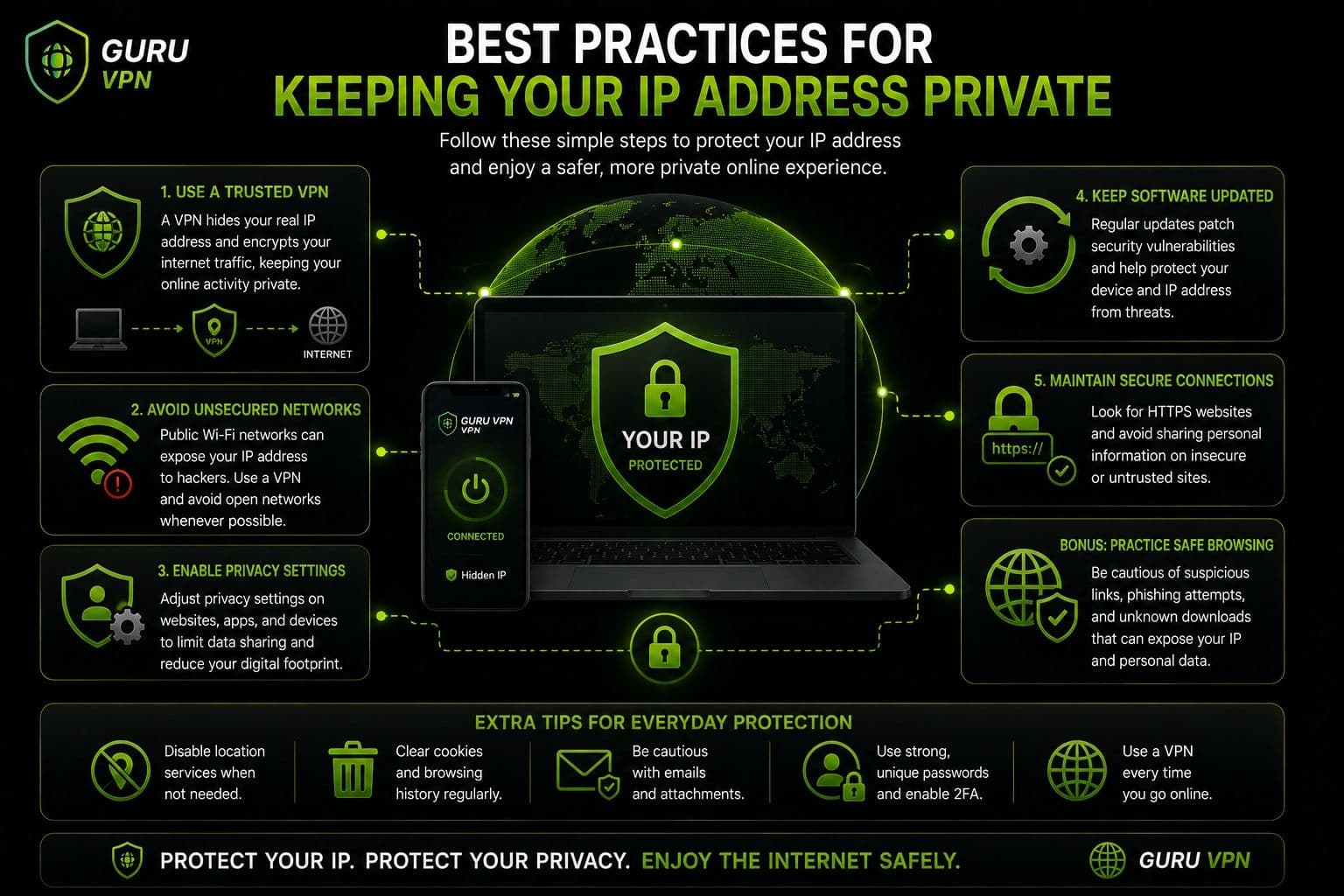
Using a VPN is only one part of protecting your online privacy. Good security habits can further reduce the chance that your IP address or other personal information becomes unnecessarily exposed.
Privacy Tips
Keep your VPN enabled.
When you're using a VPN for IP protection, keep the connection active throughout your browsing session. This reduces the chance of accidentally visiting a website with your regular IP exposed.
Use trusted networks.
Whenever possible, connect through your home network, mobile data, or a trusted Wi-Fi connection. Be cautious when using unfamiliar public networks, particularly when handling sensitive information.
Update your devices regularly.
Install operating system, browser, router, and application updates. Security patches can address vulnerabilities that attackers could otherwise exploit.
Security Tips
Enable MFA.
Multi-factor authentication adds another layer of protection to your accounts. Even if someone obtains your password, they may still be unable to sign in without the additional verification factor.
Use strong passwords.
Create unique passwords for important accounts and consider using a reputable password manager to manage them securely.
Monitor account activity.
Review login notifications and account activity regularly. Unexpected sign-ins can indicate that an account has been compromised.
Avoid suspicious links and downloads.
Don't open unexpected attachments or install software from untrusted sources. Malware can create substantially greater risks than simply exposing your IP address.
Together, these practices provide a stronger security foundation and help minimize the practical ip address risks associated with everyday internet use.
Frequently Asked Questions
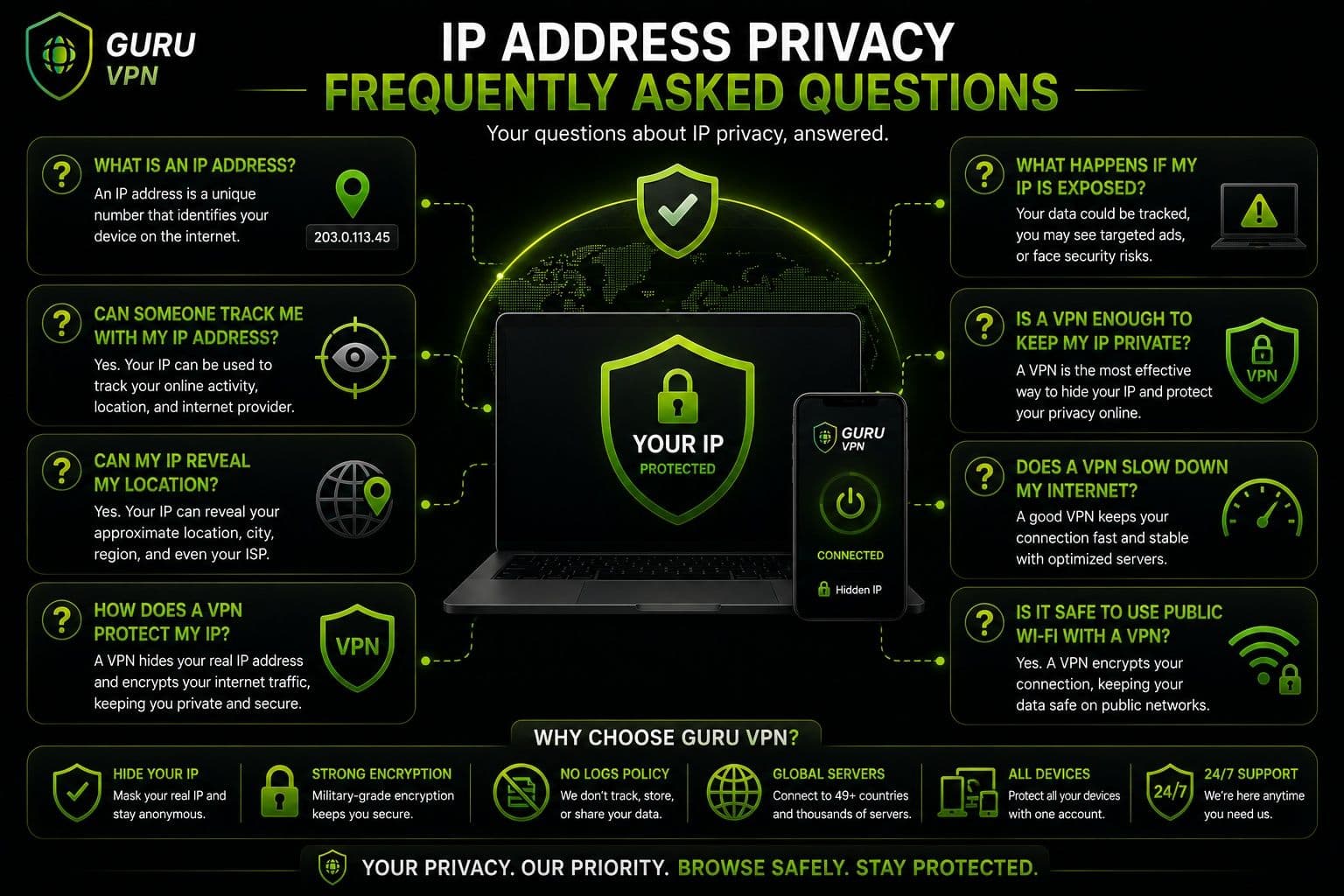
Knowing your IP address alone is generally not enough to hack your computer, phone, or online accounts. An IP identifies your internet connection, but it doesn't function as a password or provide automatic access to your files. However, an exposed IP can potentially be targeted with activities such as port scanning or DDoS attacks, particularly if other security weaknesses are present. Keeping your operating system, router, and applications updated can reduce these risks.
Usually, no. An IP address can often reveal your approximate country, region, or sometimes city, but IP geolocation isn't precise enough to reliably identify your exact home address. The location shown by an IP database may even correspond to an ISP facility rather than your physical location.
You don't necessarily need to hide your IP at all times, but doing so can provide an additional layer of privacy. A VPN can replace your regular public IP with the address of a VPN server while encrypting your internet traffic. This can be particularly useful on public Wi-Fi or when you want to limit direct exposure of your network address.
Sharing an IP address isn't automatically dangerous because websites and online services routinely see it. However, deliberately posting it alongside other personal or technical information can increase unnecessary exposure. If you're concerned about what can someone do with your ip, remember that the main risks usually arise when an IP is combined with vulnerabilities, weak security, or other information.
Yes. Websites can normally see the public IP address associated with your connection. They may use it for analytics, security, fraud prevention, approximate geolocation, or access controls. An IP alone doesn't necessarily identify you personally, and websites can use additional technologies such as cookies and account information to recognize users.
Yes. When you're connected to a Guru VPN server, websites generally see the VPN server's IP address instead of your regular public IP. The connection also encrypts internet traffic between your device and the VPN server, providing an additional layer of privacy.
Protect Your IP Address Before It Becomes a Problem
Your IP address is an ordinary part of internet communication, and simply knowing it doesn't give someone automatic access to your device or personal information. However, there are still reasonable ip address risks to consider, particularly when an exposed address is combined with vulnerable software, weak passwords, or other security weaknesses.
The most effective approach is to treat IP protection as one part of broader online security. Keep your devices and router updated, use strong and unique passwords, enable multi-factor authentication, avoid suspicious downloads, and be cautious when connecting to unfamiliar networks.
A VPN can add another useful layer by hiding your regular public IP and encrypting your internet traffic. Guru VPN makes this process accessible for everyday users without requiring complicated network configuration.
You don't need to become an expert to improve your privacy. A few consistent security habits, combined with a trusted VPN when appropriate, can significantly reduce unnecessary exposure and give you greater control over how your connection appears online.
Conclusion: Keep Your IP Address Private and Secure
An IP address can reveal useful information about your internet connection, including your approximate location, ISP, and general network details. However, it doesn't automatically expose your exact address, passwords, personal files, or device contents. Understanding this distinction helps put potential ip address risks into perspective.
Protecting your IP is still worthwhile, especially when privacy is important. A VPN can hide your regular public IP from websites while encrypting your internet traffic, helping create a more private and secure connection.
Guru VPN provides a simple way to combine these protections without requiring advanced technical knowledge. By connecting to a VPN server, you can reduce direct exposure of your regular IP while adding encryption to your internet traffic.
The key takeaway is simple: your IP address isn't a master key to your digital life, but protecting it can be a valuable part of everyday online security. Combine IP protection with strong passwords, updated devices, MFA, and careful browsing habits to create a more secure online experience.