 EN
EN BR
BR DE
DE ES
ES FR
FR RU
RU ID
ID TR
TR IT
IT JP
JP SA
SA VN
VN TH
TH KR
KR
How to Change Your IP Address: Safe and Easy Methods Explained

 Key takeaways
- Understand the difference between public and private IP addresses.
- Learn the most common ways to change IP address and when each method is most useful.
- Discover which methods improve privacy and which only assign a new network address.
- Compare options such as VPNs, network changes, and router restarts.
- Find out why a VPN is one of the safest ways to protect your connection while changing your visible IP address.
Every device connected to the internet has an IP address, which acts like a digital identifier for online communication. If you've ever searched for how to change your ip address, you're probably looking for better privacy, improved security, or access to online services from a different location. Changing your IP address is a common and legitimate practice, and in most cases, it can be done safely in just a few minutes.
There are several ways to change an IP address. Some methods involve restarting your network equipment or connecting to a different network, while others use technologies such as VPNs or proxy servers. Each approach has its own advantages, but not all of them offer the same level of privacy or protection. If your goal is simply to obtain a new IP address, several options are available. If you also want to encrypt your internet traffic and secure your online activity, a VPN is generally the most effective solution.
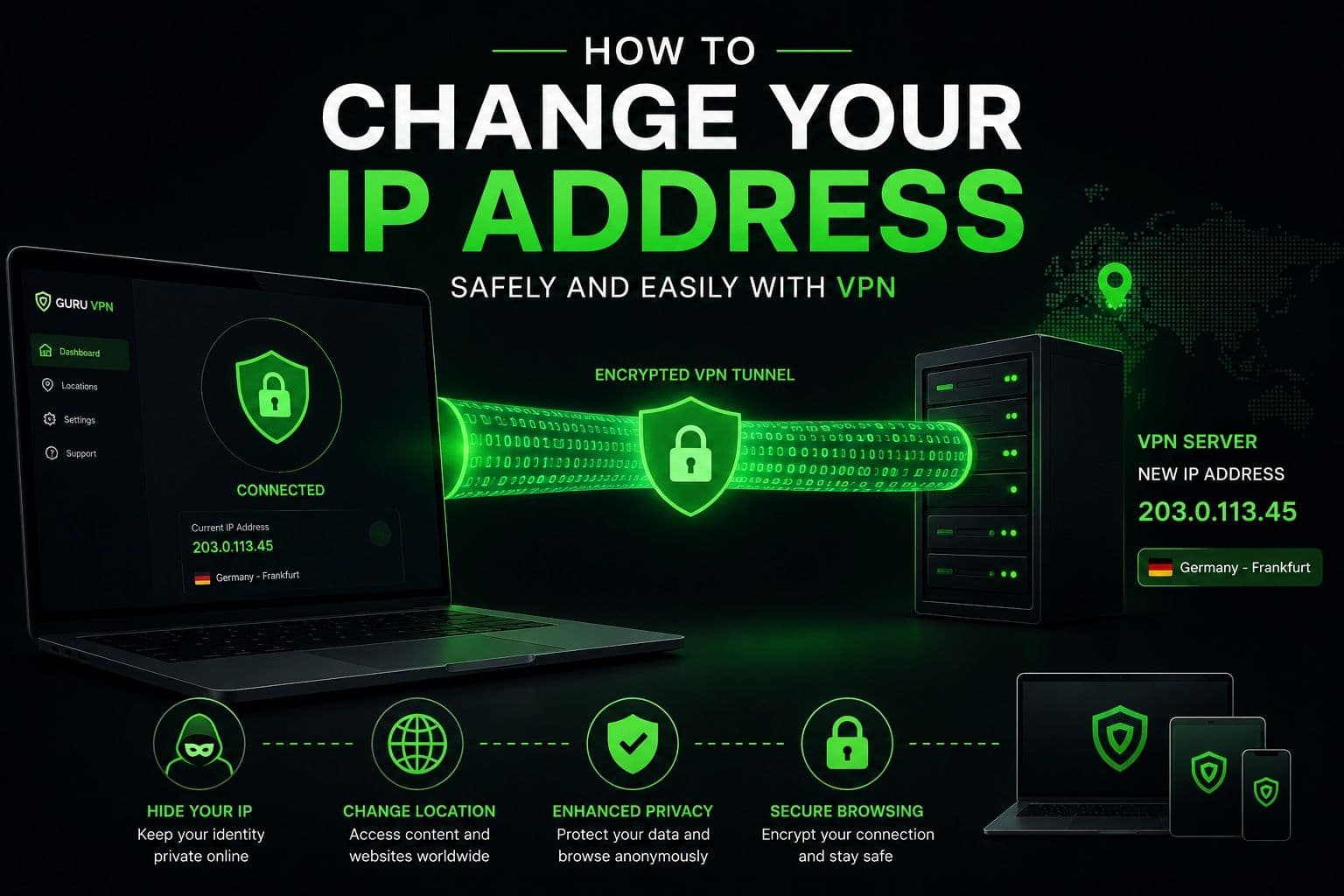
Modern services such as Guru VPN make the process simple by automatically assigning a new IP address through secure servers located around the world. In addition to changing your visible IP, a VPN encrypts your internet connection, helping protect your personal information while browsing, streaming, shopping, or working online.
In this guide, you'll learn what an IP address is, why it matters, and the safest ways to change it. We'll compare different methods, explain when each one is appropriate, and help you choose the option that best fits your privacy and browsing needs.
Key Takeaways
- Understand the difference between public and private IP addresses.
- Learn the most common ways to change IP address and when each method is most useful.
- Discover which methods improve privacy and which only assign a new network address.
- Compare options such as VPNs, network changes, and router restarts.
- Find out why a VPN is one of the safest ways to protect your connection while changing your visible IP address.
What Is an IP Address?
Public vs. Private IP
An IP (Internet Protocol) address is a unique number assigned to a device connected to a network. It allows devices, websites, and online services to communicate with one another across the internet.
There are two main types of IP addresses: public and private.
A public IP address is assigned by your internet service provider (ISP) and is visible to websites and online services. This is the address that identifies your internet connection to the outside world and is commonly used to estimate your approximate location.
A private IP address is assigned within your local network by your router. It allows devices such as laptops, smartphones, tablets, printers, and smart TVs to communicate with each other inside your home or office network. Private IP addresses are not visible on the public internet.
Whenever you visit a website, it sees your public IP address rather than your private one. This is why changing your public IP affects how websites identify your connection.
Why Your IP Address Matters
Your IP address plays an important role in how you experience the internet. It can reveal your approximate geographic region, influence which content or services are available to you, and help websites remember previous visits.
From a privacy perspective, your IP address can also be used as one piece of information to identify your online activity. Although it doesn't reveal your exact identity by itself, it may contribute to tracking and location detection.
For this reason, many users choose to change my ip address using privacy-focused tools that assign a different public IP while helping protect internet traffic from unnecessary monitoring.
| Public IP Address | Private IP Address |
|---|---|
Assigned by your internet service provider | Assigned by your router |
Visible to websites and online services | Used only within your local network |
Identifies your internet connection | Identifies devices inside your home or office |
Can reveal your approximate location | Not accessible from the public internet |
Can be changed through several methods | Usually changes only within the local network |
Why Would You Want to Change Your IP Address?
Changing your IP address is a common practice for both privacy and practical reasons. Whether you're trying to improve online security or solve a network problem, obtaining a different public IP address can be useful in a variety of situations.
Improve Online Privacy
Every time you connect to the internet, websites can see your public IP address. Although an IP address doesn't directly reveal your name, it can provide information about your approximate location and internet service provider. Changing your IP address helps reduce the amount of information that websites can associate with your connection, especially when combined with encrypted browsing through a VPN.
Access Region-Specific Content
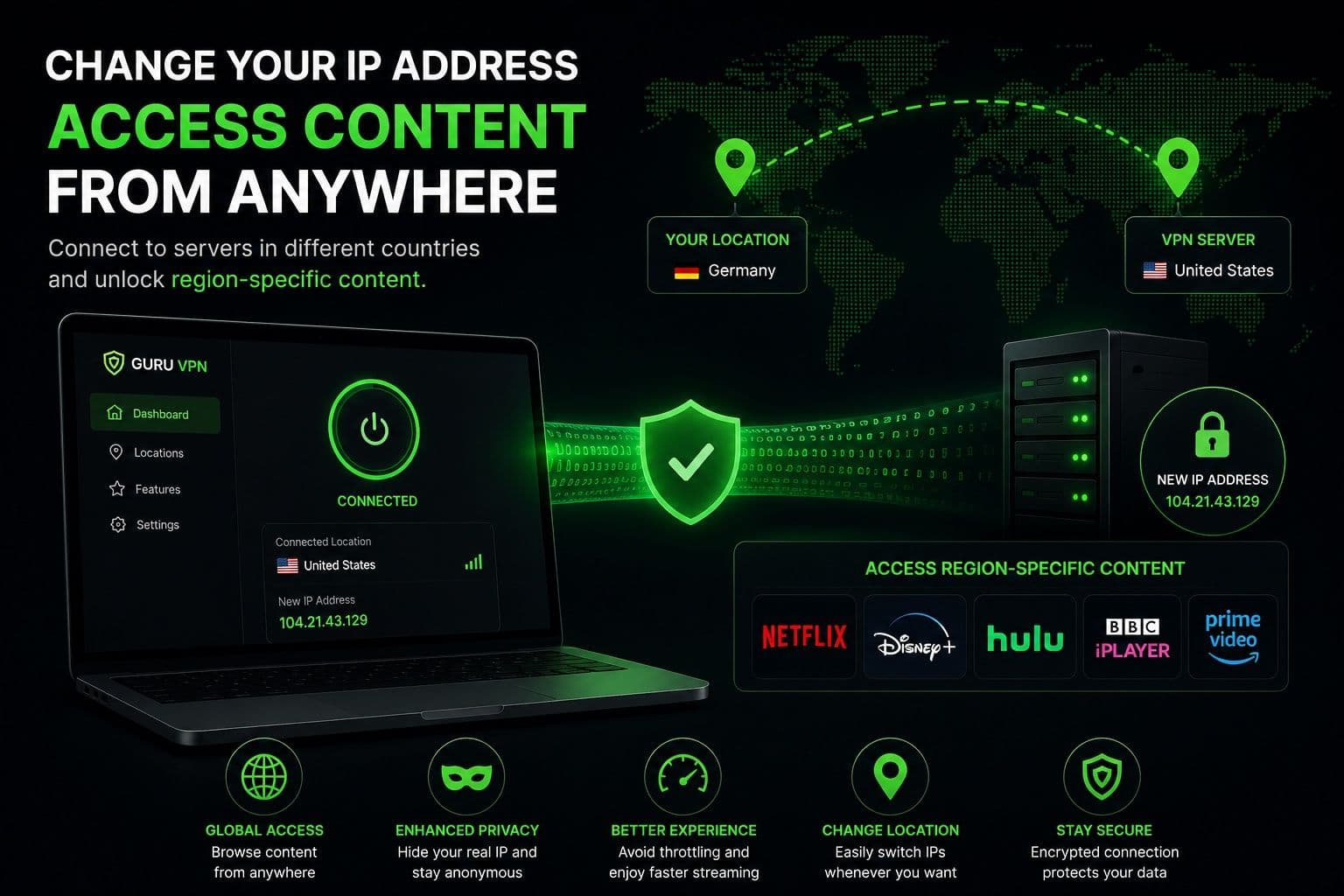
Some websites, apps, and online services display different content depending on where users connect from. Changing your IP address allows you to appear as though you're browsing from another supported location, which may improve access to region-specific websites or services where appropriate.
Troubleshoot Network Issues
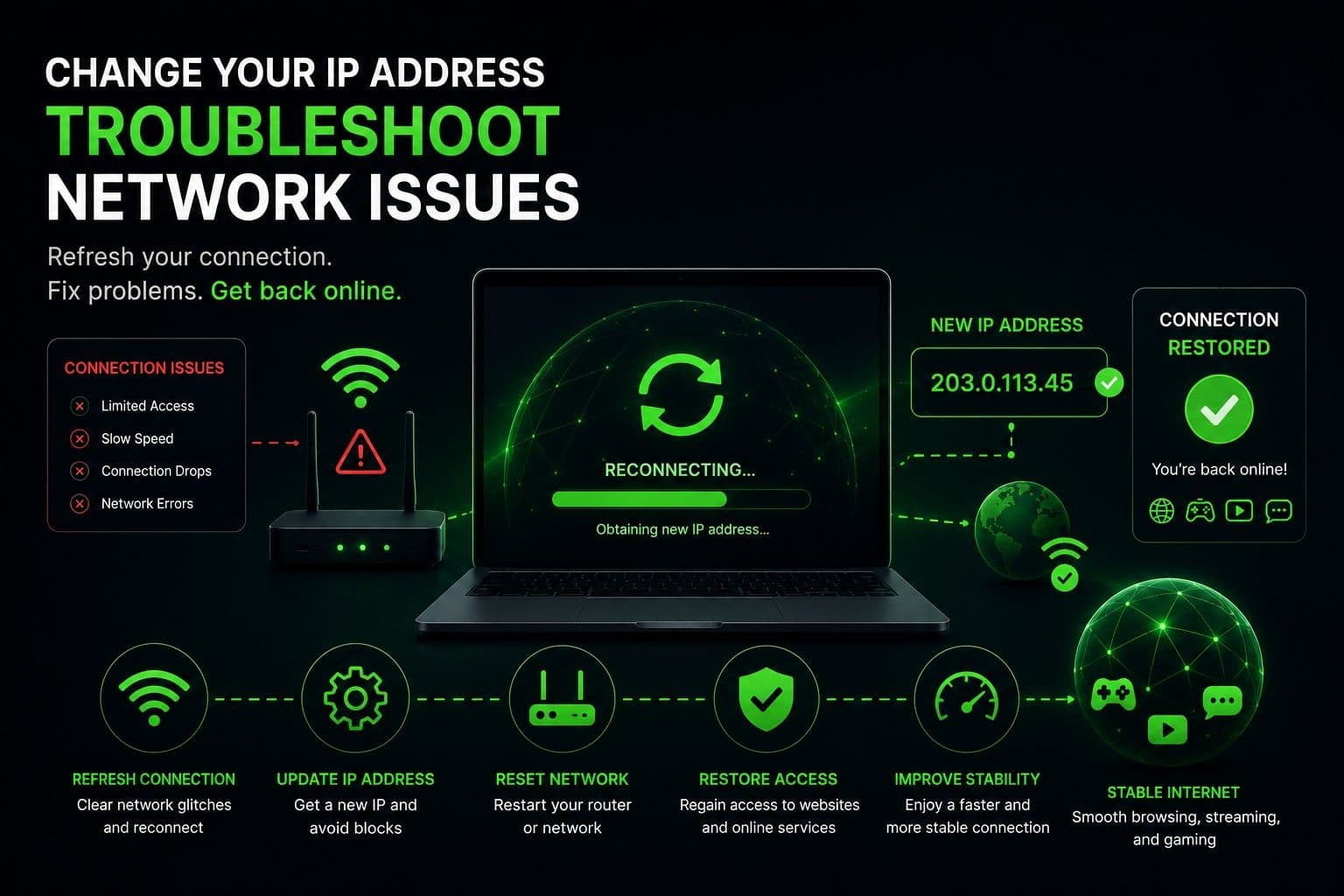
Sometimes network problems are linked to a specific IP address assigned by your internet provider. If a connection becomes unstable or a service temporarily blocks your IP, obtaining a new address may help restore normal access. This is often one of the quickest troubleshooting steps before contacting your ISP.
Avoid IP-Based Restrictions
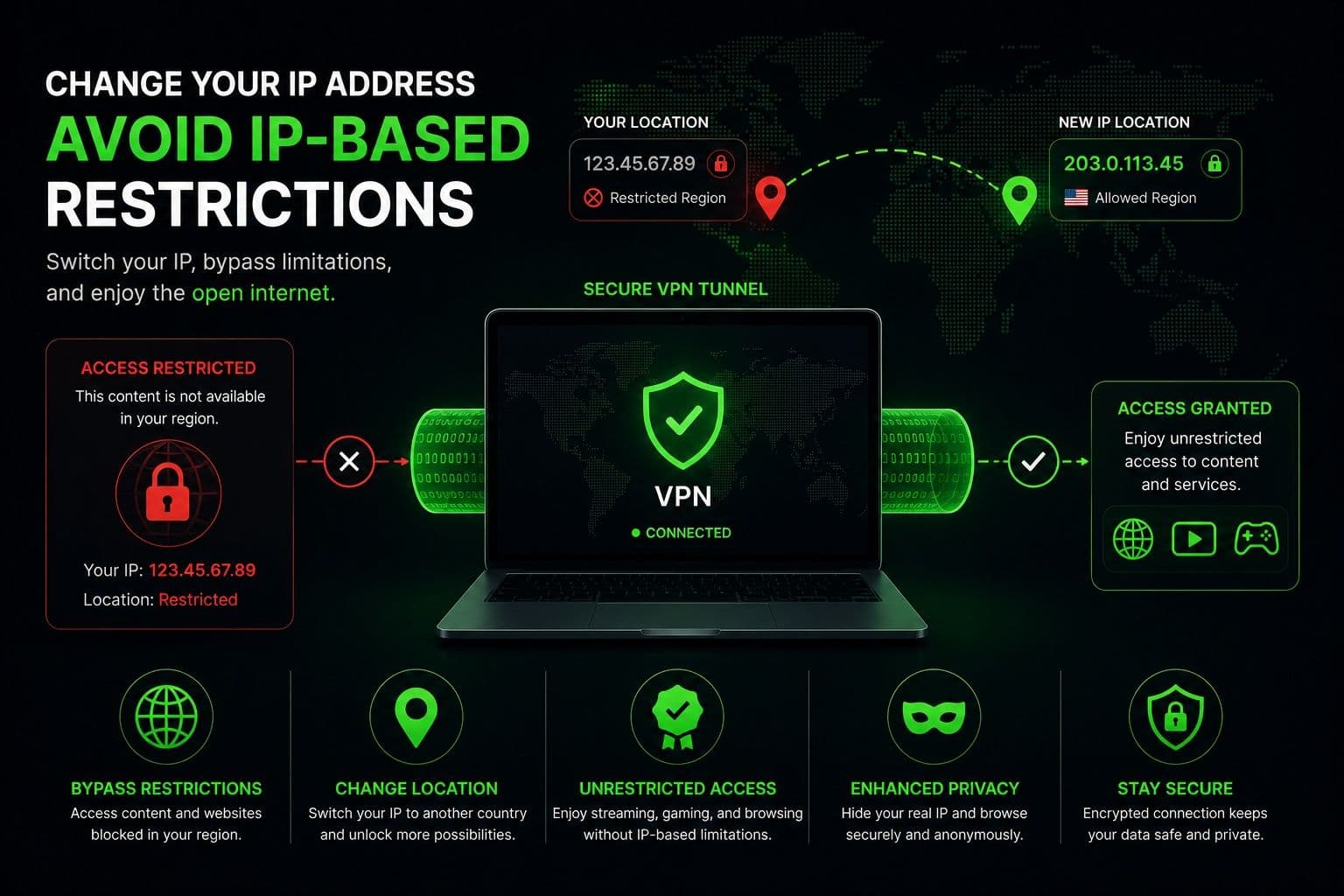
Certain online services apply temporary restrictions based on IP addresses, especially after repeated login attempts or unusual network activity. Receiving a new IP address may help resolve these temporary limitations, provided you're complying with the service's terms of use.
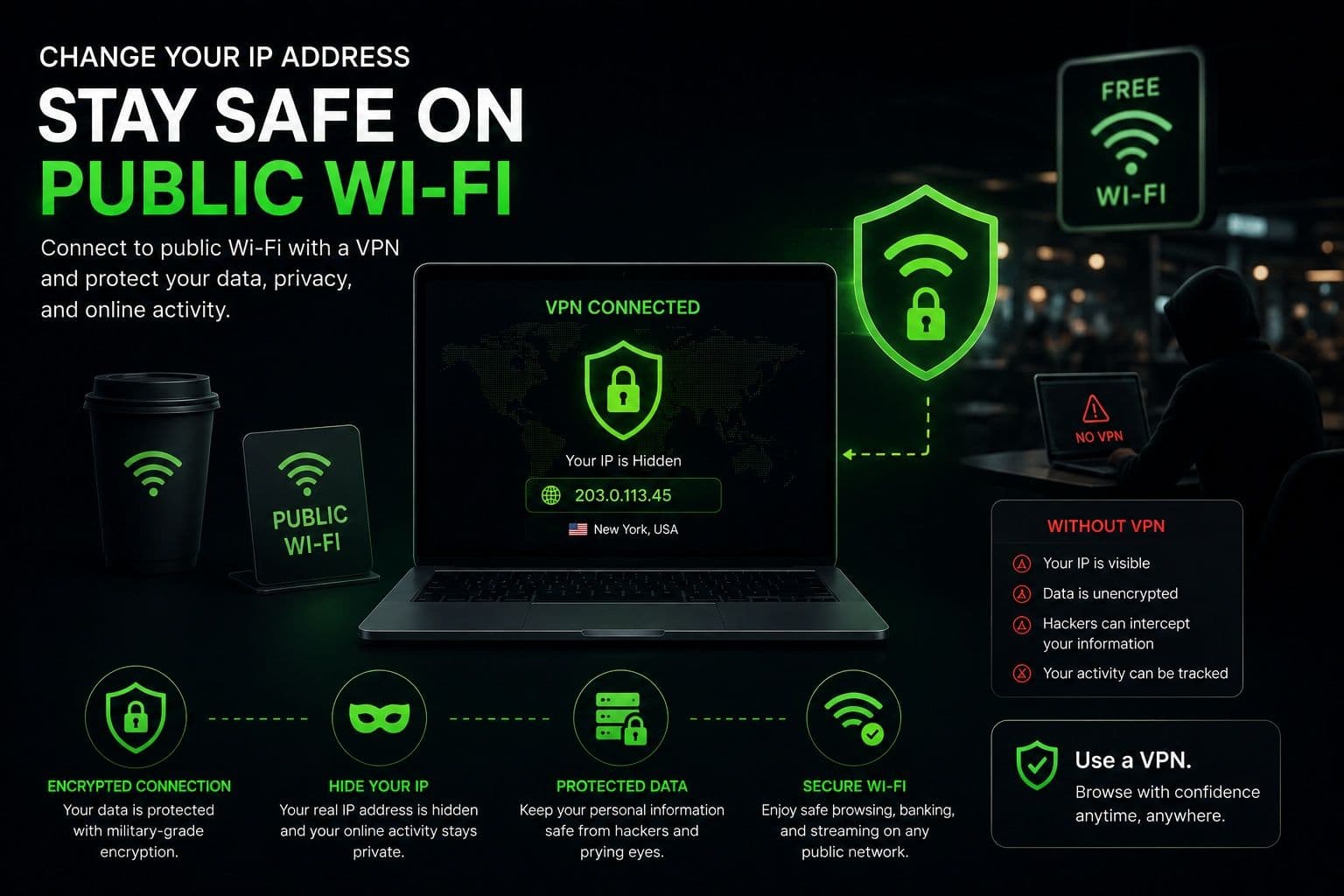
Protect Yourself on Public Wi-Fi
Public Wi-Fi networks are convenient but often less secure than private home connections. Changing your visible IP address through a VPN also encrypts your internet traffic, making it much more difficult for others on the same network to monitor your online activity. This additional protection is especially valuable when accessing email, online banking, or shopping websites while traveling.
Steps to Change Your IP Address
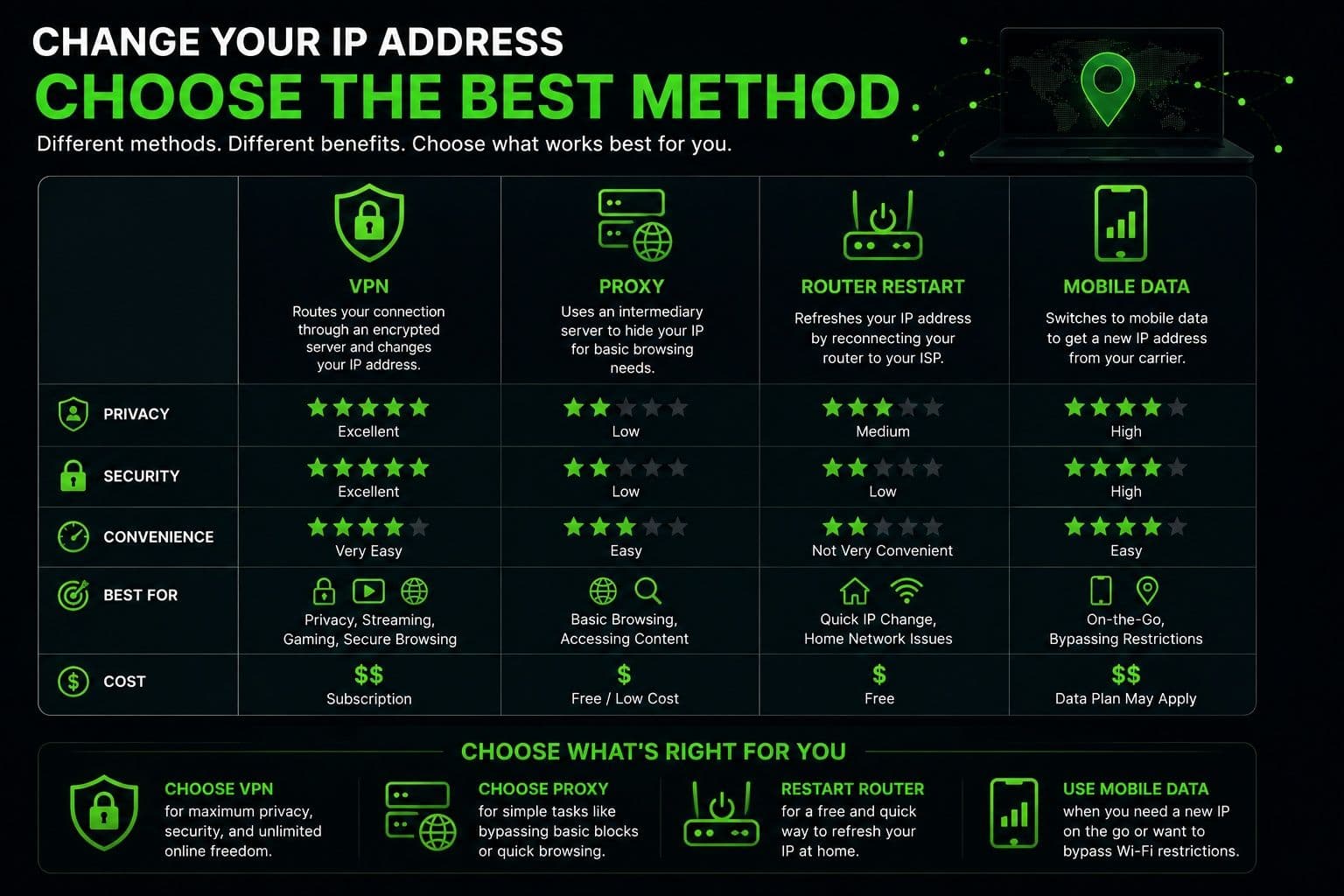
There are several ways to change your public IP address, but they don't all provide the same level of privacy or security. Some methods simply assign a different network address, while others also protect your internet traffic through encryption. The best choice depends on why you want to change your IP and how you use the internet.
1. Use a VPN
For most users, a VPN is the fastest, easiest, and most secure method.
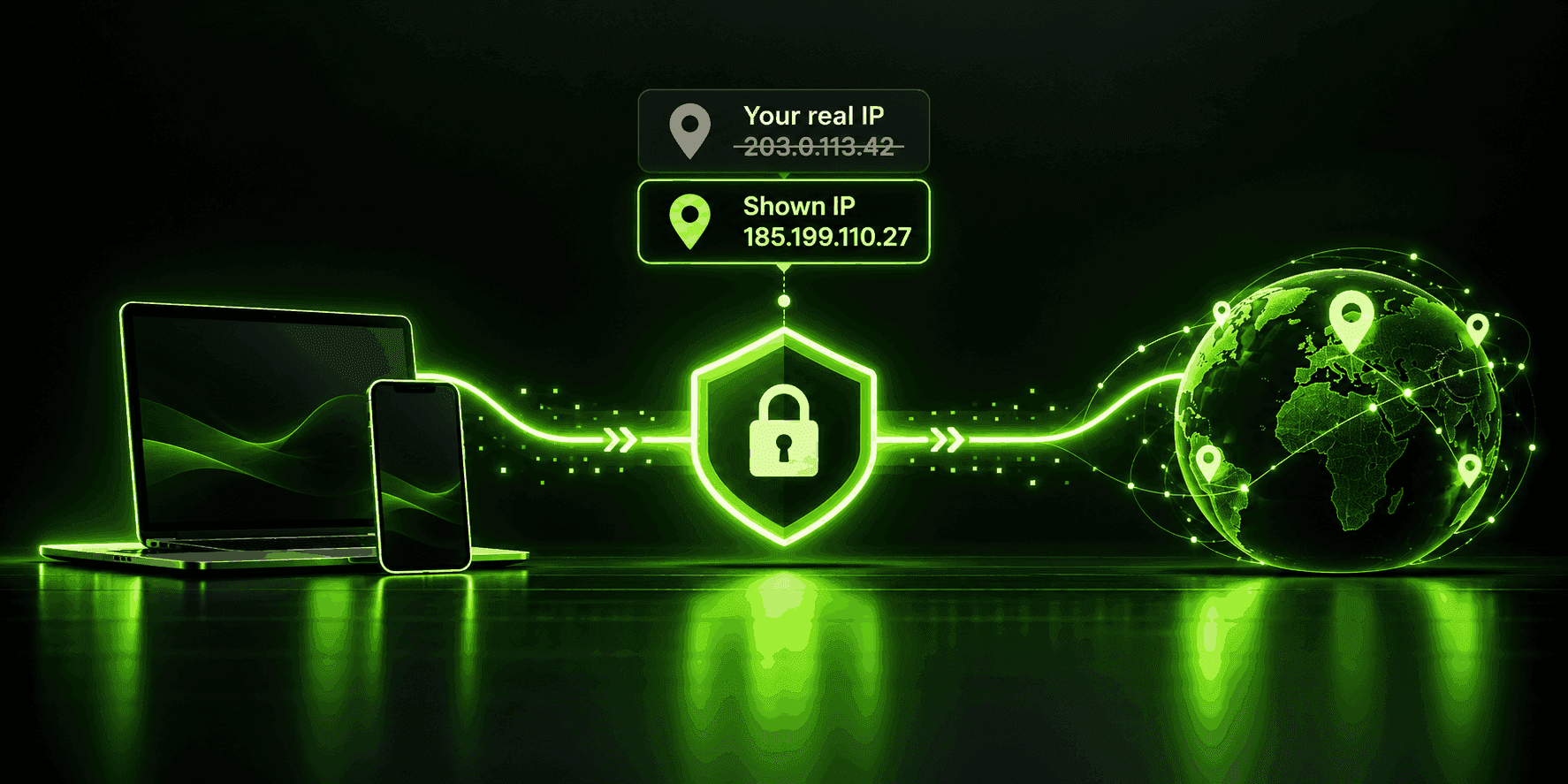
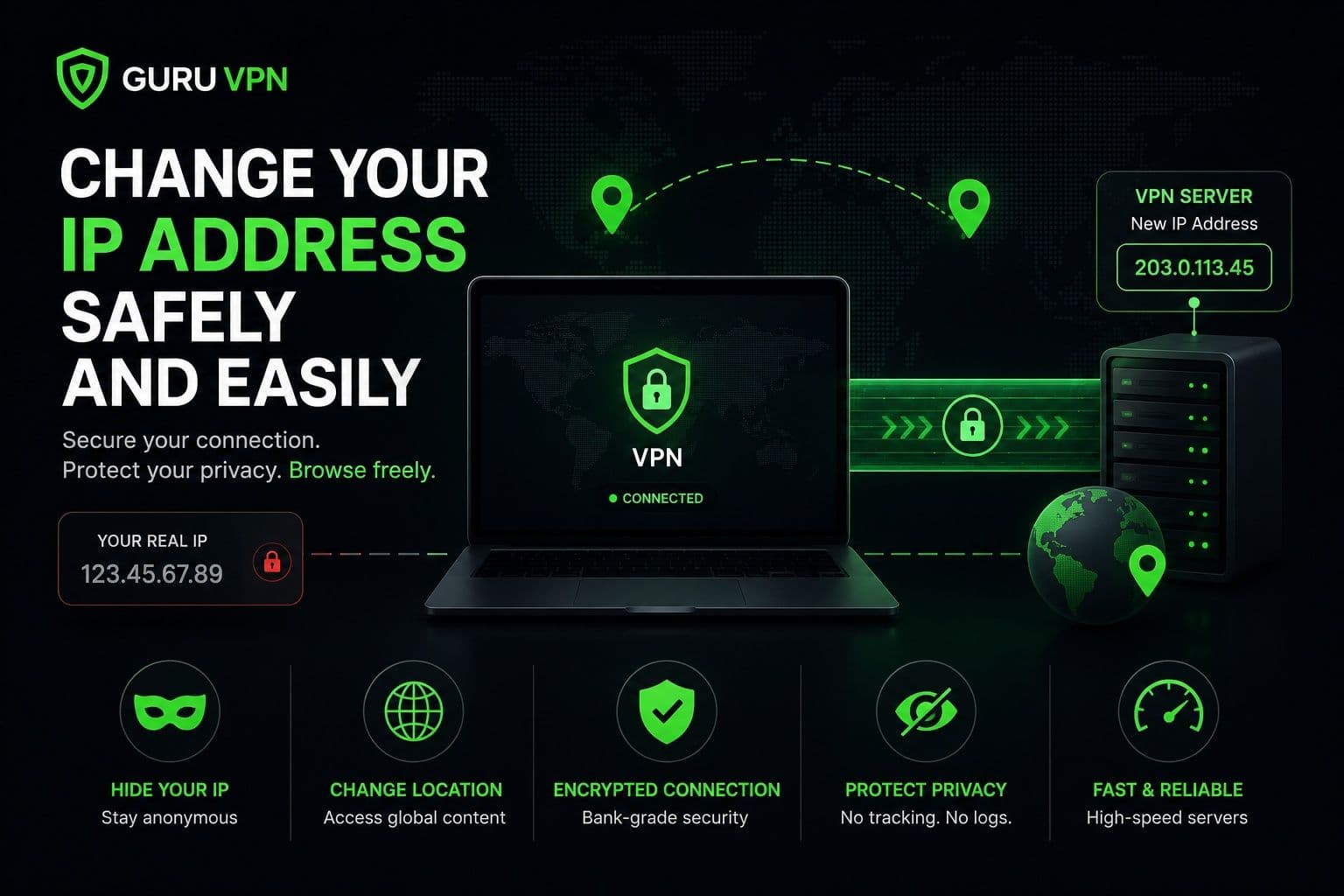
When you connect to a VPN server, your internet traffic is routed through that server before reaching websites or online services. Instead of seeing your real IP address, websites see the IP address assigned by the VPN server. At the same time, your internet traffic is encrypted, providing additional protection against network monitoring and data interception.
Another advantage is flexibility. Most VPN applications let you choose from multiple server locations in different countries, allowing you to obtain a new IP address within seconds without changing your network settings.
For users looking for a simple and beginner-friendly solution, Guru VPN automatically assigns a new IP address through its secure server network while protecting your connection with modern encryption. You can browse the available server locations.
2.Restart Your Router
Restarting your modem or router is another possible way to obtain a different public IP address.
Some internet service providers assign dynamic IP addresses, meaning your public IP may change after disconnecting and reconnecting your internet connection. Turning your router off for several minutes before reconnecting may result in a new IP being assigned.
However, this method has limitations. Many ISPs keep the same IP address assigned for long periods, even after restarting the equipment. Others use static IP addresses that won't change unless you specifically request a different one.
While restarting your router is easy to try, it isn't the most reliable option if you need an immediate IP change.
3.Use a Proxy Server
A proxy server can also change the IP address that websites see by forwarding your internet traffic through another server.
Unlike a VPN, however, most proxies do not encrypt your connection. They often work only within a specific browser or application rather than protecting your entire device. As a result, while a proxy may provide a different visible IP address, it offers significantly less privacy and security than a VPN.
If your primary goal is protecting personal information while changing your IP, a VPN remains the stronger option.
4.Use Mobile Data
Switching from your home Wi-Fi network to a mobile data connection is another simple way to receive a different public IP address.
Because your mobile carrier uses its own network infrastructure, connecting through cellular data typically assigns a completely different IP address than your home internet connection. In some cases, enabling Airplane Mode for a short time before reconnecting to the mobile network may also result in a new IP being assigned.
This method can be useful for quick testing or temporary troubleshooting, but it isn't a long-term privacy solution. Your IP address may change automatically again as your carrier manages its network, and your internet traffic isn't encrypted simply because you're using mobile data.
Which Method Should You Choose?
If you only need a temporary IP change for testing or troubleshooting, restarting your router or switching networks may be enough. However, if your goal is to improve privacy, secure your connection, and change your visible IP at the same time, a VPN offers the most complete solution.
Many people searching for how to change your ip address ultimately choose a VPN because it combines convenience, security, and flexibility in a single application. Instead of relying on temporary network changes, you can connect to a secure server, receive a different public IP address immediately, and continue browsing with encrypted protection across all your internet activity.
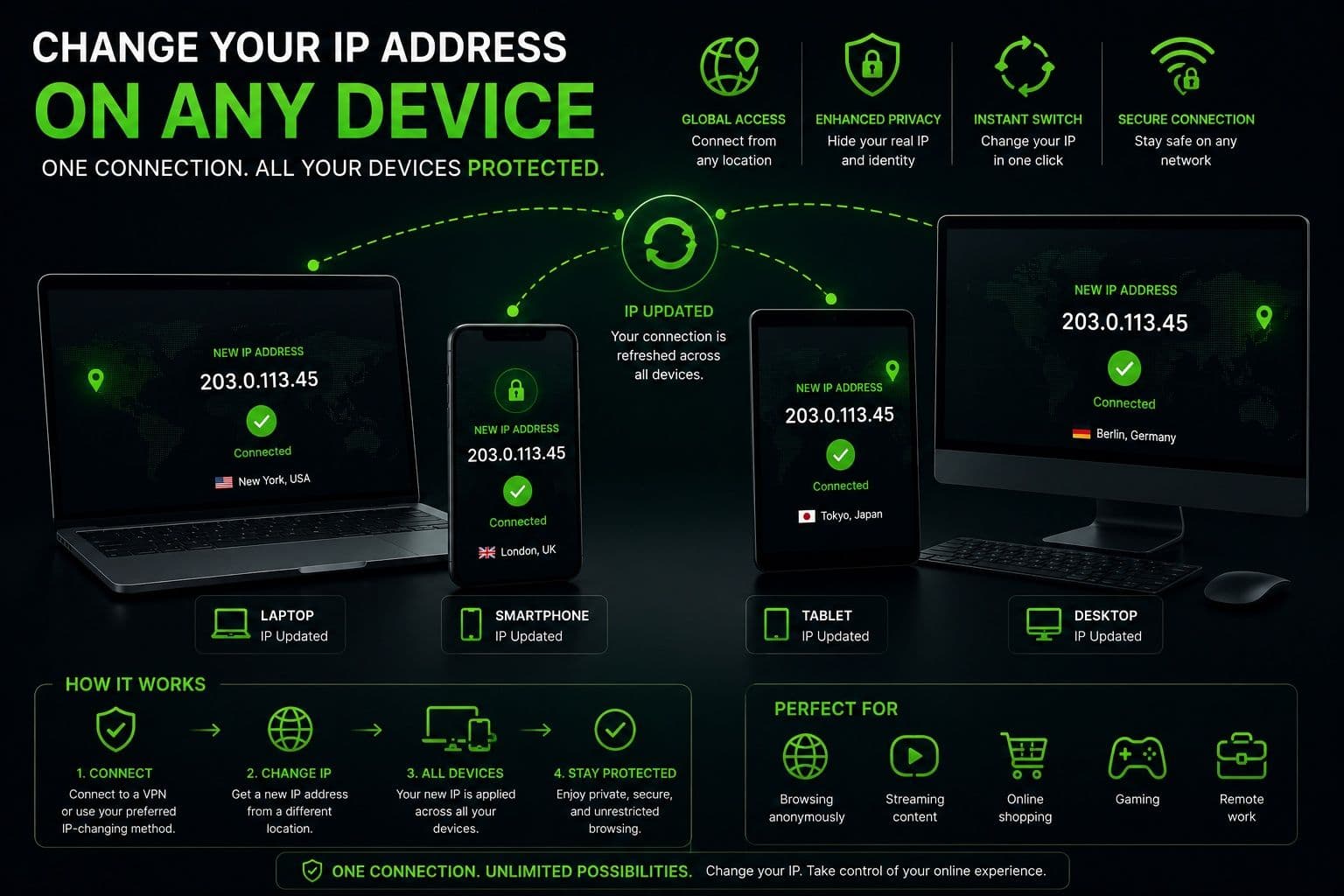
How to Change Your IP Address on Different Devices
Changing your IP address is straightforward on most modern devices, although the exact steps vary depending on the operating system. The easiest approach is usually to use a VPN, since it works similarly across platforms while providing additional privacy and security.
Windows
On Windows, you can change your public IP address by connecting to a VPN, restarting your router if your ISP assigns dynamic IP addresses, or switching to another network.
Using a VPN is the quickest option. After installing the application, simply sign in, choose a server location, and connect. Your internet traffic will be routed through the selected server, and websites will see the VPN server's IP address instead of your own.
Windows also allows advanced users to renew a local network IP through Command Prompt, but this only affects your private IP address and won't change the public IP that websites see.
macOS
macOS offers similar options. Connecting to a VPN changes your visible public IP address within seconds while encrypting your internet traffic.
If you're trying to troubleshoot a network issue, you can also reconnect to Wi-Fi, restart your router, or renew your network settings. As with Windows, these methods don't always result in a new public IP because the assignment depends on your internet provider.
iPhone
On an iPhone, changing your IP address is typically as simple as opening a VPN app and connecting to a server. This changes the public IP used by your device while protecting your internet traffic on both Wi-Fi and mobile data.
Another option is switching between Wi-Fi and cellular data. Because each network uses different infrastructure, your device usually receives a different public IP address after changing connections. However, this method provides a different IP only temporarily and doesn't encrypt your traffic.
Android
Android users have several options for changing their IP address. A VPN remains the most convenient solution because it requires only a few taps to connect to another server location.
Switching from Wi-Fi to mobile data or reconnecting to a wireless network may also result in a different public IP, depending on your provider. Android devices additionally offer network reset options that can help resolve connection issues, although these won't necessarily assign a new public IP.
Across all platforms, the biggest difference is not how you connect to a VPN but how each operating system manages network settings. Regardless of whether you use Windows, macOS, iPhone, or Android, a VPN provides the most consistent and user-friendly way to change your visible IP while protecting your internet connection.
VPN vs. Proxy vs. Manual Methods
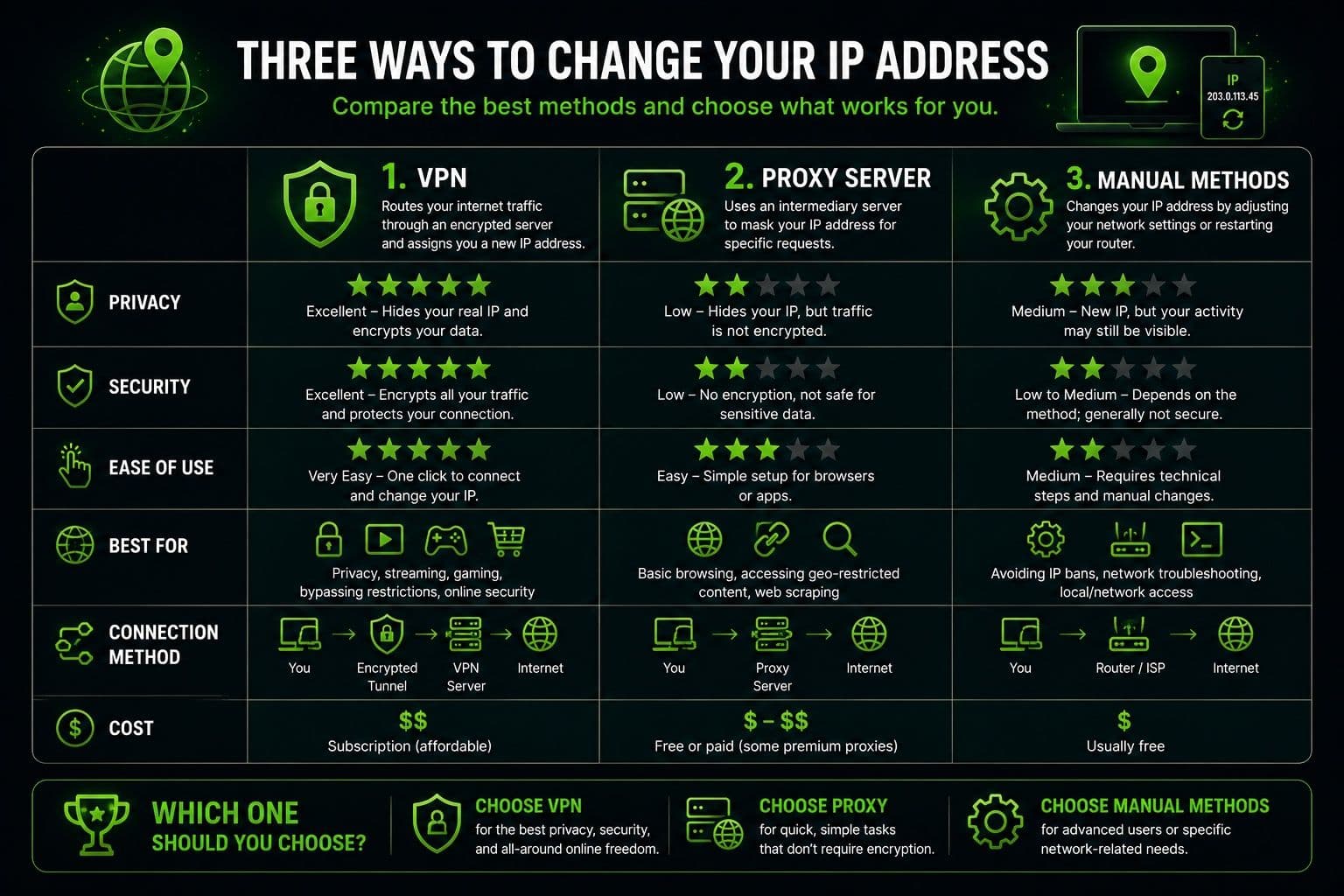
There are several ways to obtain a different IP address, but each method offers a different balance of privacy, security, and convenience.
| Method | Security | Privacy | Ease of Use | Speed | Best Use Case |
|---|---|---|---|---|---|
VPN | High – encrypts all internet traffic | High | Very easy | Fast with quality servers | Everyday browsing, public Wi-Fi, streaming, remote work |
Proxy | Low to moderate | Moderate | Easy | Usually fast | Browser or app-specific IP changes |
Manual methods (router restart, switching networks) | None | Low | Moderate | Depends on the network | Temporary troubleshooting or obtaining a new IP |
Manual methods are useful if you simply want a different IP address for testing or resolving a temporary network issue. Proxy servers can change your visible IP for certain applications, but they typically don't encrypt your connection.
A VPN offers the most complete solution because it combines IP address changes with encrypted internet traffic, making it suitable for both privacy and security.
Why Choose Guru VPN
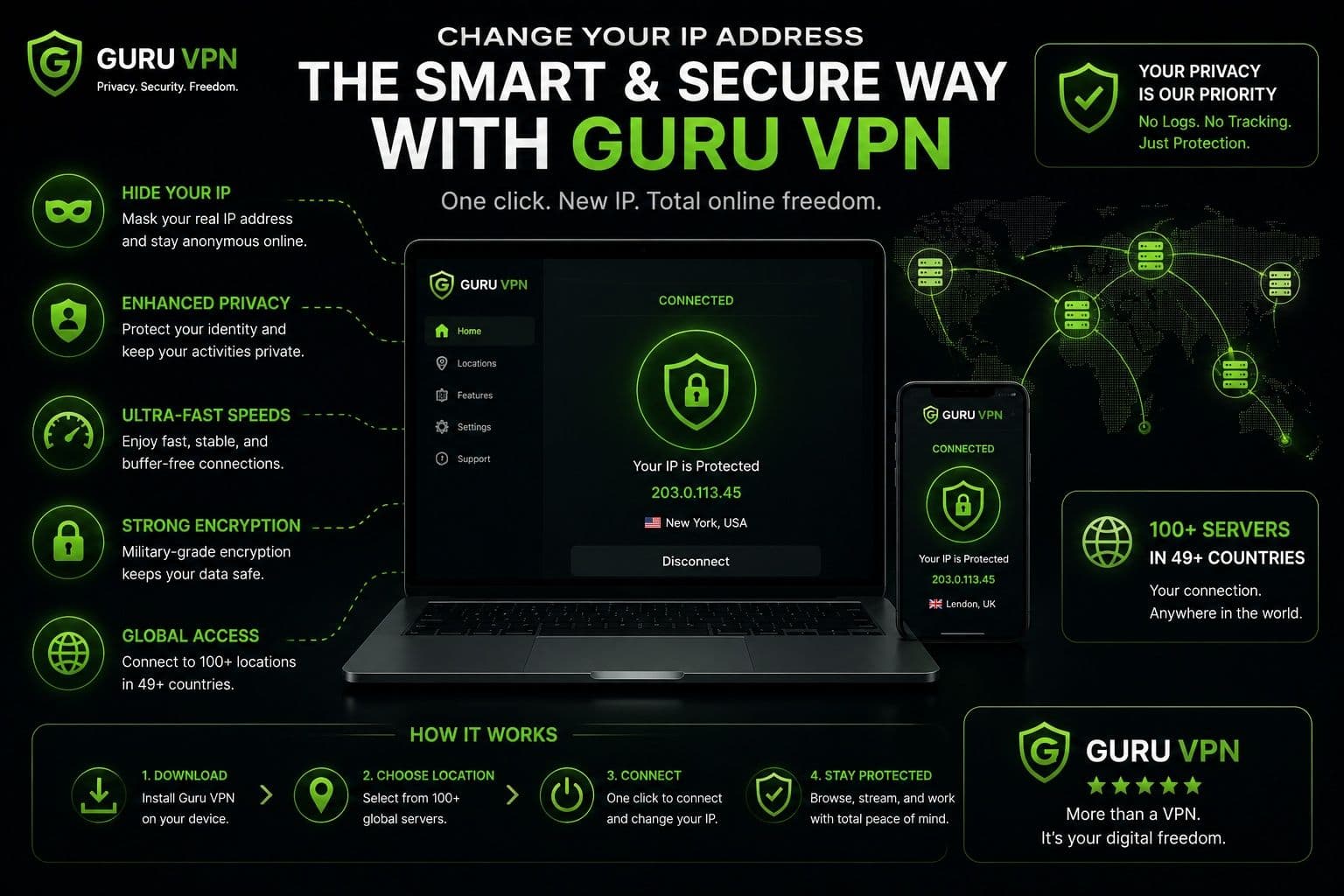
If you want to change your IP address quickly without dealing with complicated network settings, Guru VPN offers a simple and reliable solution. With secure global servers, modern encryption, and an intuitive interface, it allows users to connect in just a few clicks while helping protect their online activity.
Key Features
| Feature | Benefit |
|---|---|
One-tap IP address change | Connect to a new location in seconds |
Fast global servers | Stable browsing, streaming, and downloads |
Military-grade encryption | Protects internet traffic from interception |
Strict no-logs policy | Helps keep your online activity private |
Cross-platform support | Works on Windows, macOS, Android, and iPhone |
Unlimited bandwidth | No limits on browsing, streaming, or downloads |
Servers in 49+ countries | Wide choice of locations for better flexibility |
How Guru VPN Makes IP Changes Easy
Changing your IP address shouldn't require technical expertise. Guru VPN simplifies the process with automatic server connections and instant switching between locations, allowing users to obtain a new public IP within moments.
Its optimized global infrastructure provides stable, high-speed connections suitable for everyday browsing, streaming, remote work, and online shopping. If one location is busy, users can easily switch to another server with minimal interruption.
Privacy is built into every connection through strong encryption and secure server routing, helping protect internet traffic on both home and public networks. The clean interface makes it easy for beginners to connect without adjusting complicated settings, while experienced users benefit from reliable performance across multiple devices.
Whether you're changing your IP for additional privacy, accessing services while traveling, or securing your connection on public Wi-Fi, Guru VPN offers a straightforward solution backed by responsive customer support whenever assistance is needed.
Best Practices When Changing Your IP Address
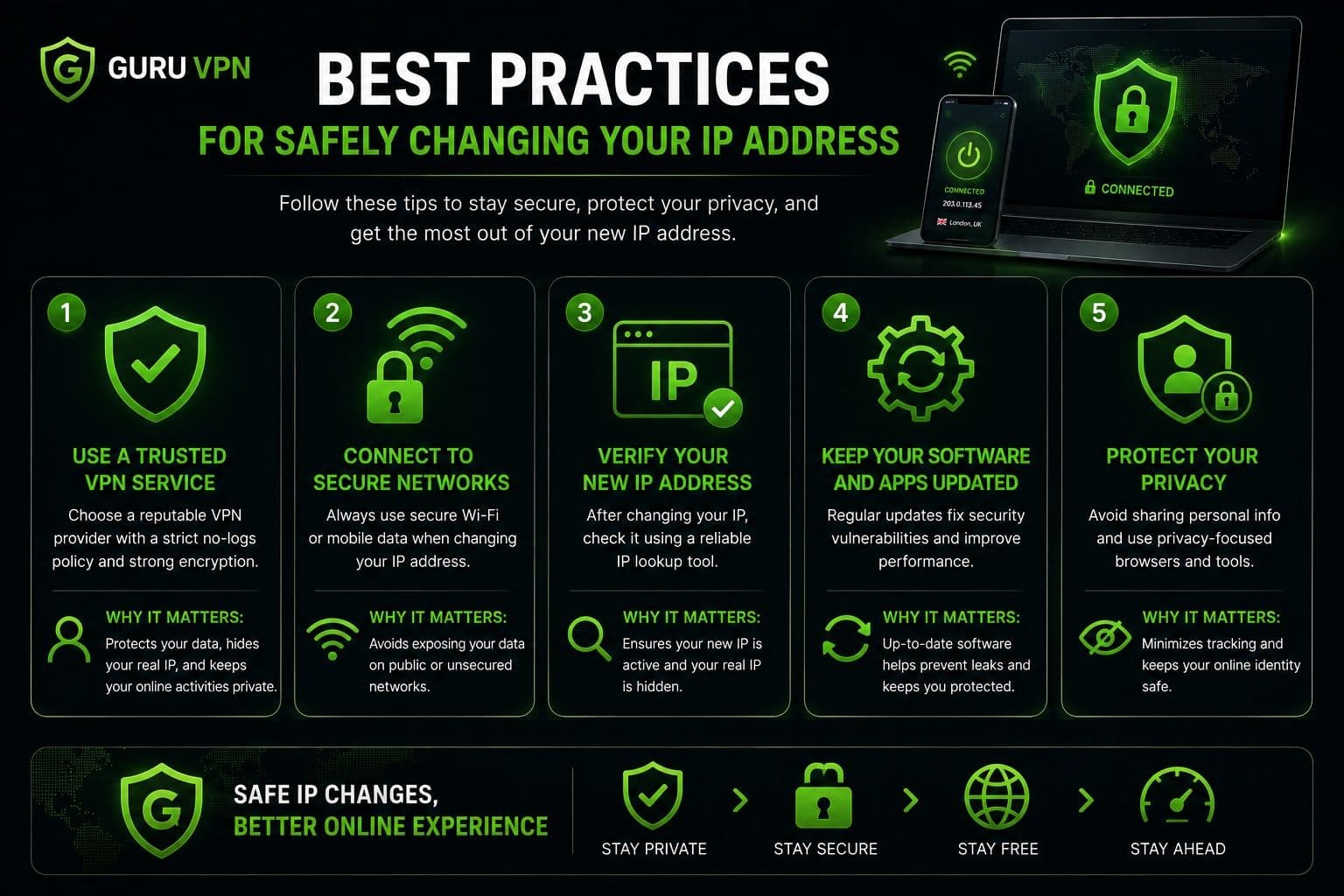
Changing your IP address is simple, but following a few best practices will help you get the most out of the process while maintaining both privacy and performance.
Privacy Tips
Always choose a trusted VPN provider with strong encryption, a transparent privacy policy, and a no-logs approach. These features help ensure that changing your IP address also improves your online security rather than simply assigning you a different network address.
After connecting, verify that your new public IP address has actually changed. This takes only a few seconds and confirms that your connection is working as expected.
If you're using public Wi-Fi in places such as airports, hotels, or cafés, keep your VPN enabled for the entire session. Changing your IP is helpful, but encrypting your internet traffic provides the additional protection needed on shared networks.
Performance Tips
For the best connection speeds, choose a VPN server that's geographically close to your actual location whenever possible. Nearby servers typically provide lower latency and faster browsing, streaming, and downloads.
If you notice slower performance, don't hesitate to switch to another server. Temporary congestion can affect any network, and selecting a different location often restores normal speeds. Many modern VPN applications make changing servers quick and seamless, allowing you to balance privacy and performance with just a few clicks.
Frequently Asked Questions
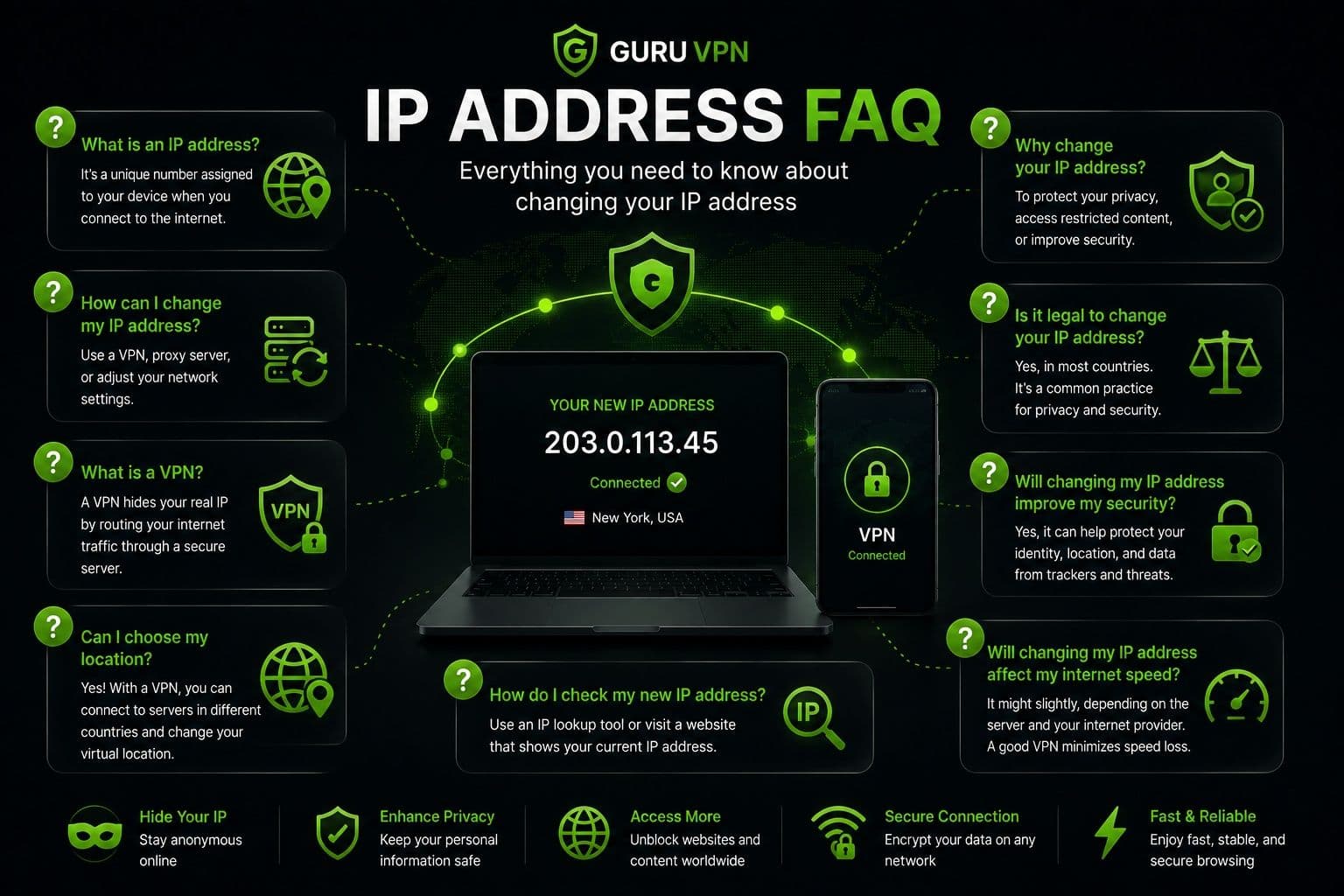
Yes. In most countries, changing your IP address is completely legal. Many people do it to improve online privacy, secure public Wi-Fi connections, or troubleshoot network issues. However, while changing your IP is legal, it should always be used responsibly and in accordance with applicable laws and the terms of the online services you use.
Changing your IP address helps improve privacy by making websites see a different public IP instead of your own. However, it doesn't make you completely anonymous. Websites can still recognize you through account logins, cookies, browser fingerprinting, or information you choose to share. For stronger privacy, changing your IP should be combined with good cybersecurity habits.
Yes, there are free methods, such as restarting your router, switching to another Wi-Fi network, or using mobile data. Some free VPNs and proxy servers can also assign a different IP address. However, these options often provide limited privacy, fewer server locations, or reduced performance compared with reputable VPN services.
It depends on the method you use. Restarting your router or changing networks usually has little impact on speed. When using a VPN, connection performance depends on factors such as server location, network quality, and server load. Choosing a nearby, well-optimized server generally delivers the best results.
There's no fixed limit. You can change your IP address as often as needed, whether you're troubleshooting a connection, traveling, or connecting to a different VPN server. Most VPN applications allow users to switch between server locations in just a few seconds.
Yes. Guru VPN allows you to change your visible IP address almost instantly by connecting to one of its secure global servers. Simply choose a server location, connect, and your internet traffic will be routed through that server while remaining protected by strong encryption. This makes it easy to obtain a new IP address without changing your device or network settings.
Change Your IP Address Safely and Easily
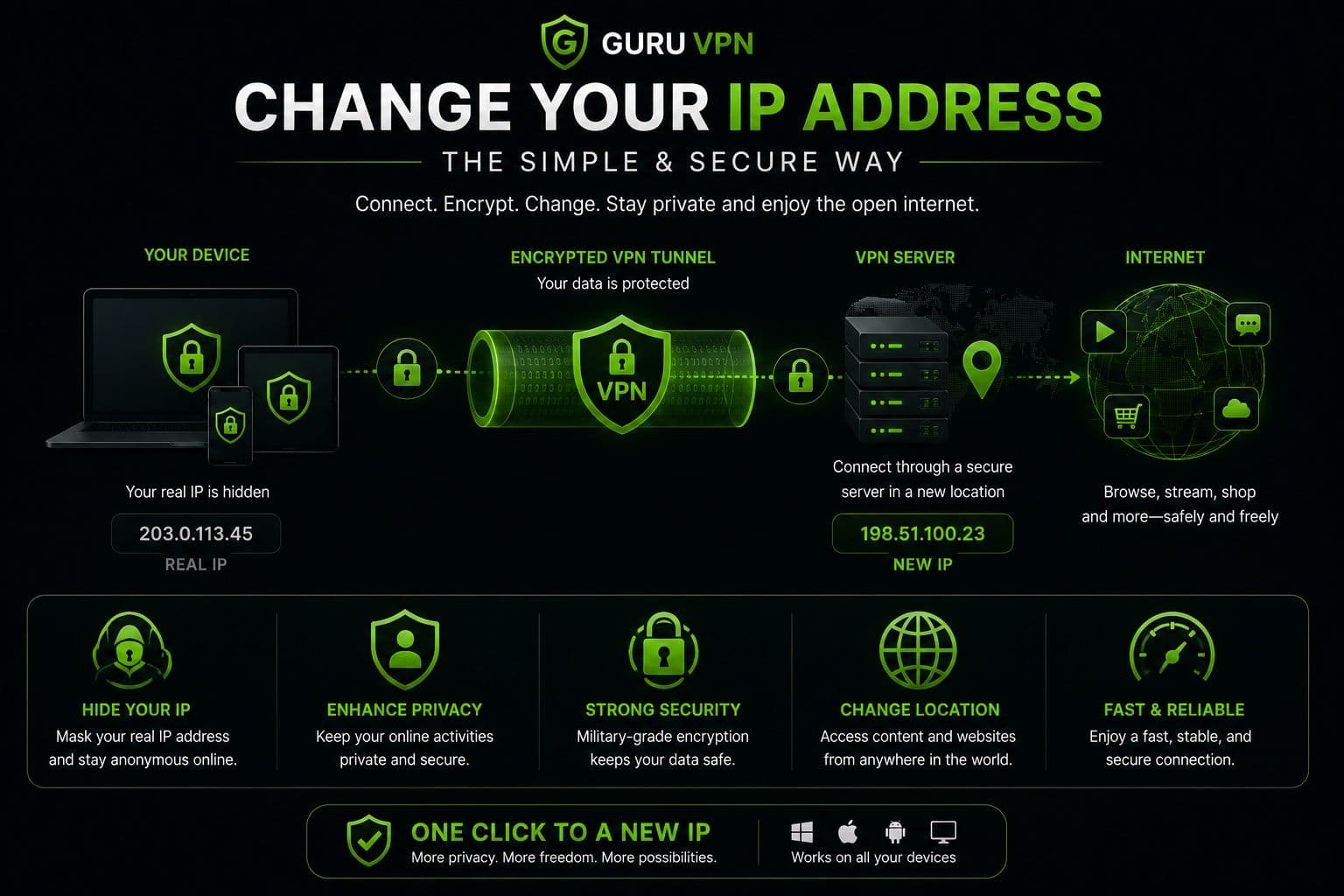
Changing your IP address is easier than many people expect. Whether your goal is improving privacy, troubleshooting a network issue, or accessing online services from a different location, there are several methods available. Restarting your router, switching networks, or using a proxy can all provide a different IP address in certain situations, but they don't offer the same level of protection.
For most users, a VPN is the safest and most convenient solution. In addition to assigning a new public IP address, it encrypts your internet traffic, helping protect sensitive information from unwanted monitoring on both private and public networks. This combination of privacy, security, and ease of use makes a VPN the preferred choice for everyday browsing.
Guru VPN simplifies the entire process with one-tap connections, secure global servers, and an intuitive interface suitable for users of all experience levels. Instead of manually adjusting network settings, you can connect to a server in seconds and start browsing with a different IP address while keeping your connection protected.
If you're looking for a reliable way to improve your online privacy, installing a trusted VPN is one of the smartest steps you can take.
Conclusion: Take Control of Your Online Privacy
Changing your IP address can help improve online privacy, reduce unnecessary tracking, and make your internet experience more flexible. While methods such as restarting your router or switching networks may work in certain situations, they don't provide the additional protection that comes with encrypted internet traffic.
For everyday users, a VPN offers the simplest and most effective way to change an IP address while keeping personal data secure. With modern encryption, reliable global servers, and an easy-to-use interface, Guru VPN helps make the process fast, convenient, and accessible whether you're browsing at home, working remotely, or using public Wi-Fi.
Protecting your online identity doesn't have to be complicated. Choosing a trusted VPN and using it regularly is a simple habit that can strengthen your privacy and help you browse the internet with greater confidence.