
 EN
 BR
 DE
 ES
 FR
 RU
 ID
 TR
 IT
 JP
 SA
 VN
 TH
 KR


Thanks
During a drive across the Prairies I used Guru VPN whenever I stopped at motels with open Wi‑Fi, and the app connected quickly each time and kept my email access private.
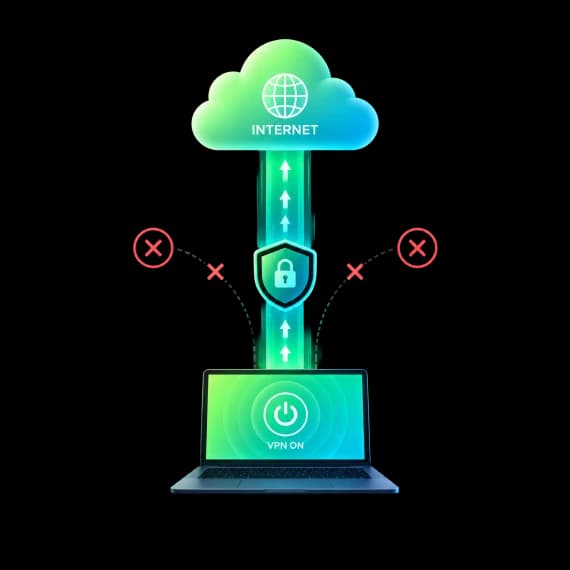
Guru VPN combines strong encryption, modern protocols and built-in protection tools to keep your connection private at home, at work and on public Wi-Fi.
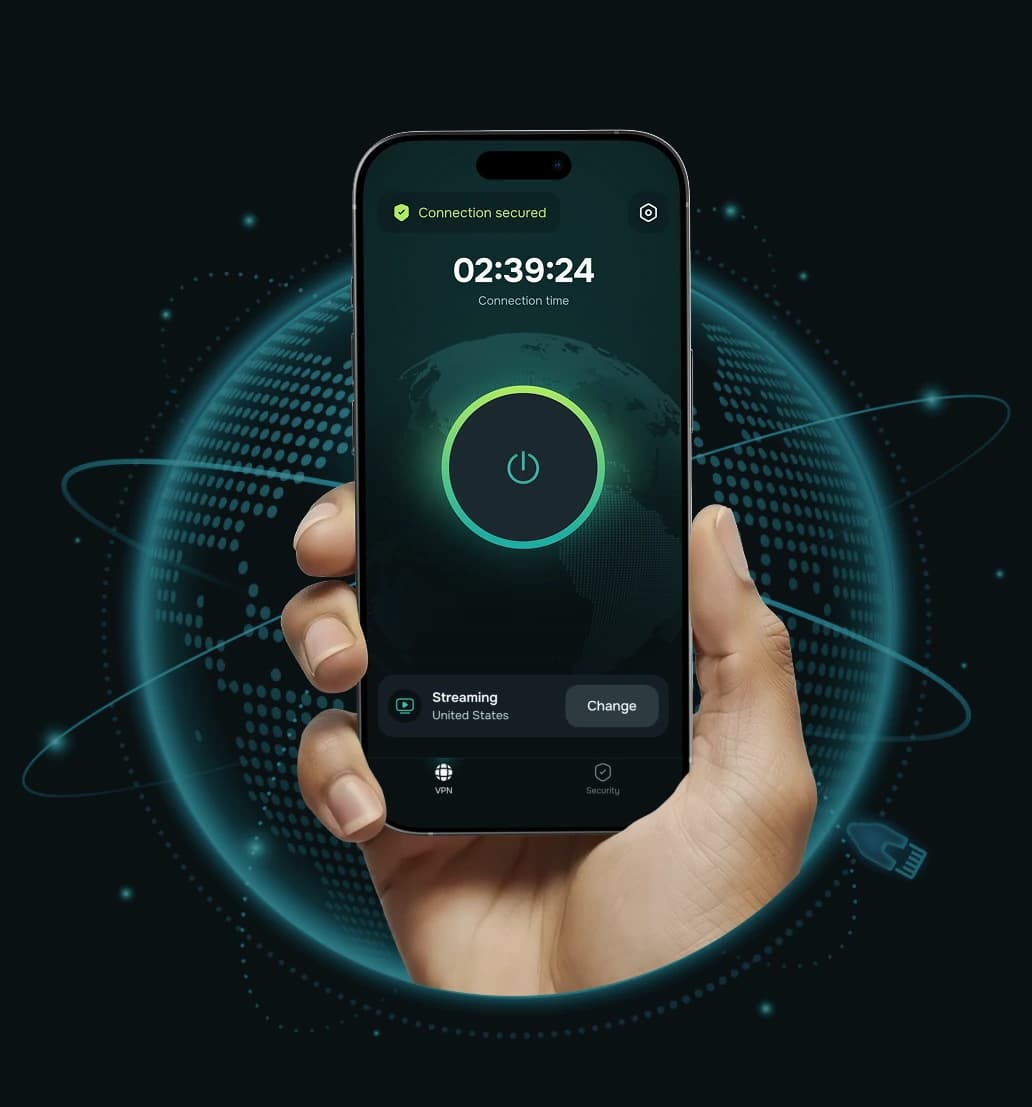


VPN security is everything a VPN does to keep your connection private and your data out of the wrong hands. It starts with encryption and a secure tunnel to the VPN server, but a truly secure VPN also needs safe protocols, protection when the connection drops, tools that block harmful sites and a clear policy on what data the provider keeps.
No single feature makes a VPN secure. Guru VPN uses several layers that work together, so if one situation isn't covered by one tool, another one helps.
From the moment you tap connect, several layers of protection switch on together.
 Step 1
Guru VPN checks your IP address against 100+ risk factors and reputation sources and tells you in the app if it finds a risk.
 Step 2
The app picks WireGuard® or GuruShadow™ automatically and encrypts your traffic with ChaCha20.
 Step 3
DNS requests and your real IP stay inside the tunnel, and the blocker filters out trackers and known malicious sites.
 Step 4
On iOS and Android, Kill Switch holds back traffic until the tunnel is restored.
Each layer covers a different risk. Learn more about them on our pages on VPN encryption, VPN protocols, Kill Switch, split tunneling, the ad blocker, parental controls, hiding your IP address and our no-logs VPN.

Your traffic is encrypted with a modern 256-bit cipher that stays fast on phones and devices without AES hardware acceleration.

Two modern protocols, picked automatically. GuruShadow is designed to make VPN traffic harder to detect and block.
If the VPN connection drops, Kill Switch stops traffic from leaving your phone unprotected until the tunnel is back.

Choose which apps and websites use the VPN, so sensitive traffic is protected while local services keep working.

Blocks ads, trackers and known malicious websites on all platforms, and lets you filter adult content on your family's devices.

Your DNS requests and real IP address stay inside the VPN tunnel instead of leaking out to your provider or the sites you visit.
Guru VPN checks your IP address against 100+ risk factors and reputation sources and tells you in the app if it finds a risk.

Our VPN servers run entirely in memory and nothing is written to disk, so a reboot wipes the server clean.

We don't store your traffic, the pages you open or a browsing history tied to you, and our connection records don't include your real IP address. GURU NETWORK S.R.L. operates in Romania under the EU's GDPR.
Setting up layered protection takes about a minute.
Pick the plan that suits you and create your Guru VPN account.

Install Guru VPN on Windows, macOS, iOS or Android and sign in.

Tap connect. The app picks the best protocol automatically and encrypts your traffic right away.

A VPN is an important part of staying safe online, but it is one tool, not complete protection. Keep your apps updated, use a password manager and two-factor authentication, and always use a VPN in line with local laws and the rules of the network you're on.
 A VPN protects |  A VPN can't protect you from |
|---|---|
| Your traffic on public and home Wi-Fi | Phishing emails, fake websites and scam messages that ask for your details |
| Your browsing from your ISP and network owner | Viruses and malware you download or that are already on your device |
| Your real IP address from the sites you visit | Tracking by accounts you're logged into, such as social networks and email |
| You from many trackers and known malicious sites (with the blocker on) | Weak, reused or leaked passwords |
| Your connection when it drops, on iOS and Android with Kill Switch | Information you choose to share publicly or with a website |
Some free VPNs are honest, but running servers costs money, and many free services make it back through ads, data collection or tight limits. Before you trust one with your traffic, compare what you actually get.
| Feature | Free VPNs | Guru VPN |
|---|---|---|
Encryption | Varies, not always clearly stated | ChaCha20 |
Protocols | Often older or unspecified | WireGuard® and GuruShadow™ |
How it's paid for | Often ads or data monetisation | Paid subscription |
Logging policy | Often vague | No traffic logs or browsing history; published No-Logs Policy |
Kill Switch | Rarely included | iOS and Android |
Ad & malicious-site blocking | Often shows ads instead | Included on all platforms |
Data limits | Usually capped | Unlimited, no data caps |
Support | Limited or none | 24/7 support |

Look for a well-studied cipher such as ChaCha20 or AES-256 rather than vague promises of "military-grade" security. Guru VPN uses ChaCha20.
WireGuard® is lean and fast, and a protocol designed to resist blocking, like GuruShadow™, helps on restrictive networks.


A kill switch stops your traffic from leaking if the VPN disconnects. Guru VPN offers it on iOS and Android.
Guru VPN doesn't log your traffic or browsing history, runs RAM-only VPN servers and is an EU company that operates under GDPR.


Built-in blocking of ads, trackers and malicious sites, plus 24/7 support, add real everyday value.
Protect up to 10 devices with one subscription. Encryption, protocols, the ad and malicious-site blocker and parental controls work on every platform.
Kill Switch and split tunneling are available on iOS and Android.
Download Guru VPN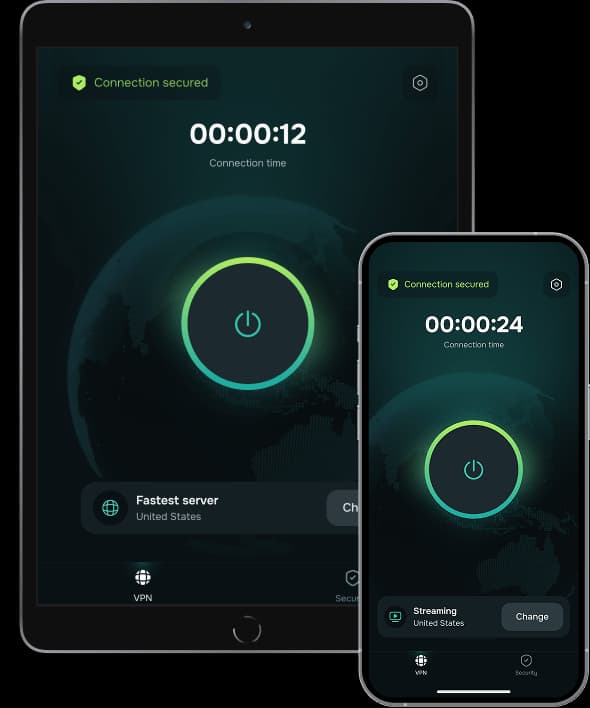
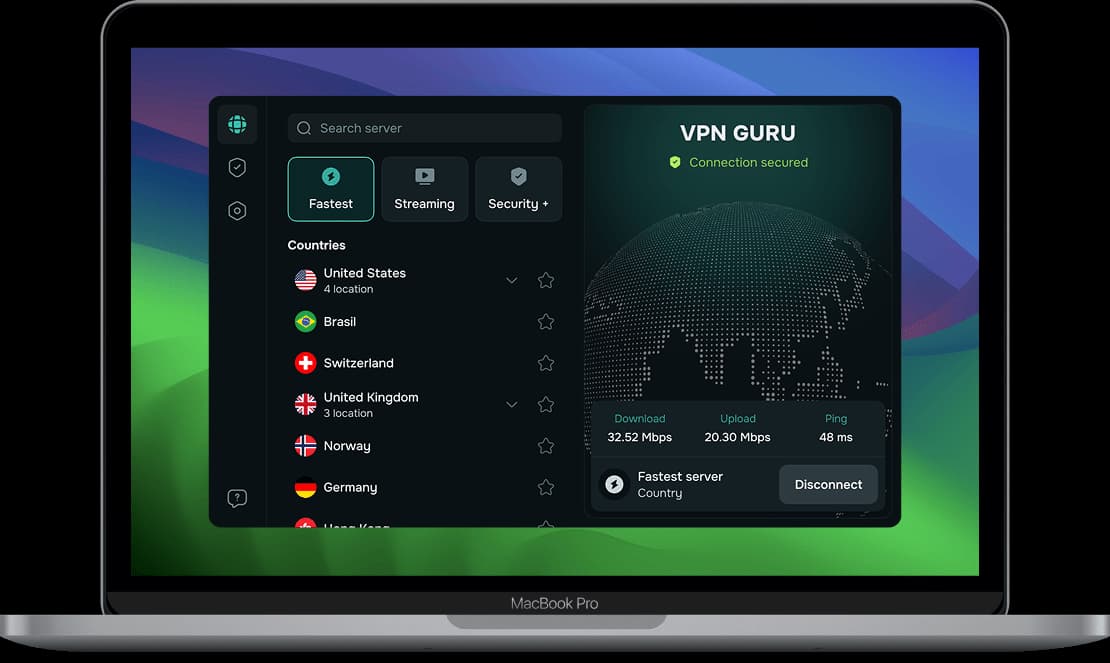

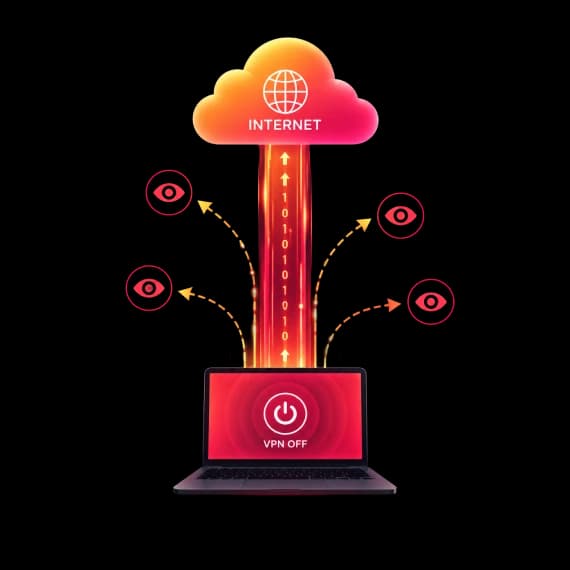

Choose the plan that fits your needs. All Guru VPN plans include unlimited bandwidth, access to all servers, apps for all devices, strong encryption, a strict no‑logs policy, and 24/7 customer support.
$0.99 for the first 7 days, then $6.99/week
Ideal for short‑term use or trying Guru VPN with minimal cost.
Plan includes:
Perfect for long‑term protection with the biggest savings.
Plan includes:
$11.99 billed monthly
Flexible, commitment‑free protection.
Plan includes:

During a drive across the Prairies I used Guru VPN whenever I stopped at motels with open Wi‑Fi, and the app connected quickly each time and kept my email access private.
lectures from a university portal that blocks some regions, and since switching to a suggested server the streams load quickly and stay smooth.
After noticing my kids often connect to random Wi‑Fi at malls, I added Guru VPN to their phones and showed them the single connect button, and now they enable it before watching videos or using social apps in public places.
auto-connect on certain networks, so once configured, I don't have to think about it. It provides constant, silent protection in the background. I've never seen that feature before.
I use this app daily for streaming, and it never buffers. It's super fast, super secure, and I love that it doesn’t log anything. One tap and I’m fully protected! Couldn’t ask for more!
layer of security when accessing corporate dashboards from home, and it now connects automatically before I log in to any work system or cloud service.
The way this VPN works, I'd say it is perfect for everyday use! Whether I’m shopping online or watching geo-restricted media, Guru VPN keeps me anonymous and connected. Simple, trustworthy, and effective.
On my daily train cọmmute I open Guru VPN, hit the single button, and read emails over the train Wi‑Fi knowing my connection is encrypted the entire ride.
every millisecond counts. This VPN's optimized servers actually improved my ping. I connect to a location closer to the game host, and my latency drops noticeably.
As someone who works remotely, I rely on VPNGuru every day to secure my connection. It’s fast, stable, and I’ve never had an issue with dropped connections.
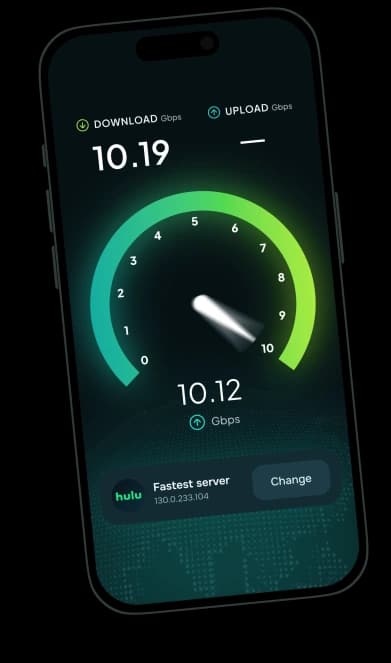
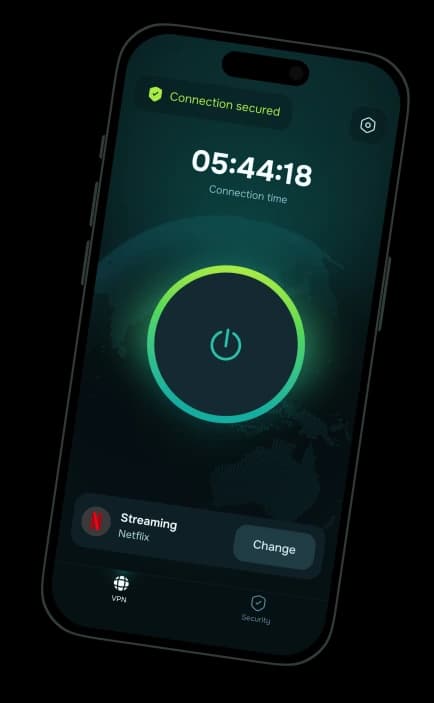
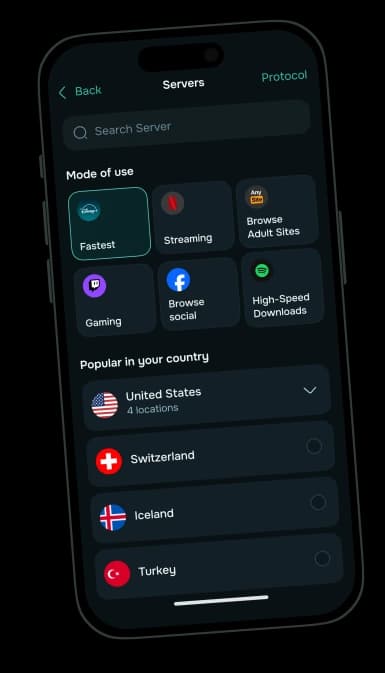
Layered VPN protection for Windows, macOS, iOS and Android — on up to 10 devices.
30-day money-back guarantee


