
 EN
 BR
 DE
 ES
 FR
 RU
 ID
 TR
 IT
 JP
 SA
 VN
 TH
 KR


Thanks
During a drive across the Prairies I used Guru VPN whenever I stopped at motels with open Wi‑Fi, and the app connected quickly each time and kept my email access private.
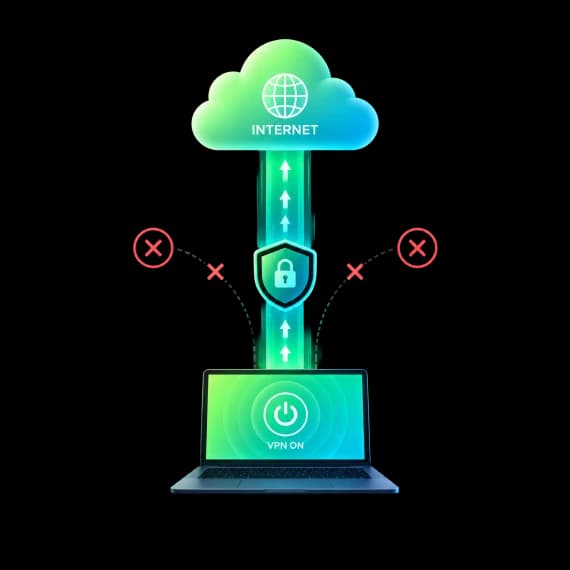
Connections drop: Wi‑Fi gets patchy, your phone jumps to mobile data, a network hiccups. Guru VPN's Kill Switch blocks internet traffic the moment the VPN connection is lost, so nothing slips out unprotected while the app reconnects.
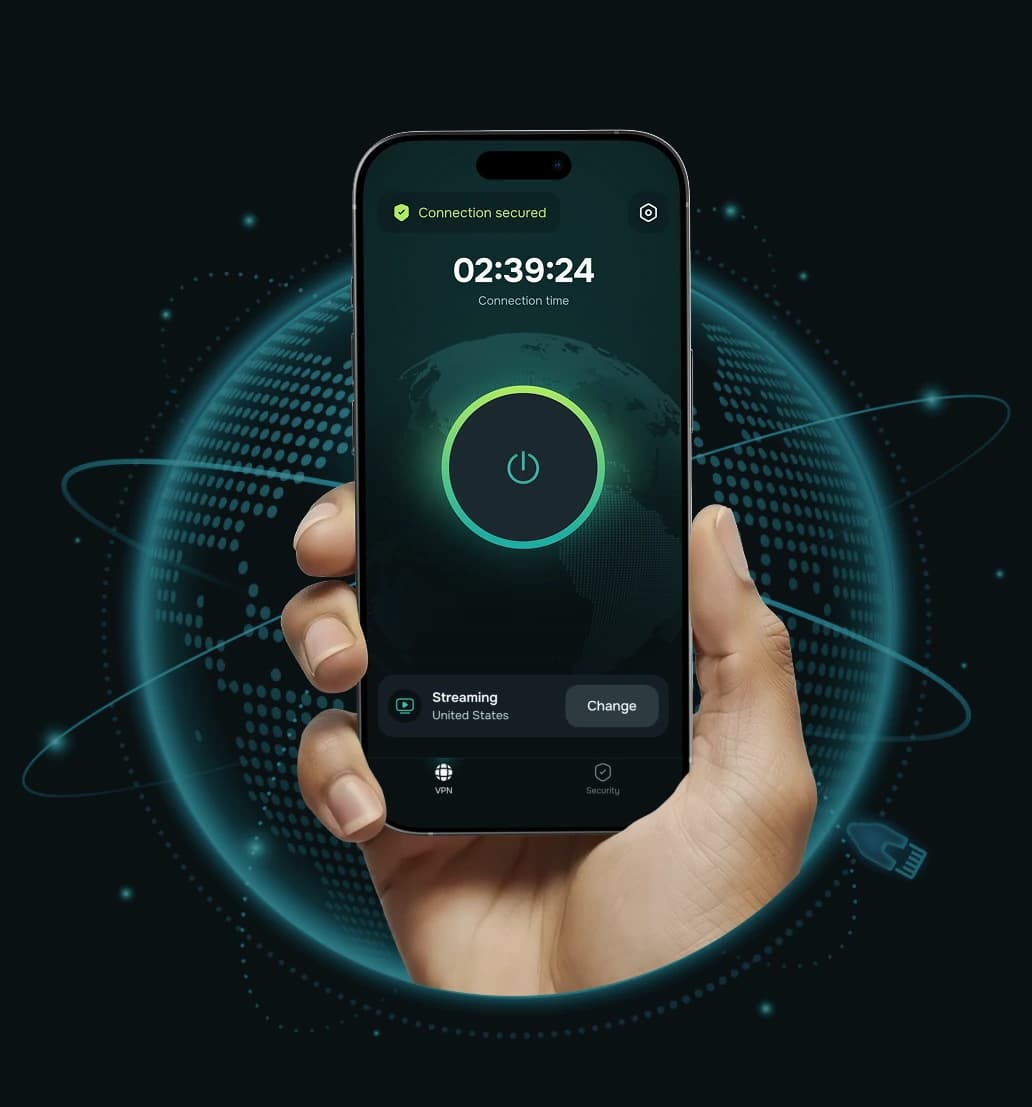


A VPN kill switch is a safety feature that cuts off your device's internet traffic if the VPN connection unexpectedly drops. Instead of quietly falling back to your regular, unencrypted connection, your device waits until the VPN is back, so your real IP address and online activity aren't exposed in the gap.
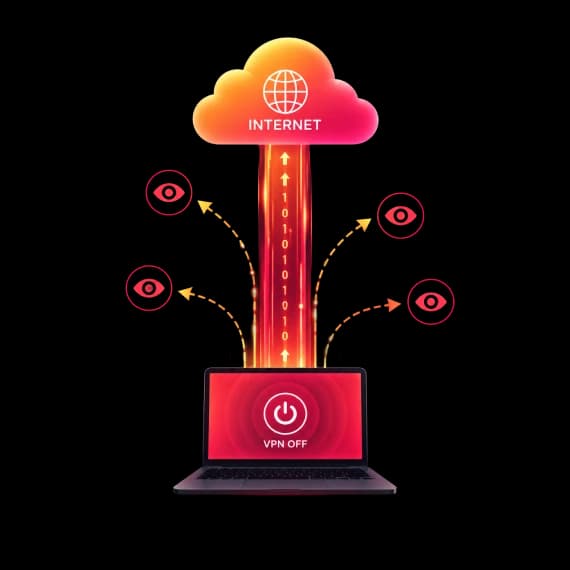
Without a kill switch, apps keep sending data when the VPN disconnects, often without you noticing. A messenger syncs, a browser tab refreshes, a cloud backup continues, all over your normal connection. The kill switch closes that gap.
The kill switch watches your VPN connection continuously. Here is what happens when the connection is interrupted.
 Step 1
You're connected to Guru VPN. All traffic is encrypted with ChaCha20 and goes through the VPN server.
 Step 2
The VPN link is interrupted — for example, you switch from Wi‑Fi to mobile data or the signal weakens.
 Step 3
The kill switch stops internet traffic right away, so apps can't send data over your unprotected connection.
 Step 4
Once the VPN connection is restored, traffic resumes through the encrypted tunnel. No action needed from you.
The best VPN with a kill switch is one you never have to think about: it reacts the moment the tunnel drops and lets traffic flow again as soon as you're protected.

A dropped connection can reveal your real IP address to the sites and apps you're using. The kill switch stops that from happening.

Café, hotel and airport networks are where drops happen most and where unencrypted traffic is easiest to watch. The kill switch keeps you covered.

Email, cloud backups and messengers sync even when the screen is off. If the VPN drops, they won't continue over an unprotected connection.

Moving between networks on the road means frequent reconnects. Your traffic waits for the VPN instead of leaking in between.

Messages, calls and logins you start over the VPN won't suddenly continue over your regular connection.
Turn it on once and it works automatically. No need to watch the connection status.

Even a reliable VPN can lose its connection for reasons outside its control. These are the most common ones.

A quick check takes about a minute and shows you the kill switch is doing its job.
If your real IP address appears at any point, make sure Kill Switch is on and contact our 24/7 support.
Enable it once and it protects every connection after that.
Install Guru VPN on your iPhone, iPad or Android device and sign in.

Tap Settings in the Guru VPN app.

Switch on Kill Switch, then connect to the VPN. From now on, traffic is blocked automatically whenever the VPN connection drops.

An honest look at what to expect.
 What it does |  What it doesn't do |
|---|---|
| Blocks internet traffic when the VPN connection drops | It doesn't stop the connection from dropping in the first place |
| Prevents your real IP address from leaking during reconnects | It doesn't protect traffic when you disconnect the VPN yourself |
| Works automatically in the background once enabled | It isn't available in the Windows and macOS apps |
| Resumes traffic through the tunnel when the VPN is back | It doesn't replace antivirus or careful browsing |

Kill Switch is built into the Guru VPN apps for Android phones and tablets, iPhone and iPad, where network changes happen most often.
When you're connected, traffic is protected with ChaCha20 over WireGuard® or our GuruShadow™ protocol, picked automatically for your network.


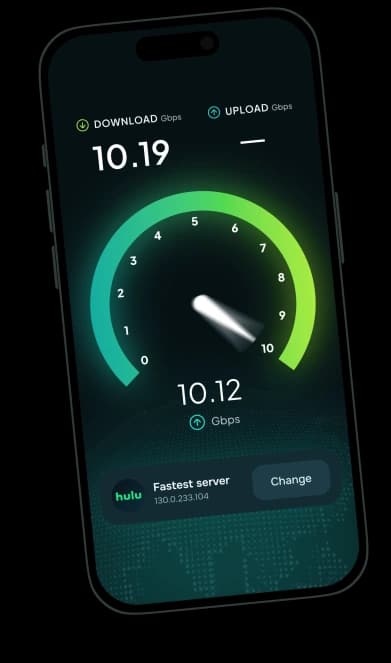
Reconnect quickly to servers in 49+ countries with connections of up to 10 Gbps and no data caps.
Our support team is available around the clock, and website purchases come with a 30-day money-back guarantee.

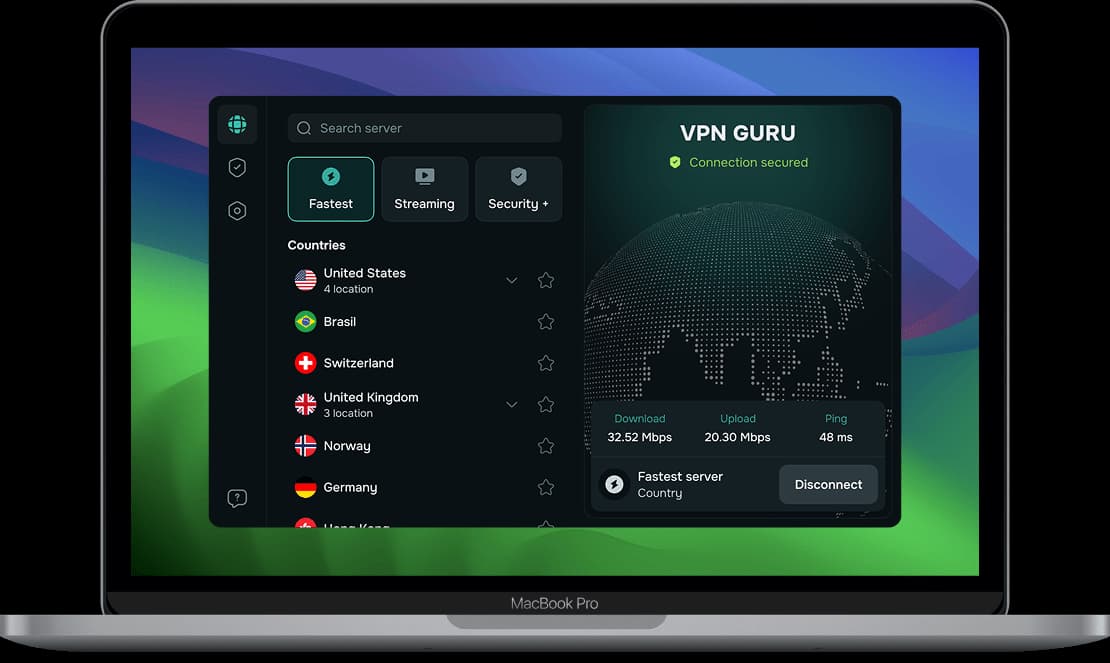
Looking for a VPN with a kill switch on Android or iPhone? Guru VPN apps are available for Windows, macOS, iOS and Android, and one subscription covers up to 10 devices. Our Windows and macOS apps don't include a kill switch.
Kill Switch is available on iOS and Android.
Download Guru VPN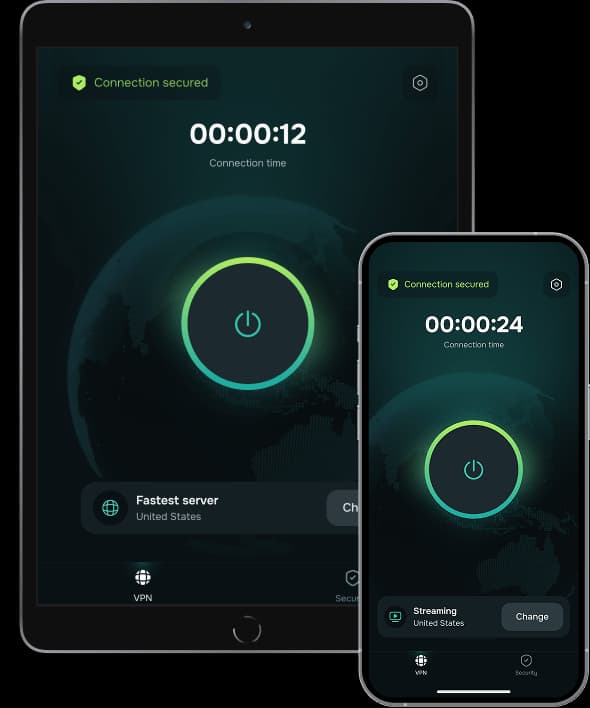


Choose the plan that fits your needs. All Guru VPN plans include unlimited bandwidth, access to all servers, apps for all devices, strong encryption, a strict no‑logs policy, and 24/7 customer support.
$0.99 for the first 7 days, then $6.99/week
Ideal for short‑term use or trying Guru VPN with minimal cost.
Plan includes:
Perfect for long‑term protection with the biggest savings.
Plan includes:
$11.99 billed monthly
Flexible, commitment‑free protection.
Plan includes:

During a drive across the Prairies I used Guru VPN whenever I stopped at motels with open Wi‑Fi, and the app connected quickly each time and kept my email access private.
lectures from a university portal that blocks some regions, and since switching to a suggested server the streams load quickly and stay smooth.
After noticing my kids often connect to random Wi‑Fi at malls, I added Guru VPN to their phones and showed them the single connect button, and now they enable it before watching videos or using social apps in public places.
auto-connect on certain networks, so once configured, I don't have to think about it. It provides constant, silent protection in the background. I've never seen that feature before.
I use this app daily for streaming, and it never buffers. It's super fast, super secure, and I love that it doesn’t log anything. One tap and I’m fully protected! Couldn’t ask for more!
layer of security when accessing corporate dashboards from home, and it now connects automatically before I log in to any work system or cloud service.
The way this VPN works, I'd say it is perfect for everyday use! Whether I’m shopping online or watching geo-restricted media, Guru VPN keeps me anonymous and connected. Simple, trustworthy, and effective.
On my daily train cọmmute I open Guru VPN, hit the single button, and read emails over the train Wi‑Fi knowing my connection is encrypted the entire ride.
every millisecond counts. This VPN's optimized servers actually improved my ping. I connect to a location closer to the game host, and my latency drops noticeably.
As someone who works remotely, I rely on VPNGuru every day to secure my connection. It’s fast, stable, and I’ve never had an issue with dropped connections.
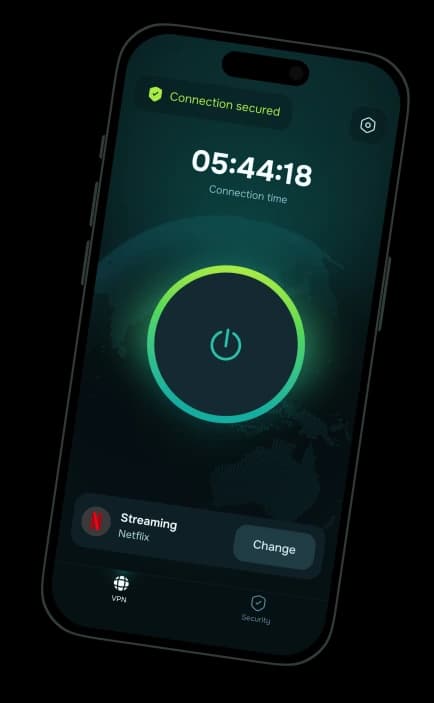
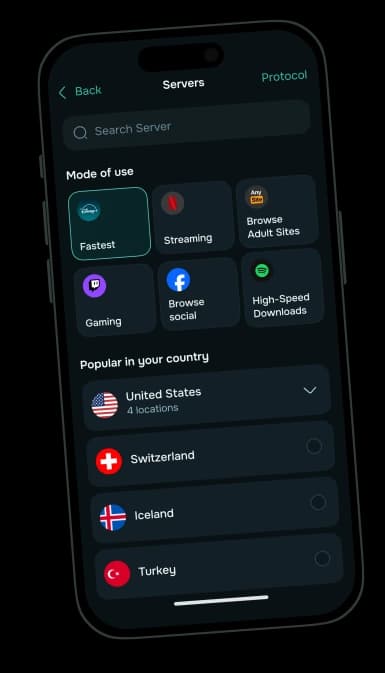
Kill Switch in Guru VPN for iOS and Android. 30-day money-back guarantee on website purchases.
30-day money-back guarantee


