
 EN
 BR
 DE
 ES
 FR
 RU
 ID
 TR
 IT
 JP
 SA
 VN
 TH
 KR


Thanks
During a drive across the Prairies I used Guru VPN whenever I stopped at motels with open Wi‑Fi, and the app connected quickly each time and kept my email access private.
Guru VPN encrypts the traffic leaving your device with ChaCha20, a modern cipher built for speed on phones, tablets and laptops. Your internet provider, the Wi-Fi owner and anyone else on the network see scrambled data instead of your activity.
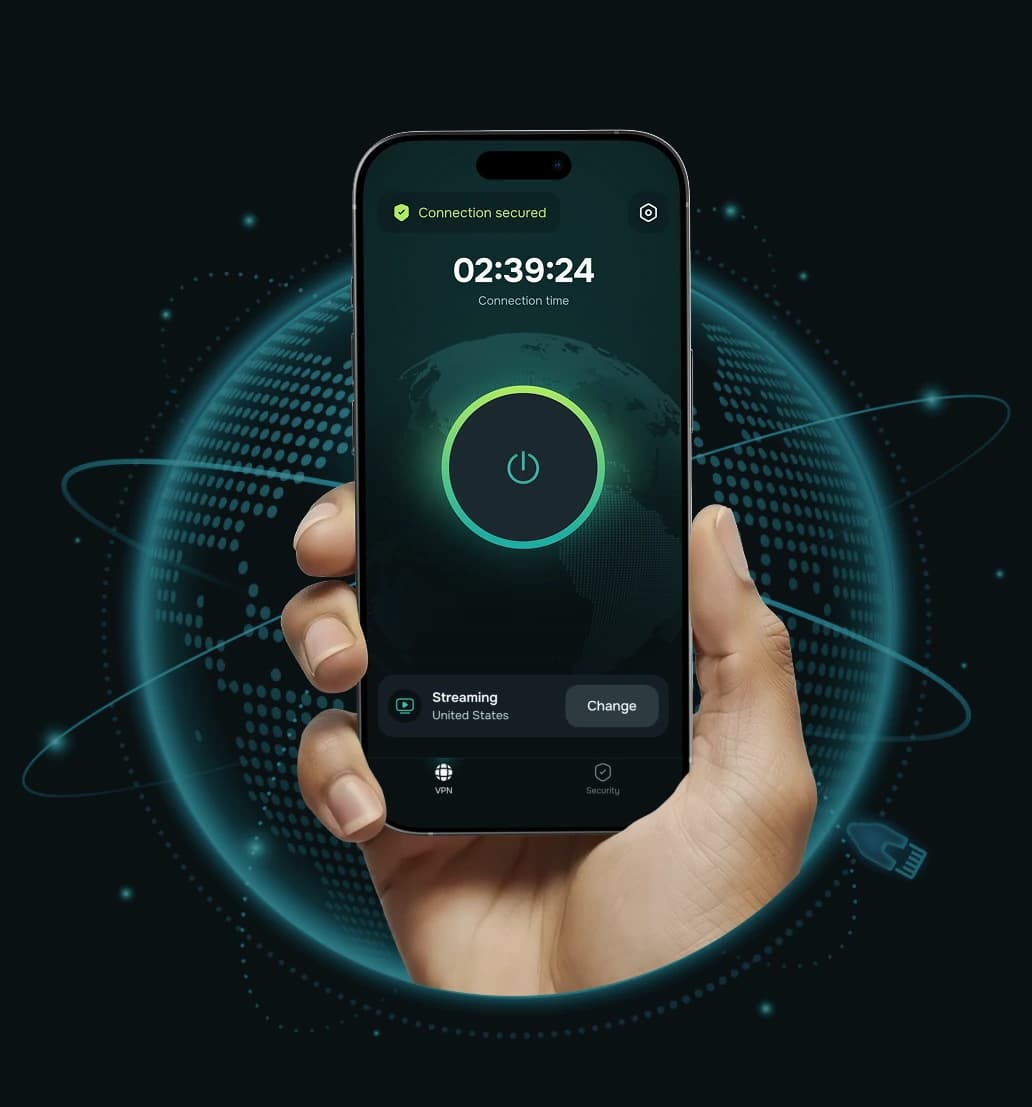


VPN encryption is the process of turning your internet traffic into unreadable code before it leaves your device. Only your device and the VPN server hold the keys to turn it back into normal data, so anyone who intercepts it along the way sees nothing useful.
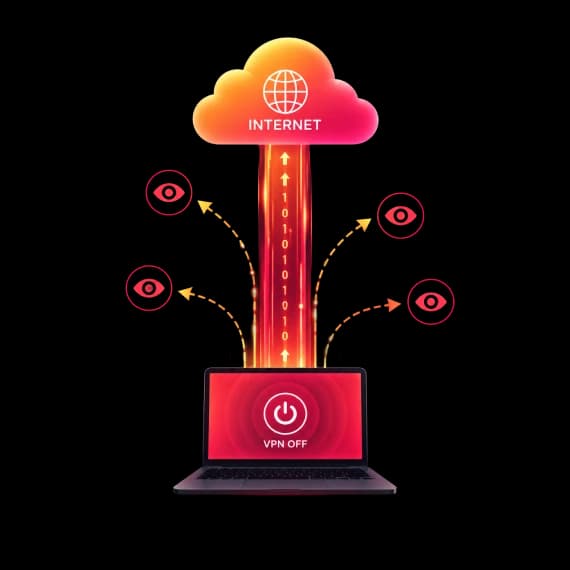
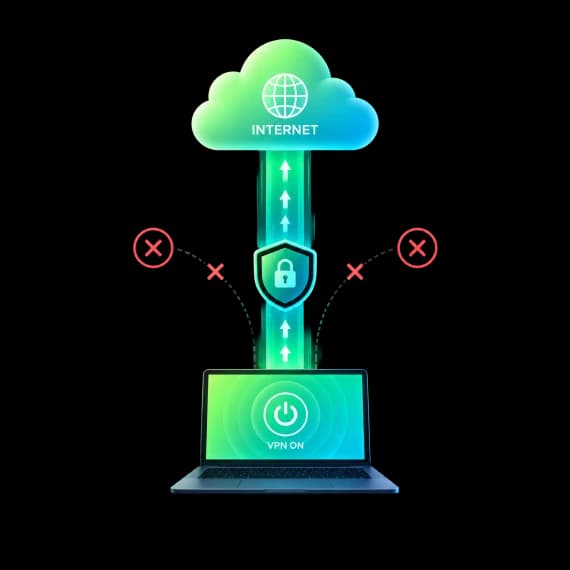
Without a VPN, much of what you do online passes through your internet provider and the local network in a form they can observe: which sites you connect to, when, and for how long. With VPN encryption switched on, that traffic travels inside a protected tunnel. The network still carries it, but it can no longer tell what is inside.
Every time you connect, Guru VPN builds an encrypted tunnel between your device and a VPN server. This VPN tunnel encryption keeps everything inside the tunnel unreadable to anyone in between.
 Step 1
You open an app or a website. Before anything leaves your device, the Guru VPN app encrypts it with ChaCha20 using keys created for your session.
 Step 2
The encrypted data travels through your Wi-Fi or mobile network and your internet provider. They can see that you are connected to a VPN, but not which sites you visit or what you send.
 Step 3
The server decrypts your traffic and sends it on to its destination using the server's IP address instead of yours.
 Step 4
Websites and apps reply to the VPN server, which encrypts the response and sends it back through the tunnel to your device, where it is decrypted for you.
Data is encrypted between your device and the VPN server. From the server to a website, protection depends on the site itself, which is why HTTPS still matters.
A VPN connection relies on several kinds of cryptography working together, and Guru VPN picks the right pieces for speed and safety. So does a VPN use symmetric or asymmetric encryption? Both: asymmetric cryptography to set up the connection securely, symmetric encryption to protect the data you send.
The same secret key locks and unlocks the data. It is fast, so it is used for the traffic itself. ChaCha20 and AES are both symmetric ciphers.

A pair of public and private keys lets your device and the server agree on a shared secret without ever sending it over the network. That secret then powers the symmetric cipher.

Each encrypted packet carries a cryptographic check. If anyone alters the data in transit, the check fails and the packet is rejected.
Many phones, tablets and budget laptops have no special hardware for AES. On these devices ChaCha20 typically encrypts faster, so you get strong protection without a sluggish connection.

Lightweight encryption means less work for your processor, so the VPN runs smoothly in the background while you browse, stream or work.

The app picks between WireGuard® and GuruShadow™ automatically. GuruShadow is our own VLESS-based protocol designed to make VPN traffic harder to detect and block.
Turning on VPN encryption takes less than a minute.
Pick the plan that suits you and create your Guru VPN account.

Install Guru VPN on Windows, macOS, iOS or Android and sign in.

Tap connect. The app picks a protocol automatically and your traffic is encrypted with ChaCha20 right away.

Encryption is a powerful privacy tool, but it is not a cure-all. Here is an honest picture of what it changes.
 Encryption hides from your ISP and Wi-Fi owner |  Encryption doesn't protect you from |
|---|---|
| The websites and online services you visit | Phishing pages and scam messages that trick you into handing over details |
| The content of your traffic: messages, searches, files and forms | Malware you install yourself or that is already on your device |
| Your real IP address from the sites you visit (they see the VPN server's IP) | Weak or reused passwords and accounts without two-factor authentication |
| Your activity from other people on the same public Wi-Fi | Cookies and logged-in sessions that let sites recognise you |
Both ciphers are considered secure today. The real difference is how efficiently they run on the device in your hand.
| ChaCha20 (Guru VPN) | AES-256 | |
|---|---|---|
Cipher type | Symmetric stream cipher | Symmetric block cipher |
Key length | 256-bit | 256-bit |
Devices without AES hardware support | Typically faster, runs efficiently in software | Typically slower without dedicated hardware |
Devices with AES hardware support | Fast | Fast |
Where it's used | WireGuard®, HTTPS on the modern web | Many VPN protocols, HTTPS, disk encryption |
Best fit | Mobile devices and mixed hardware | Desktops and servers with AES acceleration |
If you have been looking for the best VPN with AES-256 encryption, ChaCha20 offers the same 256-bit key length and is a strong choice, especially if you use a VPN mostly on your phone.

ChaCha20 is a modern 256-bit stream cipher that has been widely analysed by the security community and is used across the internet, including in HTTPS connections.
WireGuard uses ChaCha20 together with Poly1305 authentication, so encrypted data is also checked for tampering before it is accepted.


DNS and IP leak protection keeps your DNS requests and real IP inside the encrypted tunnel.
If the connection drops, Kill Switch stops your phone's traffic from leaving unencrypted until the tunnel is back.

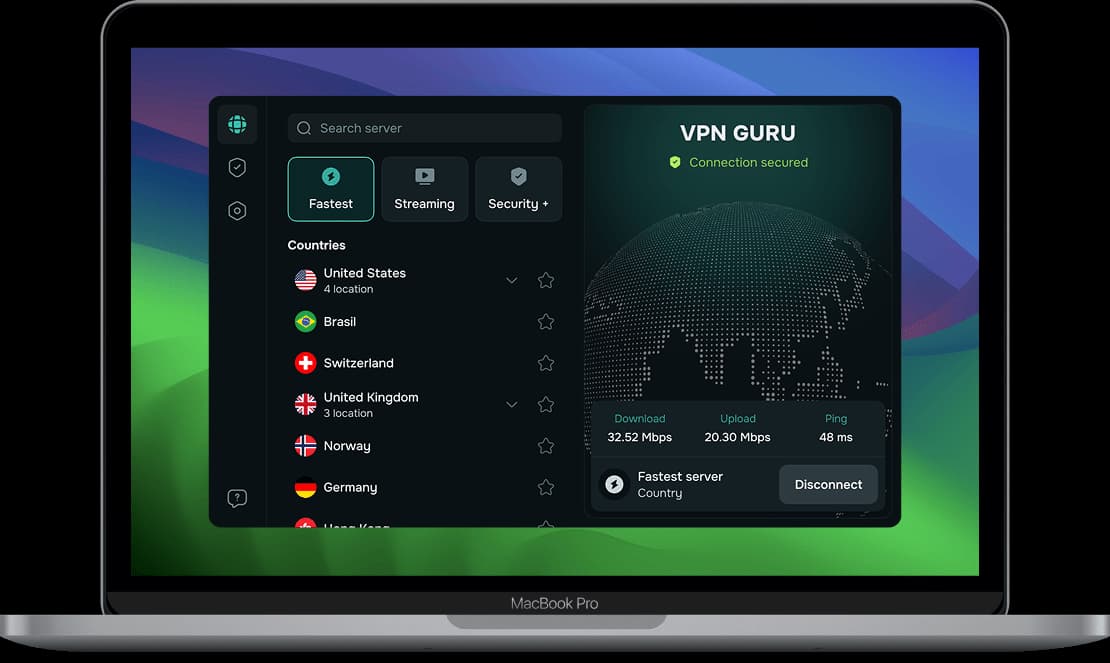
Servers in 49+ countries with connections up to 10 Gbps and unlimited bandwidth, so encryption doesn't hold you back.
Protect up to 10 devices with one subscription. ChaCha20 encryption works the same way on every app.
ChaCha20 encryption is available on Windows, macOS, iOS and Android.
Download Guru VPN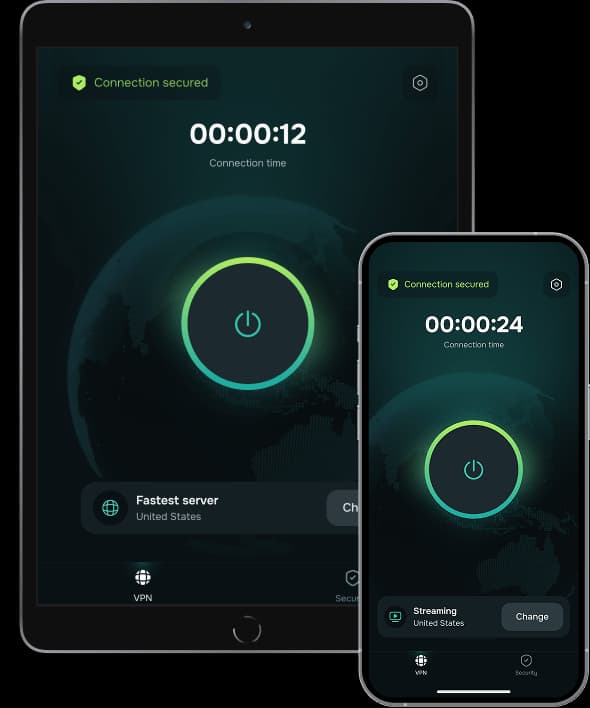


Choose the plan that fits your needs. All Guru VPN plans include unlimited bandwidth, access to all servers, apps for all devices, strong encryption, a strict no‑logs policy, and 24/7 customer support.
$0.99 for the first 7 days, then $6.99/week
Ideal for short‑term use or trying Guru VPN with minimal cost.
Plan includes:
Perfect for long‑term protection with the biggest savings.
Plan includes:
$11.99 billed monthly
Flexible, commitment‑free protection.
Plan includes:

During a drive across the Prairies I used Guru VPN whenever I stopped at motels with open Wi‑Fi, and the app connected quickly each time and kept my email access private.
lectures from a university portal that blocks some regions, and since switching to a suggested server the streams load quickly and stay smooth.
After noticing my kids often connect to random Wi‑Fi at malls, I added Guru VPN to their phones and showed them the single connect button, and now they enable it before watching videos or using social apps in public places.
auto-connect on certain networks, so once configured, I don't have to think about it. It provides constant, silent protection in the background. I've never seen that feature before.
I use this app daily for streaming, and it never buffers. It's super fast, super secure, and I love that it doesn’t log anything. One tap and I’m fully protected! Couldn’t ask for more!
layer of security when accessing corporate dashboards from home, and it now connects automatically before I log in to any work system or cloud service.
The way this VPN works, I'd say it is perfect for everyday use! Whether I’m shopping online or watching geo-restricted media, Guru VPN keeps me anonymous and connected. Simple, trustworthy, and effective.
On my daily train cọmmute I open Guru VPN, hit the single button, and read emails over the train Wi‑Fi knowing my connection is encrypted the entire ride.
every millisecond counts. This VPN's optimized servers actually improved my ping. I connect to a location closer to the game host, and my latency drops noticeably.
As someone who works remotely, I rely on VPNGuru every day to secure my connection. It’s fast, stable, and I’ve never had an issue with dropped connections.
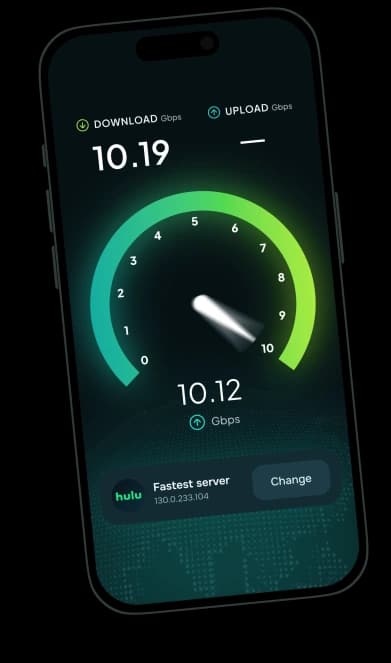
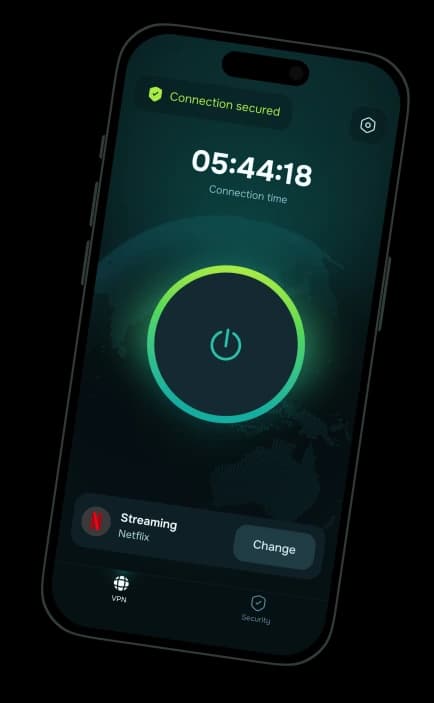
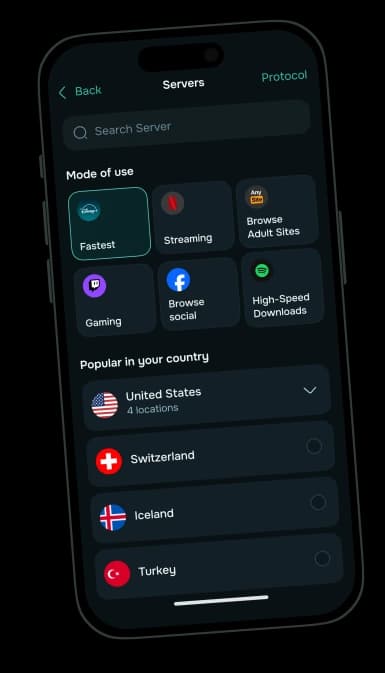
ChaCha20 encryption, automatic protocol selection and apps for every device you use.
30-day money-back guarantee


