
 EN
 BR
 DE
 ES
 FR
 RU
 ID
 TR
 IT
 JP
 SA
 VN
 TH
 KR


Thanks
During a drive across the Prairies I used Guru VPN whenever I stopped at motels with open Wi‑Fi, and the app connected quickly each time and kept my email access private.
Your phone jumps between home Wi-Fi, café hotspots and mobile data all day. Guru VPN keeps every connection encrypted and your IP private, with one tap to connect.
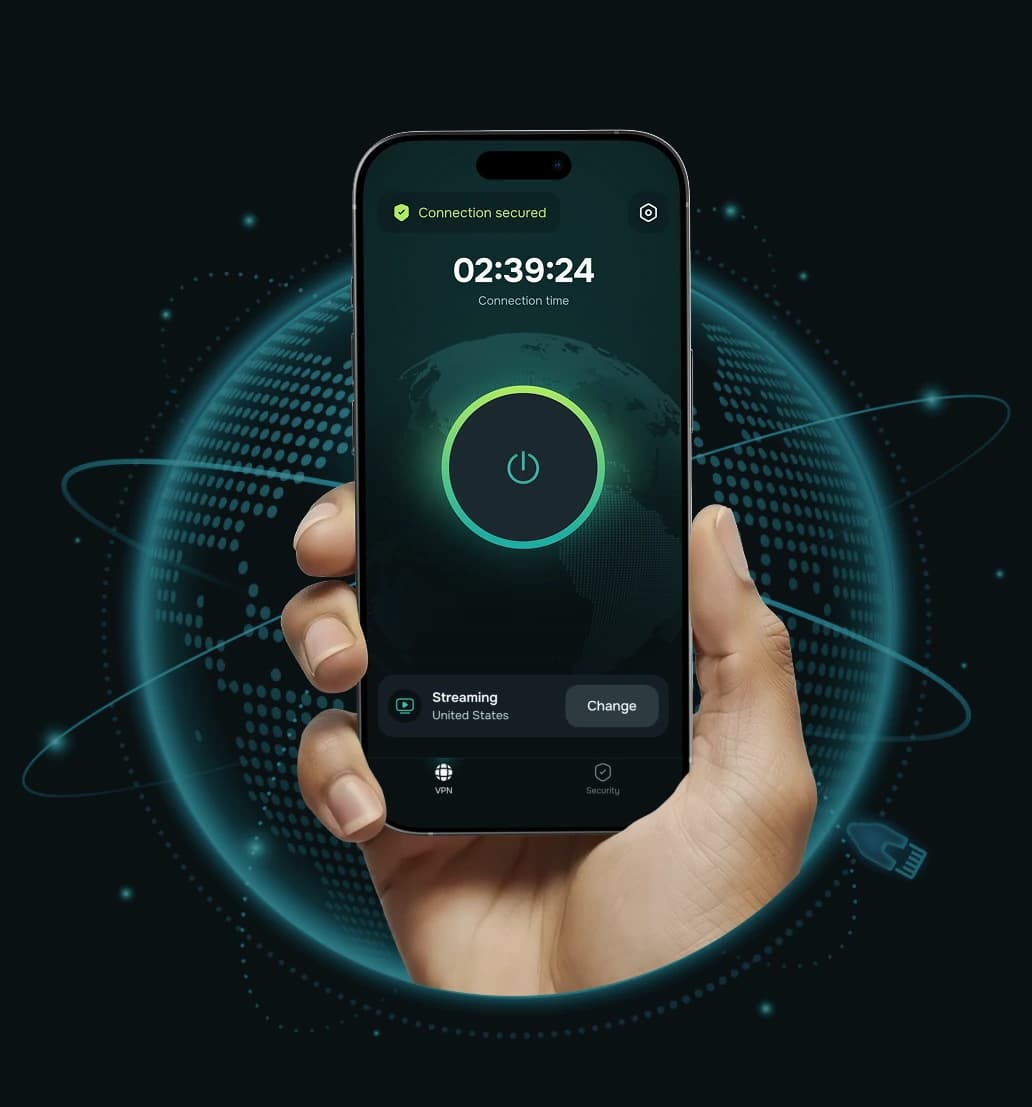


A mobile VPN is a VPN app built for mobile phones and tablets. It creates an encrypted tunnel between your device and a VPN server, so apps and websites see the server's IP address instead of yours, and the network you're on can't read your traffic. If you're wondering about the VPN meaning in mobile terms: VPN stands for virtual private network, and on a phone it's simply the app that keeps your connection private on every network your phone joins.
Unlike a desktop VPN, a mobile VPN has to cope with constant network changes — leaving Wi-Fi, switching cell towers, waking from sleep. Guru VPN's iOS and Android apps are designed for exactly that, and add phone-specific tools such as Kill Switch and split tunneling.
The same protection follows your phone from one network to the next.
 Step 1
Open the app and tap Connect — or choose a specific country from the server list.
 Step 2
Guru VPN chooses between WireGuard® and GuruShadow™ for the network you're on. GuruShadow™ is designed to make VPN traffic harder to detect and block.
 Step 3
Browsers, messengers and apps send traffic through an encrypted tunnel on Wi-Fi and mobile data alike.
 Step 4
If the connection drops in a lift, a tunnel or between Wi-Fi and mobile data, Kill Switch pauses internet access until the tunnel is back.
Split tunneling lets you choose which apps and websites use the VPN — for example, keep banking or local apps on your regular connection.
Phones connect to more networks than any other device, which makes them the easiest place for your data to leak.

Airport, hotel and café hotspots are shared with strangers. Encryption keeps your logins and messages unreadable on the network.
Your carrier can see which sites you visit. With a VPN, it sees only an encrypted connection to a VPN server.

Apps and websites see a VPN server's IP and country, not the one tied to your phone and location.

The built-in ad blocker filters many ads, trackers and malicious websites in your mobile browser and apps.

Connect to a server in 49+ countries to keep using the services you rely on at home.

Parental controls block adult content and malicious websites on kids' phones and tablets.

Guru VPN protects your phone the same way on any connection it uses — hotspot or cellular. On public Wi-Fi it encrypts your traffic on open and shared hotspots and hides the sites you visit from the network owner. On mobile data it keeps your browsing private from your carrier.
Some networks and countries restrict VPNs. Follow local laws and the rules of the network you're connected to.

We'd rather be straight with you: any VPN does a little extra work on your phone. Encryption uses some processing power and adds a small overhead, so battery and data use can be slightly higher while connected. Guru VPN doesn't limit your traffic — bandwidth is unmetered — but your carrier's data allowance still applies.
Tips to save battery and data:
Download the VPN app on mobile and you're protected in under a minute.
Get Guru VPN from the App Store on iPhone and iPad or from Google Play on Android.

New users can start the 3-day free trial in the app; existing subscribers just log in. Allow the VPN configuration when your phone asks.

Choose a country or use the recommended server. A VPN icon in the status bar shows you're protected.


More than 1.5M downloads and a 4.7 App Store rating from people who use it on their phones every day.
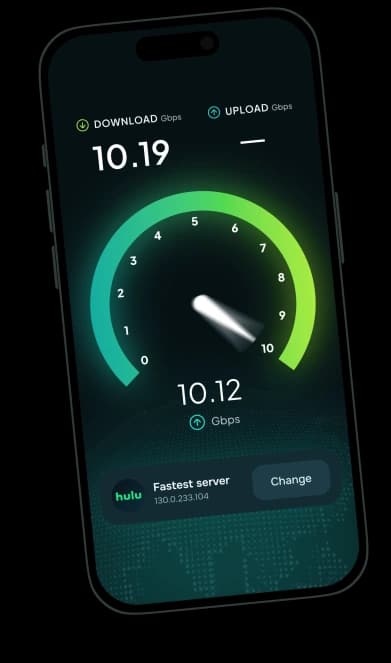
Server connections up to 10 Gbps and unlimited bandwidth for streaming, calls and downloads on the go.


We don't store your traffic, the pages and full URLs you open, or a browsing history tied to you. Our connection records don't include your real IP address, and our VPN servers run in RAM only. Guru VPN is run by GURU NETWORK S.R.L. in Romania and operates under GDPR.
Protect up to 10 devices — phones, tablets and your Windows or macOS computers — on one plan.

Our support team is available 24/7, right from the app.
Start on your phone and use the same subscription on your tablet and computers — up to 10 devices.
Kill Switch and split tunneling are available on iOS and Android.
Download Guru VPN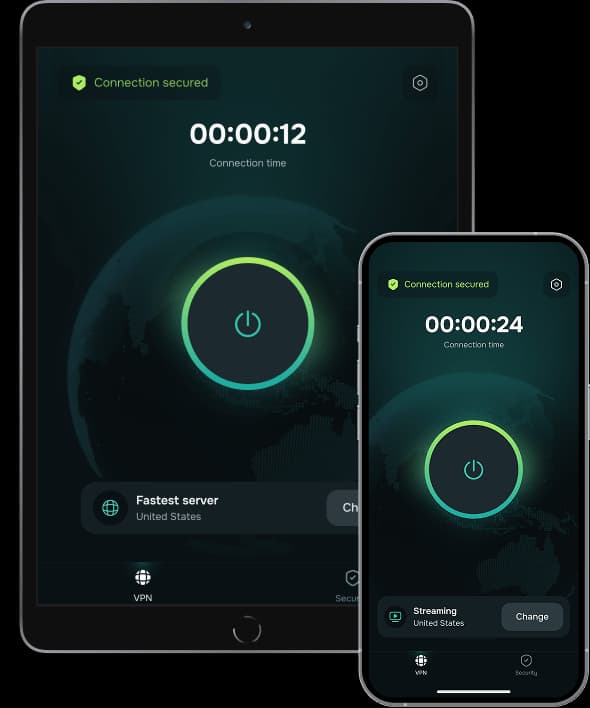
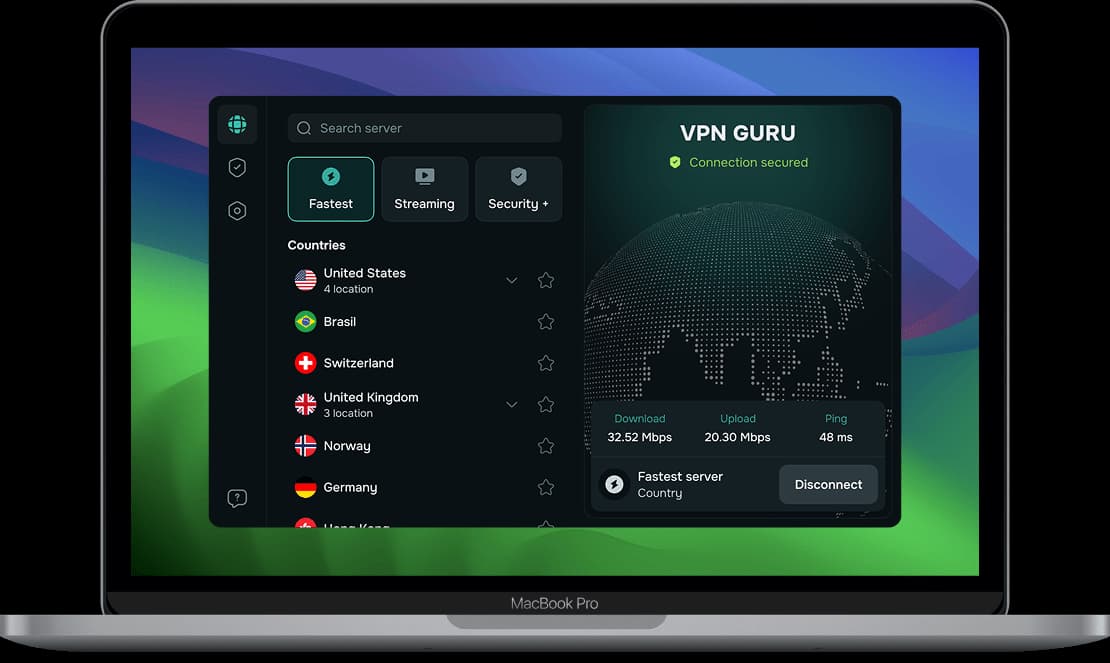
Choose the plan that fits your needs. All Guru VPN plans include unlimited bandwidth, access to all servers, apps for all devices, strong encryption, a strict no‑logs policy, and 24/7 customer support.
$0.99 for the first 7 days, then $6.99/week
Ideal for short‑term use or trying Guru VPN with minimal cost.
Plan includes:
Perfect for long‑term protection with the biggest savings.
Plan includes:
$11.99 billed monthly
Flexible, commitment‑free protection.
Plan includes:

During a drive across the Prairies I used Guru VPN whenever I stopped at motels with open Wi‑Fi, and the app connected quickly each time and kept my email access private.
lectures from a university portal that blocks some regions, and since switching to a suggested server the streams load quickly and stay smooth.
After noticing my kids often connect to random Wi‑Fi at malls, I added Guru VPN to their phones and showed them the single connect button, and now they enable it before watching videos or using social apps in public places.
auto-connect on certain networks, so once configured, I don't have to think about it. It provides constant, silent protection in the background. I've never seen that feature before.
I use this app daily for streaming, and it never buffers. It's super fast, super secure, and I love that it doesn’t log anything. One tap and I’m fully protected! Couldn’t ask for more!
layer of security when accessing corporate dashboards from home, and it now connects automatically before I log in to any work system or cloud service.
The way this VPN works, I'd say it is perfect for everyday use! Whether I’m shopping online or watching geo-restricted media, Guru VPN keeps me anonymous and connected. Simple, trustworthy, and effective.
On my daily train cọmmute I open Guru VPN, hit the single button, and read emails over the train Wi‑Fi knowing my connection is encrypted the entire ride.
every millisecond counts. This VPN's optimized servers actually improved my ping. I connect to a location closer to the game host, and my latency drops noticeably.
As someone who works remotely, I rely on VPNGuru every day to secure my connection. It’s fast, stable, and I’ve never had an issue with dropped connections.
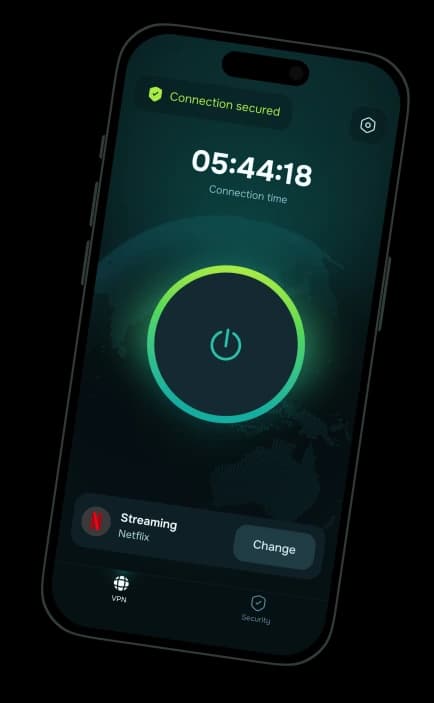
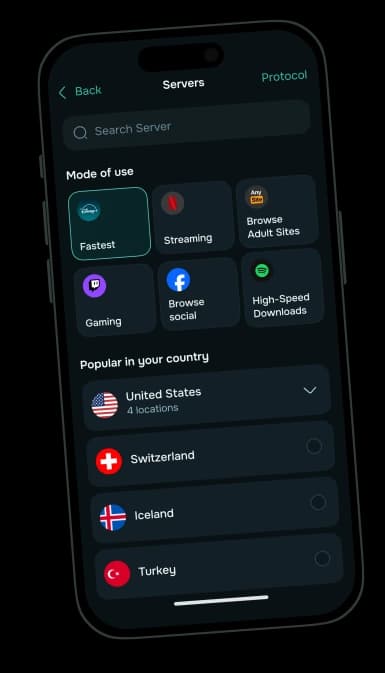
Download Guru VPN for iOS or Android and try it free for 3 days.
30-day money-back guarantee


