
 EN
 BR
 DE
 ES
 FR
 RU
 ID
 TR
 IT
 JP
 SA
 VN
 TH
 KR


Thanks
During a drive across the Prairies I used Guru VPN whenever I stopped at motels with open Wi‑Fi, and the app connected quickly each time and kept my email access private.
Guru VPN encrypts your connection and filters out ads, trackers and known malicious websites before they load. One switch in the app, and it works across your browsers and apps on Windows, macOS, iOS and Android.
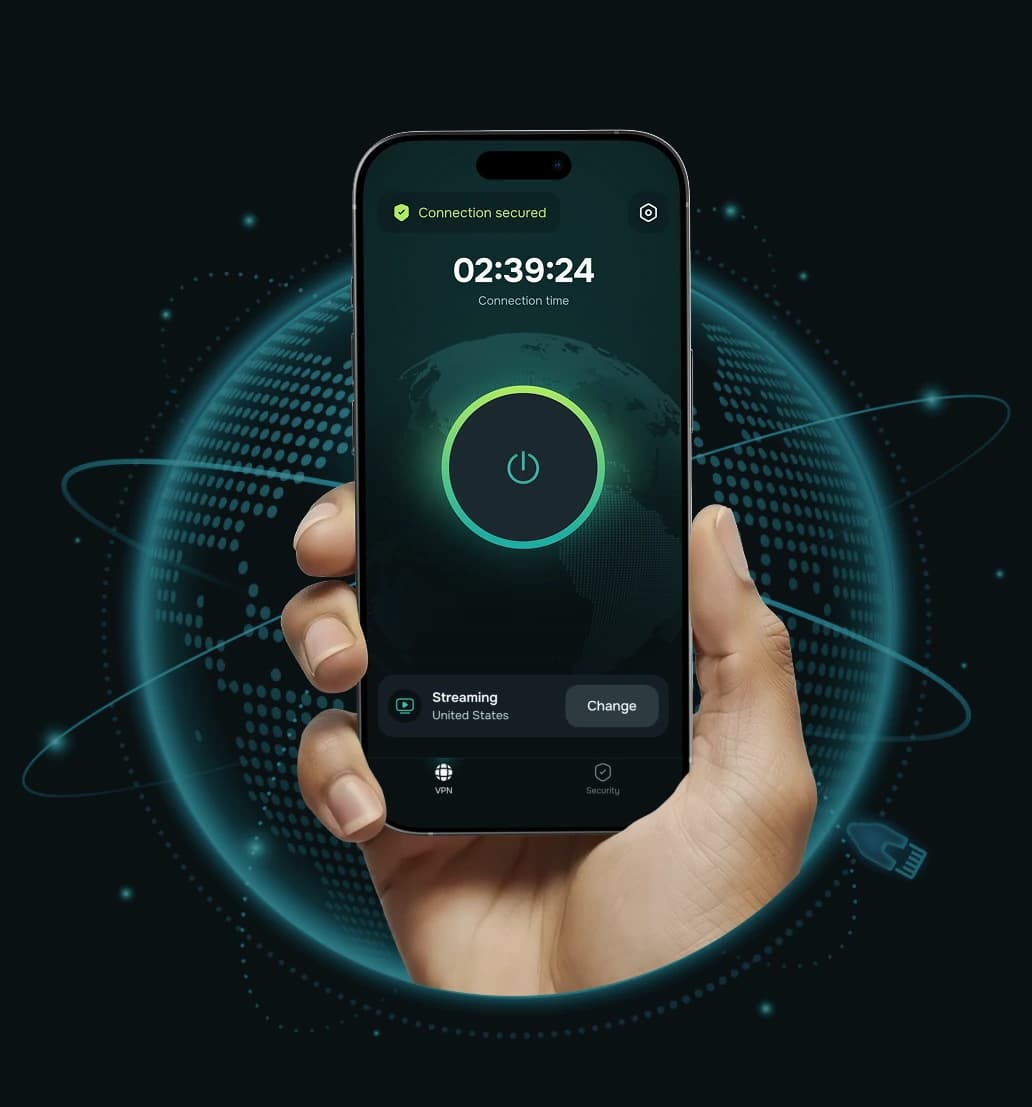


A VPN ad blocker combines two things in one app: an encrypted VPN tunnel that hides your traffic and real IP address from your network, and a filter that stops requests to known ad, tracking and malicious domains. Because the filtering happens on the connection itself, it does not depend on a single browser. Pages, apps and games that call ad or tracker servers simply get nothing back.
The result is cleaner pages, fewer pop-ups and less of your activity being passed between advertising networks, all while your connection stays encrypted.
The filter sits inside your VPN connection, so unwanted requests are stopped on the way out, before anything is downloaded.
 Step 1
A website or app tries to load its content, along with ad banners, tracking scripts and third-party calls.
 Step 2
Your traffic travels through an encrypted ChaCha20 tunnel to a Guru VPN server.
 Step 3
Requests to known ad networks, trackers and malicious websites are stopped before anything is downloaded.
 Step 4
The page or app loads without those elements, so you see less clutter and share less data.
The ad blocker works while you are connected to Guru VPN.
A VPN protects your connection; the ad blocker cleans up what comes through it. Together they cover more than either one alone.
Fewer banners, pop-ups and auto-playing ad slots mean you can read and scroll without constant interruptions.

Blocking tracking scripts limits how much ad networks learn about your browsing habits across different sites.

Known phishing and malicious websites are stopped before they open, which lowers the risk of a bad click.

When ads and scripts aren't downloaded, pages often load with less data, which helps on mobile plans.

Filtering applies to your whole connection, so it also covers in-app ads and trackers that browser add-ons can't reach.

The VPN replaces your real IP address with a server IP, so you hide your IP address from trackers and give them one less way to identify you.
It takes less than a minute to set up on any device.
Install the app on Windows, macOS, iOS or Android and sign in to your account.

Open the app settings and switch on Ad Blocker. The setting is saved for future sessions.

Tap connect. Ads, trackers and malicious websites are filtered as long as the VPN is on.

A clear picture of what to expect, so there are no surprises.
 What it blocks |  What it doesn't do |
|---|---|
| Banner, pop-up and display ads served from known ad networks | It can't remove every ad: ads served from the same source as the video or post, such as some YouTube and social media ads, may still appear |
| Third-party trackers and analytics scripts that follow you between sites | It doesn't replace antivirus software or remove malware already on your device |
| Known malicious, phishing and scam websites | It doesn't stop a site you are logged into from seeing what you do on that site |
| Ad and tracker requests inside mobile apps, not just in the browser | Occasionally a site may not work correctly with blocking on; you can switch the blocker off in one tap |
Browser extensions and a VPN ad blocker solve different problems. Many people use both.
| Capability | Browser extension | Guru VPN ad blocker |
|---|---|---|
Blocks ads in one browser | Yes | Yes |
Blocks ads and trackers in other apps | No | Yes |
Works on phones without extension support | Limited | Yes |
Blocks known malicious websites | Depends on extension | Yes |
Hides cosmetic leftovers on the page | Often yes | Sometimes leaves empty spaces |
Encrypts your traffic | No | Yes |
Hides your IP address | No | Yes |

The ad blocker is available in Guru VPN for Windows, macOS, iOS and Android, and one subscription covers up to 10 devices.
Your traffic is protected with ChaCha20 encryption over WireGuard® or our GuruShadow™ protocol. The app picks the protocol for you.


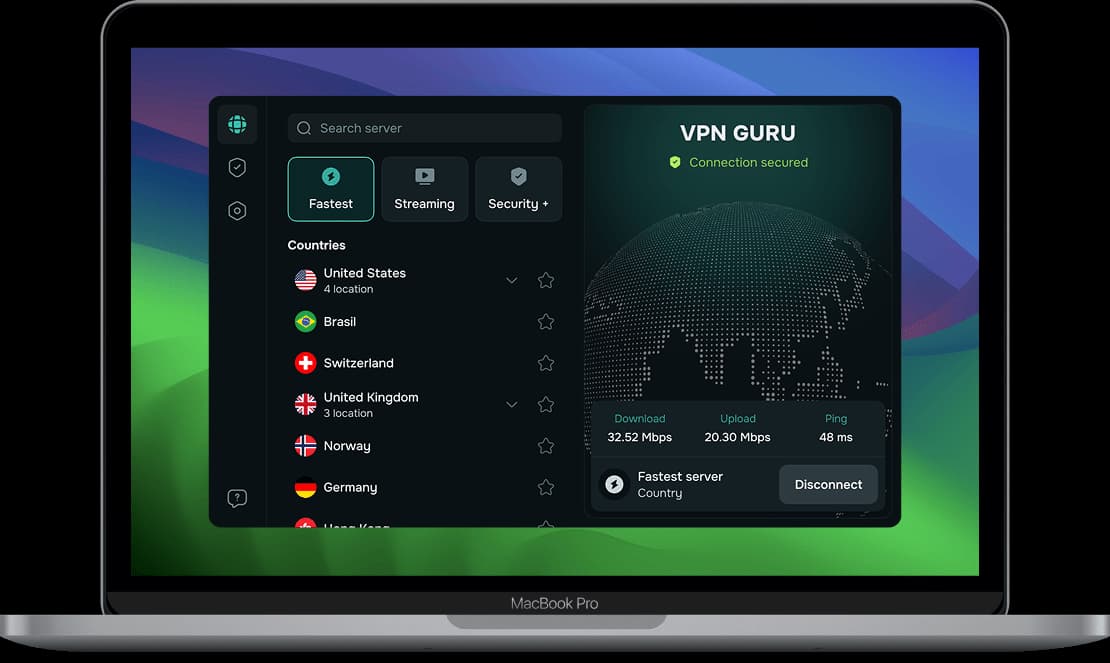
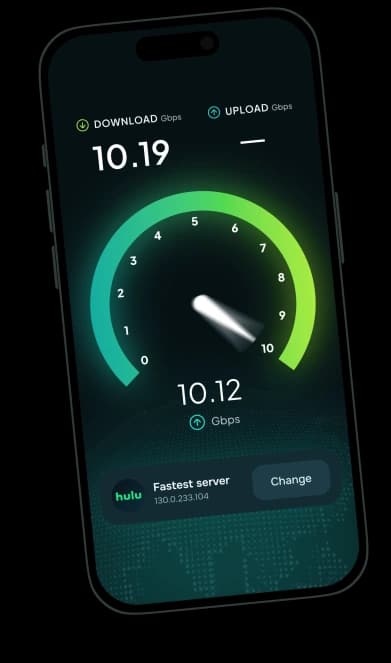
Bandwidth is unlimited, and servers in 49+ countries offer connections of up to 10 Gbps.
We don't store your traffic, the pages and full URLs you open, or a browsing history tied to you. Our connection records don't include your real IP address, and our VPN servers run in RAM only. The details are in our No-Logs Policy.

If a site misbehaves, turn the blocker off in settings, finish what you're doing and turn it back on. No extensions to manage.
Use the Guru VPN ad blocker on your computer, phone and tablet, with up to 10 devices on one subscription.
Ad Blocker is available on Windows, macOS, iOS and Android.
Download Guru VPN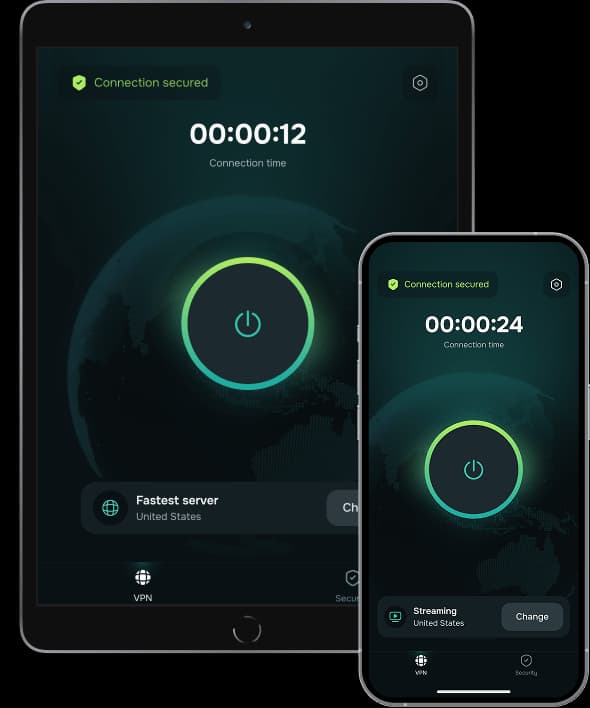
Choose the plan that fits your needs. All Guru VPN plans include unlimited bandwidth, access to all servers, apps for all devices, strong encryption, a strict no‑logs policy, and 24/7 customer support.
$0.99 for the first 7 days, then $6.99/week
Ideal for short‑term use or trying Guru VPN with minimal cost.
Plan includes:
Perfect for long‑term protection with the biggest savings.
Plan includes:
$11.99 billed monthly
Flexible, commitment‑free protection.
Plan includes:

During a drive across the Prairies I used Guru VPN whenever I stopped at motels with open Wi‑Fi, and the app connected quickly each time and kept my email access private.
lectures from a university portal that blocks some regions, and since switching to a suggested server the streams load quickly and stay smooth.
After noticing my kids often connect to random Wi‑Fi at malls, I added Guru VPN to their phones and showed them the single connect button, and now they enable it before watching videos or using social apps in public places.
auto-connect on certain networks, so once configured, I don't have to think about it. It provides constant, silent protection in the background. I've never seen that feature before.
I use this app daily for streaming, and it never buffers. It's super fast, super secure, and I love that it doesn’t log anything. One tap and I’m fully protected! Couldn’t ask for more!
layer of security when accessing corporate dashboards from home, and it now connects automatically before I log in to any work system or cloud service.
The way this VPN works, I'd say it is perfect for everyday use! Whether I’m shopping online or watching geo-restricted media, Guru VPN keeps me anonymous and connected. Simple, trustworthy, and effective.
On my daily train cọmmute I open Guru VPN, hit the single button, and read emails over the train Wi‑Fi knowing my connection is encrypted the entire ride.
every millisecond counts. This VPN's optimized servers actually improved my ping. I connect to a location closer to the game host, and my latency drops noticeably.
As someone who works remotely, I rely on VPNGuru every day to secure my connection. It’s fast, stable, and I’ve never had an issue with dropped connections.
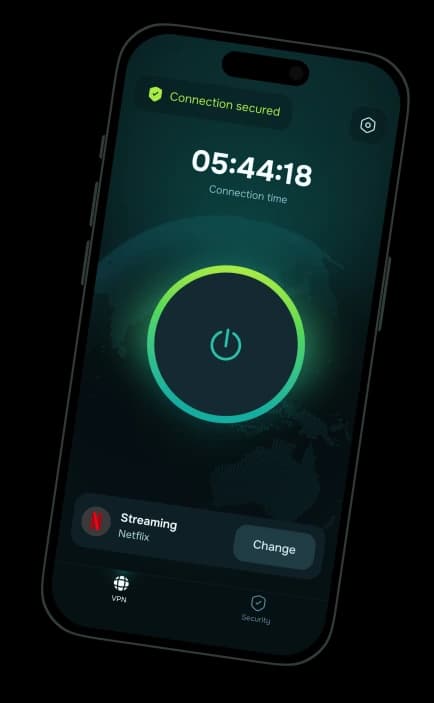
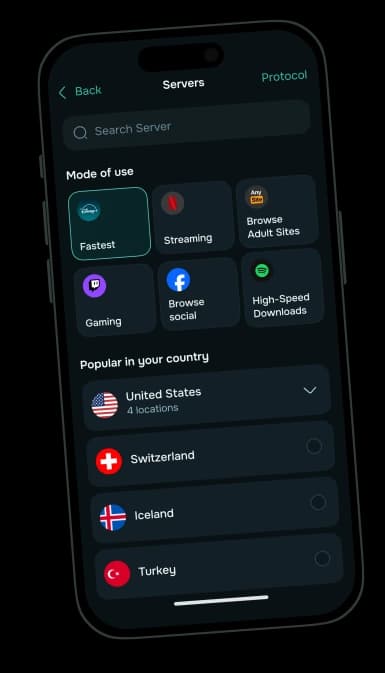
Turn on the Guru VPN ad blocker and browse cleaner on every device.
30-day money-back guarantee


