 EN
EN BR
BR DE
DE ES
ES FR
FR RU
RU ID
ID TR
TR IT
IT JP
JP SA
SA VN
VN TH
TH KR
KR
When and Why to Use a VPN: Real Benefits, Real Limitations

 Key takeaways
- The core benefits of a vpn come down to two mechanisms: hiding your real IP address and encrypting your traffic, which together protect you on public Wi-Fi, prevent ISP throttling and tracking, and let you reach content or services tied to a different region.
- When to use a vpn is genuinely situational — public Wi-Fi, travel, remote work, and torrenting are strong use cases, while browsing at home on a trusted, already-encrypted connection benefits less dramatically.
- A VPN does not make you completely anonymous, does not replace antivirus software, and does not stop tracking that happens once you're logged into an account — these are real limitations worth knowing before you assume more protection than you're actually getting.
- Combining a VPN with Tor isn't automatically a good idea — in some setups it adds real value, and in others it just adds speed loss while asking you to trust one more party than Tor's design was built to avoid.
- Guru VPN covers the mechanisms that make the genuine benefits above possible — IP masking and encryption — without pretending to be a replacement for antivirus software or a magic anonymity switch.
Roughly 28% of people online in the US run a VPN at home, and in surveys, about two out of three name protecting their personal data as the main reason. Why do people use vpn tools in such large numbers, and vpn why use debates online keep circling back to the same short list of reasons. That's a lot of people relying on a single tool, which makes it worth asking plainly: why use a vpn in the first place, and when does it actually make a difference versus when is it just unnecessary overhead? This guide covers why use vpn arguments that actually hold up, walks through when to use a vpn scenario by scenario — public Wi-Fi, home networks, iPhone and mobile, even torrenting — and then does something most VPN content skips: an honest section on why you shouldn't use a vpn in certain situations, including the specific and often-misunderstood question of pairing a VPN together with Tor.
What Are the Benefits of a VPN?
What are the benefits of a vpn, stripped down to the two things actually doing the work? First, it replaces your visible IP address with the VPN server's, so websites, your ISP, and anyone monitoring the network you're on see the server's identity instead of yours. Second, it encrypts the traffic between your device and that server, so the contents of what you're sending and receiving are unreadable to anyone intercepting it along the way. Nearly every benefit people associate with using a VPN traces back to one or both of these two mechanisms. Whether you frame it as the benefits of using vpn tools generally, or ask more specifically what are the benefits of using a vpn day to day, the answer keeps coming back to the same pair of mechanisms doing all the actual work.
Privacy and Security Benefits
Should i use vpn privacy security benefits come down to this: your ISP can no longer see which sites you're visiting (only that you're connected to a VPN server), and anyone sharing a network with you — a coworker, a stranger on public Wi-Fi, a snooping neighbor — can't read your traffic even if they're technically on the same connection. This is the most consistently cited reason why people use a VPN in the first place.
Public Wi-Fi Protection
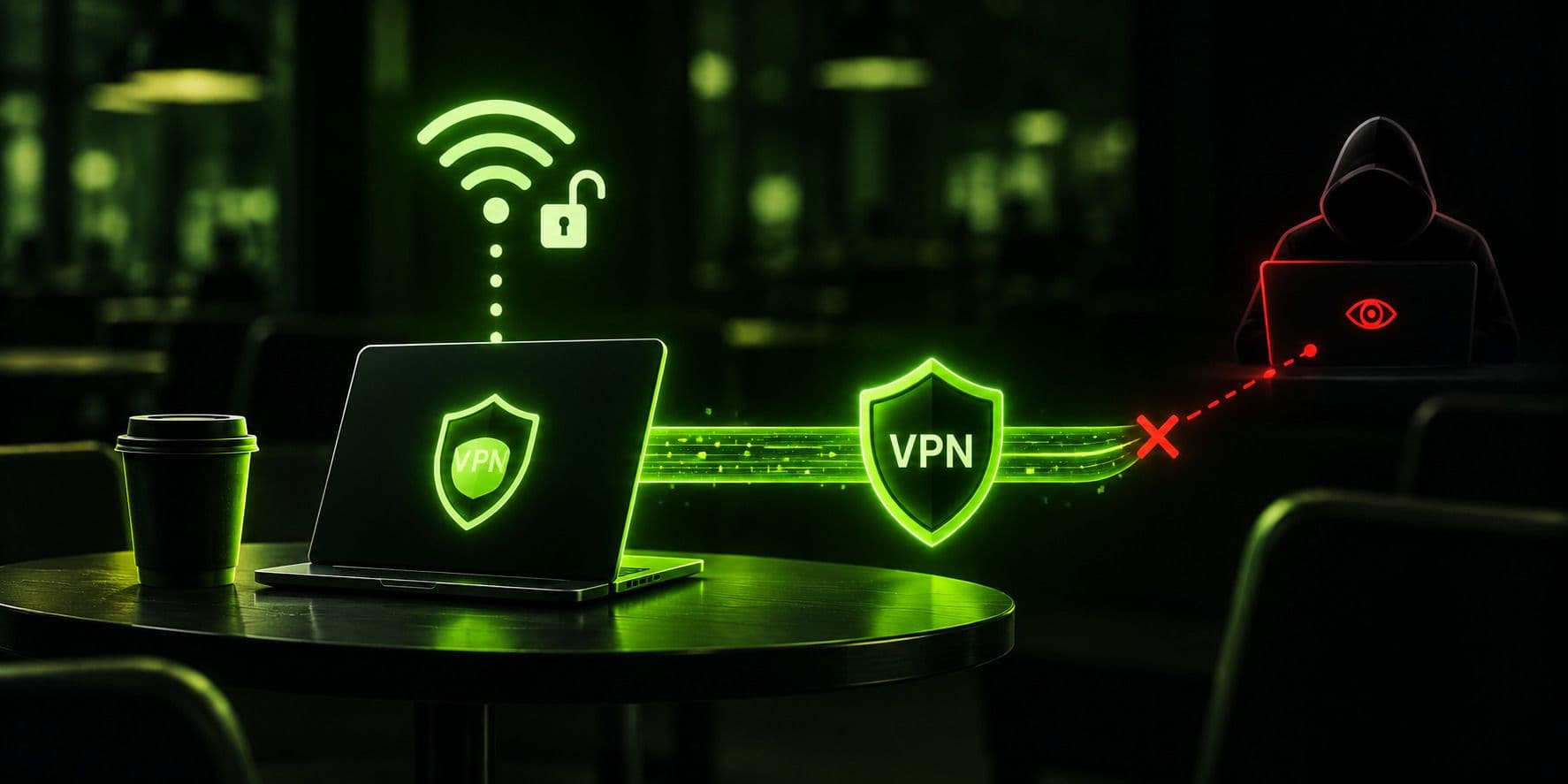
Open Wi-Fi networks at coffee shops, airports, and hotels are the scenario where a VPN's value is least abstract. Without encryption, anyone else on that same network with basic tools can potentially intercept unencrypted traffic — a risk borne out by surveys where roughly one in four people who've used public Wi-Fi say they've run into some kind of security problem while connected to one. A VPN's encryption makes that interception pointless regardless of how open or poorly secured the network itself is.
Avoiding ISP Throttling
Some internet providers slow down specific types of traffic — video streaming or large downloads, for instance — once they detect what you're doing. Since a VPN encrypts your traffic, your ISP can generally only see that you're connected to a VPN server, not what kind of traffic is flowing through it, which removes the basis most throttling decisions are made on.
Accessing Region-Specific Content
Connecting to a server in a different country makes your traffic appear to originate there, which is why a VPN is the standard way to reach home-region content while traveling, compare regional pricing, or view a site the way it appears in another country.
Secure Remote Work
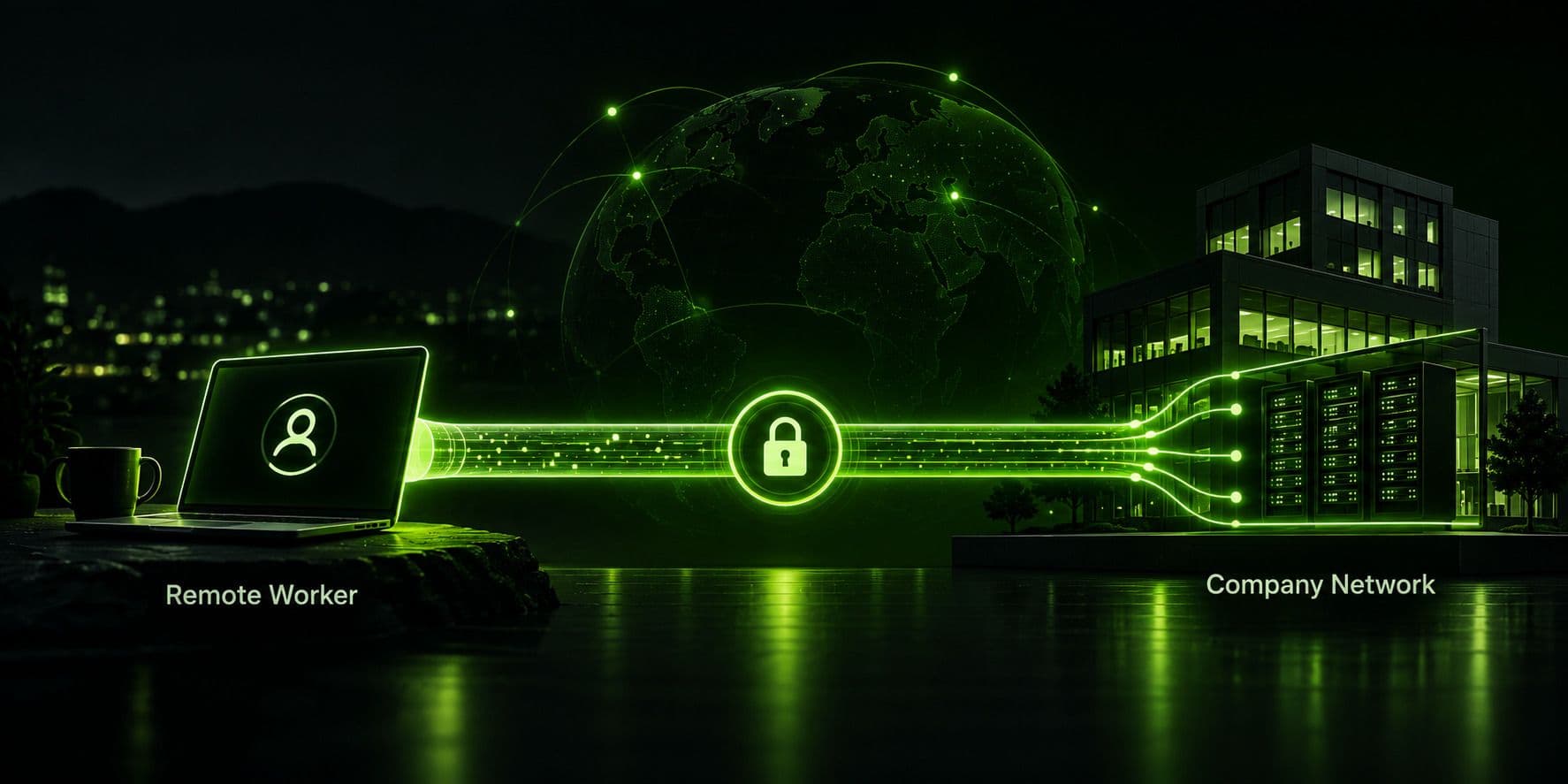
Encrypting your connection matters more, not less, when you're handling work systems from outside a trusted office network — a home Wi-Fi network, a hotel connection, or a shared coworking space all benefit from the same encryption that protects casual browsing.
When to Use a VPN: Scenario by Scenario
When to use vpn protection isn't a single universal answer — it depends heavily on what network you're on and what you're doing. Here's how it breaks down by situation.
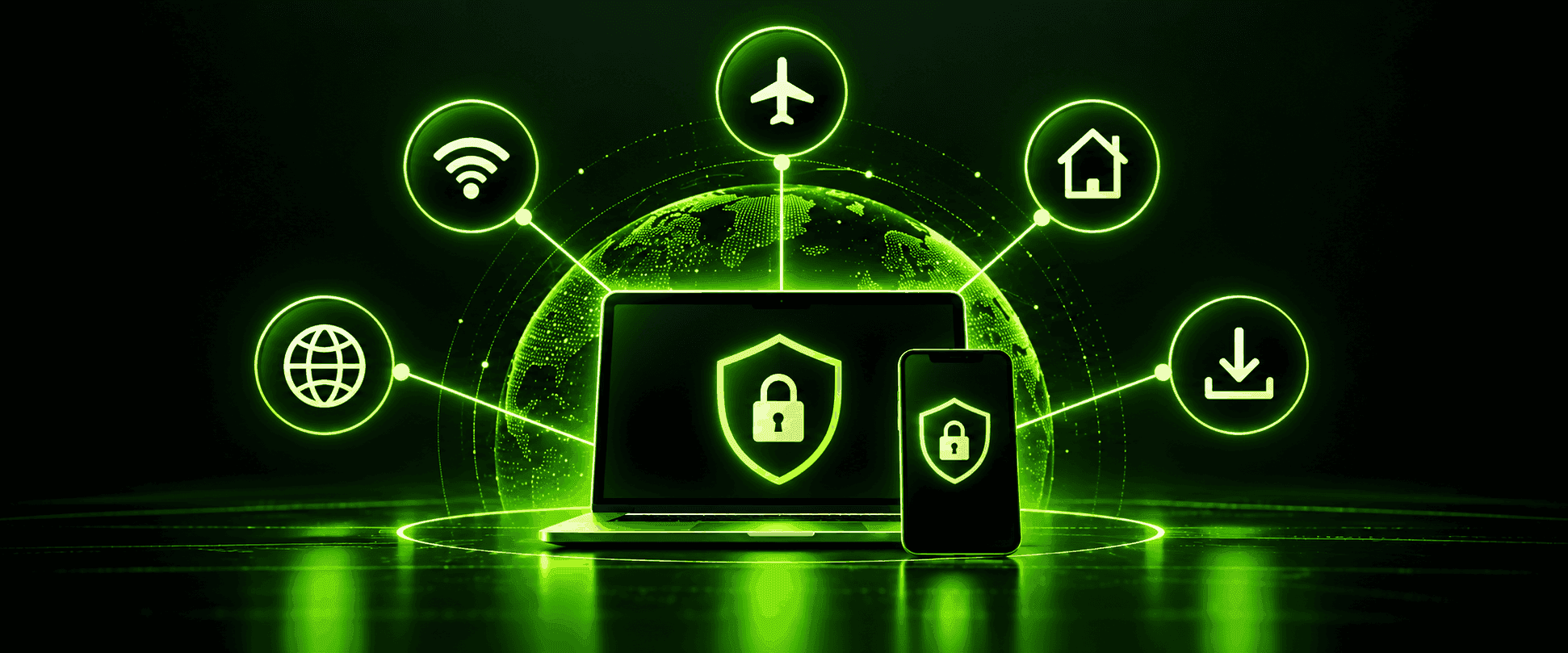
On public or unfamiliar Wi-Fi, a VPN is close to a default good idea, given how easy interception is on a shared, unencrypted network you don't control.
While traveling, a VPN serves double duty: it protects you on unfamiliar hotel and airport networks, and it lets you reach home-region content or services that might otherwise be geo-restricted while you're abroad.
Why use a vpn at home is a more genuinely mixed question. Most home Wi-Fi networks are already encrypted with WPA2/WPA3 and shared only with people you trust, so the public-Wi-Fi-style interception risk is much lower. The home-use case for a VPN is less about that specific threat and more about hiding your browsing from your ISP and adding a layer of privacy against tracking based on your home IP address — a real but different kind of benefit than the one public Wi-Fi provides.
When working remotely, especially handling anything sensitive, a VPN adds a layer of protection regardless of which network you're connecting from, which is why so many employers require one for exactly this scenario. The benefits of vpn network encryption become clearest in this exact situation, since you're often handling work systems over a connection you don't fully control.
When should you use a vpn for something as specific as checking a price or accessing a geo-restricted page? Essentially anytime the content or pricing you're seeing depends on where the site thinks you are — connecting through a server in the relevant region resolves this in seconds.
Why Use a VPN on iPhone and Other Mobile Devices
Why use vpn on iphone and other mobile devices specifically, when it's easy to assume mobile browsing is inherently safer than a laptop on public Wi-Fi? It usually isn't. Phones connect to open Wi-Fi networks just as often as laptops do — sometimes more, since a phone will auto-join a saved network without you thinking about it — and a phone is typically the device carrying your banking apps, email, and messaging all in one place. Benefits of vpn on phone use specifically include protecting that same mix of sensitive apps on whatever network your phone happens to be connected to at any given moment, plus masking your location if a specific app or site behaves differently depending on where it thinks you are.
The mechanics are identical to desktop use — the app still just masks your IP and encrypts your traffic — but the practical value is arguably higher on mobile precisely because phones move between networks (home, cellular, a friend's Wi-Fi, a cafe) far more often than a laptop typically does in a day.
Should I Use a VPN When Torrenting?
Should i use a vpn when torrenting is one of the more specific and genuinely practical questions in this whole topic, and the honest answer depends on what you already know about how torrenting works. In a torrent swarm, your IP address is visible to every other peer you're exchanging data with by design — that's how the protocol functions. A VPN replaces that visible IP with the server's, so other peers in the swarm see the VPN server's address rather than yours.
This matters for two separate reasons. First, some ISPs specifically throttle P2P/torrent traffic when they detect it, and a VPN's encryption prevents that detection the same way it prevents throttling of any other traffic type. Second, torrenting exposes your IP to a large number of unknown peers simultaneously, which is a meaningfully different exposure than browsing a website normally does. None of this changes what's legal to torrent in the first place — a VPN masks your IP address, it doesn't change copyright law, and using one to torrent copyrighted material without authorization is still a legal risk in most places regardless of whether your IP is visible.
Why You Shouldn't Use a VPN (In Every Situation)
Why you shouldn't use a vpn as a blanket default comes down to a few honest limitations worth sitting with rather than glossing over, because a lot of VPN marketing quietly implies more protection than the tool actually provides.
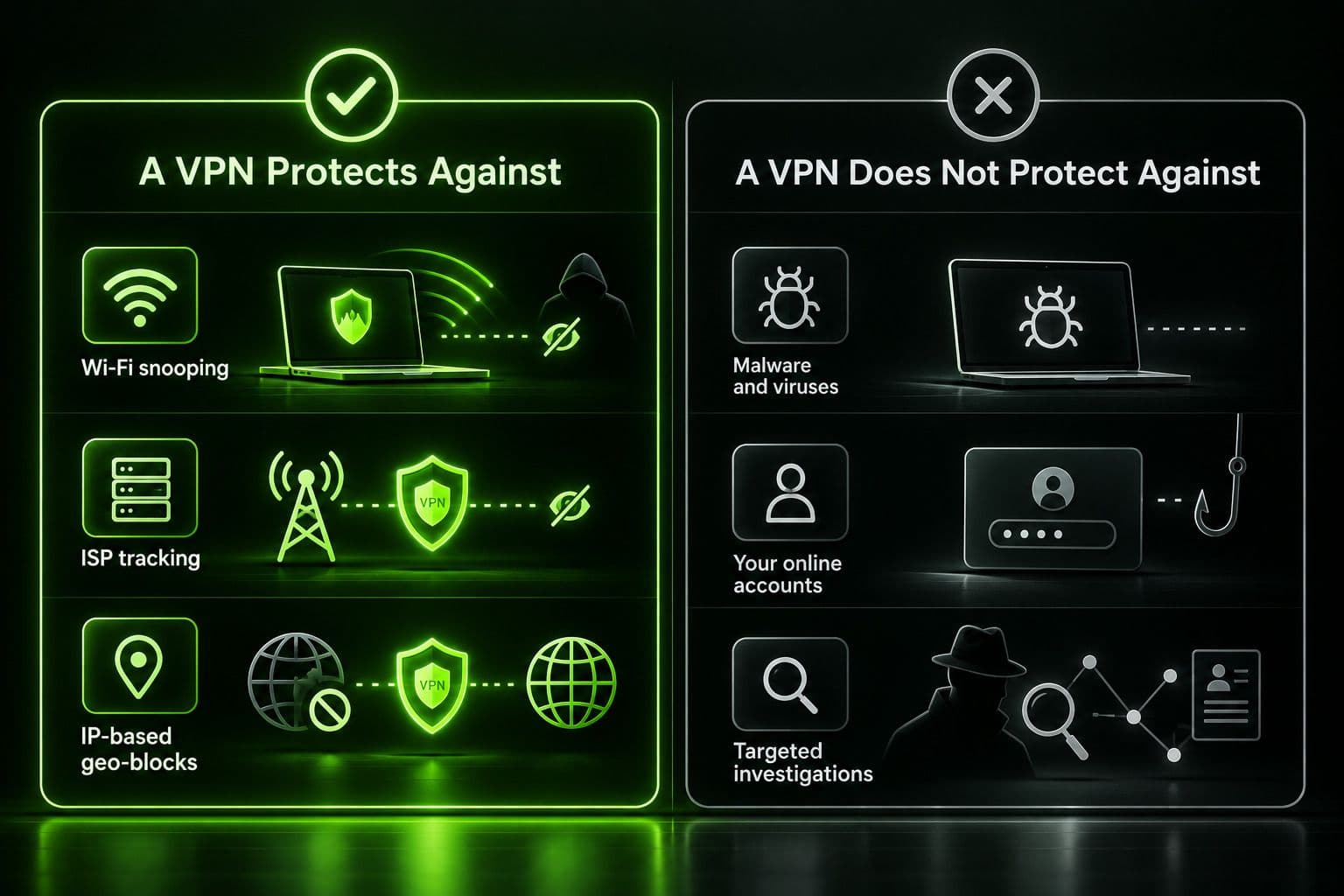
It doesn't make you completely anonymous. A VPN hides your IP address, but websites can still identify and track you through cookies, browser fingerprinting, and — most significantly — simply because you're logged into an account. If you're signed into a search engine, a social media platform, or a shopping site, that platform knows exactly who you are regardless of what your VPN is doing to your IP address.
It's not antivirus software. A VPN encrypts your connection; it does nothing to stop you from downloading malware, clicking a phishing link, or falling for a scam email. Those require actual security software and, frankly, caution — a VPN sits at a different layer entirely and doesn't overlap with that job.
It won't stop a well-resourced, targeted investigation. For the overwhelming majority of people, a VPN meaningfully raises the bar against casual snooping, ISP tracking, and public Wi-Fi risks. It is not designed to, and won't, defeat a sufficiently resourced party specifically targeting one individual — that's a different threat model than what a consumer VPN is built to address.
Some websites actively block known VPN server IP addresses, particularly streaming services, which means a VPN doesn't guarantee access to geo-restricted content indefinitely — providers on both sides treat this as an ongoing back-and-forth.
Free VPNs are frequently a downside dressed up as an upside. A service with no subscription revenue often makes money by logging and selling user data, which defeats the actual purpose most people are using a VPN for in the first place.
A VPN provider can technically see your real IP address and traffic, since your device connects to their server directly — meaning the privacy benefit ultimately depends on trusting that specific provider's policies and practices, not on some mathematical guarantee that no one can see anything.
It's illegal or restricted in a handful of countries. A small number of governments ban or tightly restrict VPN use, so it's worth checking local law before assuming a VPN is a universally available option everywhere you might travel.
None of this means a VPN isn't worth using — it means knowing specifically what it does and doesn't cover, so you're not caught assuming protection you don't actually have.
Why You Shouldn't Use a VPN With Tor — At Least Not Automatically
Why you shouldn't use a vpn with tor is a more specific and more commonly misunderstood question than most quick answers online suggest. Tor already provides strong anonymity on its own, by routing your traffic through several independent volunteer-run relays so no single one of them knows both who you are and what you're doing. Adding a VPN into that picture changes the trust model, and whether that change helps or hurts depends entirely on the order and the reason.
Running a VPN before connecting to Tor hides the fact that you're using Tor from your ISP or network administrator, which can be genuinely useful if Tor use itself would draw unwanted attention on a given network. But it also means your VPN provider can see that you're connecting to Tor, and — more importantly — you're now trusting that VPN provider not to log or share that information, which is exactly the kind of single point of trust Tor's multi-relay design was built to avoid needing in the first place. Running a VPN after Tor (routing Tor traffic out through a VPN) is less common and mainly protects against a malicious Tor exit node seeing your traffic in plaintext, though this only matters for unencrypted traffic in the first place, since HTTPS already protects against that specific risk on its own.
For most people's actual threat models, layering a VPN onto Tor mainly adds latency without a corresponding increase in real anonymity, and it introduces a trust dependency — the VPN provider — that a correctly used Tor connection doesn't otherwise require. It's a reasonable choice for a specific, well-understood reason (like hiding Tor use itself from a restrictive network), but it's not a default upgrade that makes Tor "more anonymous" just by adding it, and treating it that way is the actual mistake worth avoiding.
When Should I Use a VPN? A Quick Decision Guide
When should i use a vpn, boiled down to a single practical filter: are you on a network you don't fully trust (public Wi-Fi, a hotel, someone else's setup), trying to reach something tied to a different region, or handling anything you'd rather your ISP not see the shape of? If yes to any of those, a VPN is doing real work. If you're on your own trusted home network doing routine browsing with no regional or throttling concerns, the marginal benefit is smaller — still real, but smaller — and it becomes more a matter of preference than necessity.
Why Choose Guru VPN
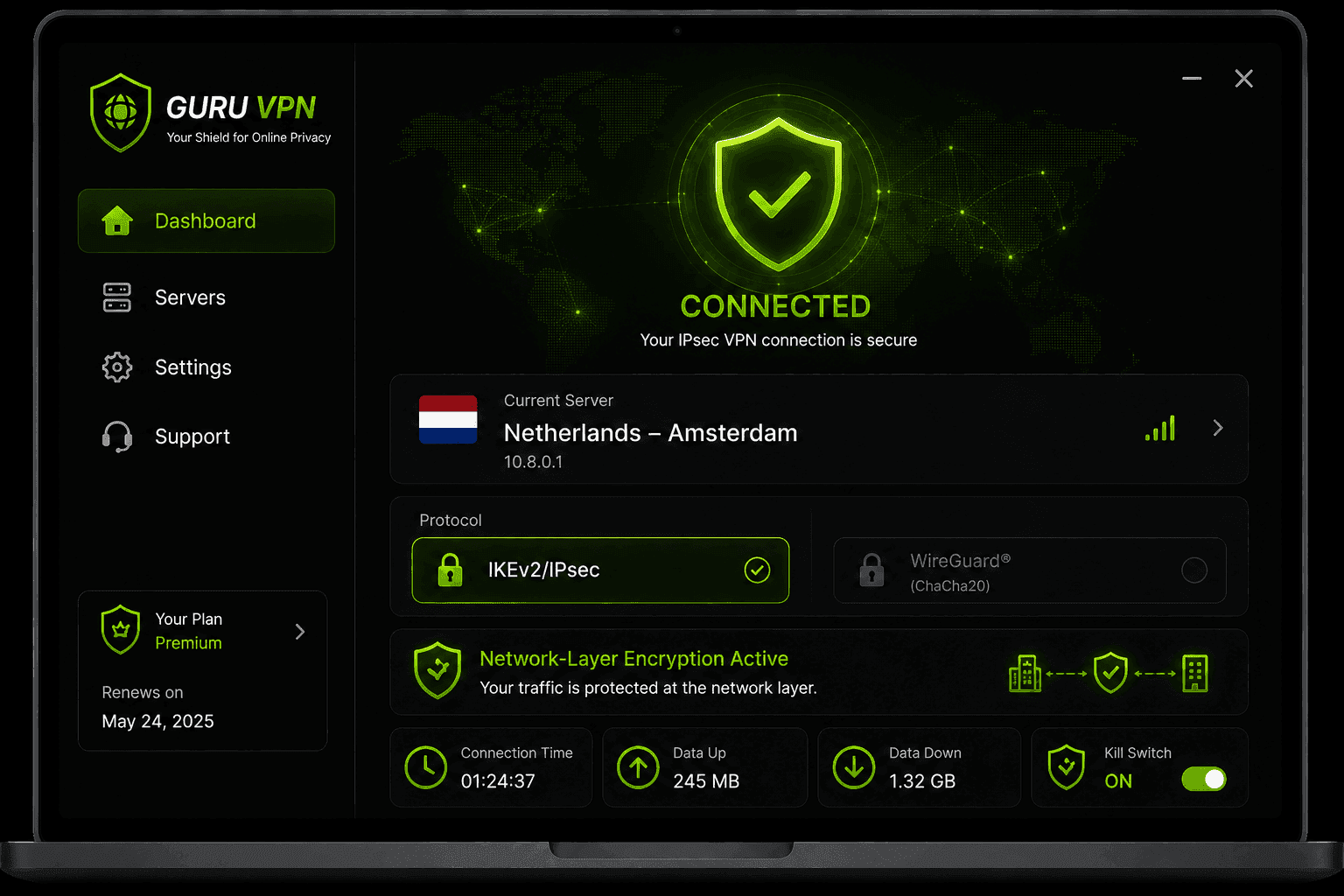
The case for why you should use a vpn ultimately rests on those same two mechanisms, applied consistently. Guru VPN is built around the two mechanisms that actually matter — IP masking and encryption — applied consistently across the scenarios covered above, from public Wi-Fi to streaming abroad, without overselling what a VPN can do beyond that.
Checking the available server locations is worth doing if reaching a specific region matters for your use case, and comparing what's included at each tier on the pricing page helps match a plan to how often you'd actually use it.
Frequently Asked Questions
Mainly to hide their IP address and encrypt their traffic — which in practice means protection on public Wi-Fi, avoiding ISP throttling and tracking, and reaching region-specific content. Why we use vpn tools has stayed fairly consistent even as specific use cases (streaming, remote work, mobile use) have shifted over time.
Even routine browsing reveals patterns — sites visited, general habits — to your ISP and to any network you're connected to. A VPN reduces that visibility regardless of whether any single session feels "sensitive," which is why to use a vpn as a general privacy habit rather than only for specific high-stakes moments.
It's a smaller benefit than on public Wi-Fi, since a home network is already private and encrypted, but hiding your browsing from your ISP and adding a layer of privacy to your home IP address is still a legitimate reason some people keep a VPN on by default.
Some slowdown is normal since your traffic takes an extra hop and gets encrypted along the way, though modern protocols keep this minor on a good connection.
Many people do, and there's no real downside beyond the minor performance cost — though it's not strictly necessary for every single browsing session, particularly on a trusted home network with no specific privacy or access concern at that moment.
Conclusion
Why use a vpn ultimately comes down to two real mechanisms — hiding your IP and encrypting your traffic — applied to specific situations where they actually matter: public Wi-Fi, travel, mobile use, torrenting, and anywhere your ISP's visibility or your apparent location makes a difference. Knowing when to use a vpn matters just as much as knowing when it isn't doing much extra work, and being honest about what it doesn't cover — anonymity from logged-in tracking, malware protection, or defense against a targeted investigation — is what keeps expectations calibrated to reality instead of marketing.