 EN
EN BR
BR DE
DE ES
ES FR
FR RU
RU ID
ID TR
TR IT
IT JP
JP SA
SA VN
VN TH
TH KR
KR
Is VPN Safe? Everything You Need to Know About VPN Security

 Key takeaways
- Learn how VPNs protect your internet traffic through encryption and secure connections.
- Understand the factors that determine VPN safety and how to recognize a trustworthy provider.
- Discover the most common misconceptions about VPN security and online privacy.
- Find out when a VPN offers the greatest protection, including on public Wi-Fi and remote networks.
- See how Guru VPN combines modern security technologies with reliable performance to help keep your online activity private.
Many people considering a VPN ask the same question: is vpn safe? It's a reasonable concern. After all, using a VPN means routing your internet traffic through another server, so it's important to understand how the technology works and whether it can truly protect your privacy. The good news is that a reputable VPN is one of the most effective tools available for improving online security, especially when combined with modern encryption and transparent privacy practices.
A VPN creates an encrypted connection between your device and a secure server, helping protect sensitive information from hackers, internet service providers, and other third parties. This additional layer of protection is particularly valuable when using public Wi-Fi, accessing online banking, shopping online, or working remotely. However, not every VPN offers the same level of protection, which is why choosing a trusted provider matters.
Services such as Guru VPN are designed with strong encryption, modern VPN protocols, and a strict no-logs approach to help users browse the internet with greater confidence. While no security tool can eliminate every online risk, a reliable VPN significantly improves your overall privacy when used correctly.
In this guide, you'll learn how VPNs protect your internet traffic, what factors determine vpn safety, and what risks to watch for when choosing a provider. We'll also explain common VPN myths, discuss situations where a VPN offers the greatest benefits, and help you understand whether a VPN is safe or not for your everyday online activities.
Key Takeaways
- Learn how VPNs protect your internet traffic through encryption and secure connections.
- Understand the factors that determine VPN safety and how to recognize a trustworthy provider.
- Discover the most common misconceptions about VPN security and online privacy.
- Find out when a VPN offers the greatest protection, including on public Wi-Fi and remote networks.
- See how Guru VPN combines modern security technologies with reliable performance to help keep your online activity private.
What Is a VPN and Is It Safe?
What Is a VPN?
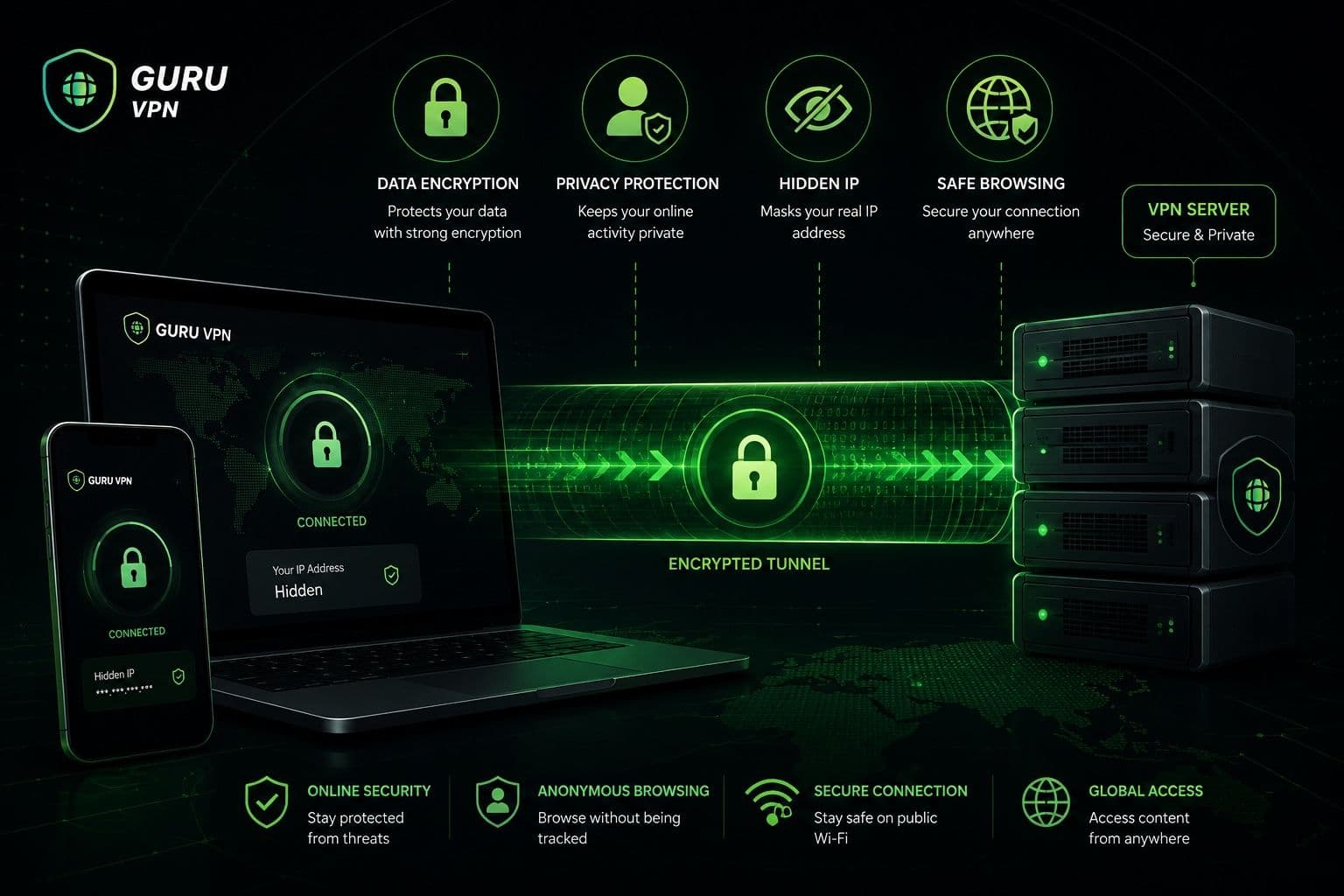
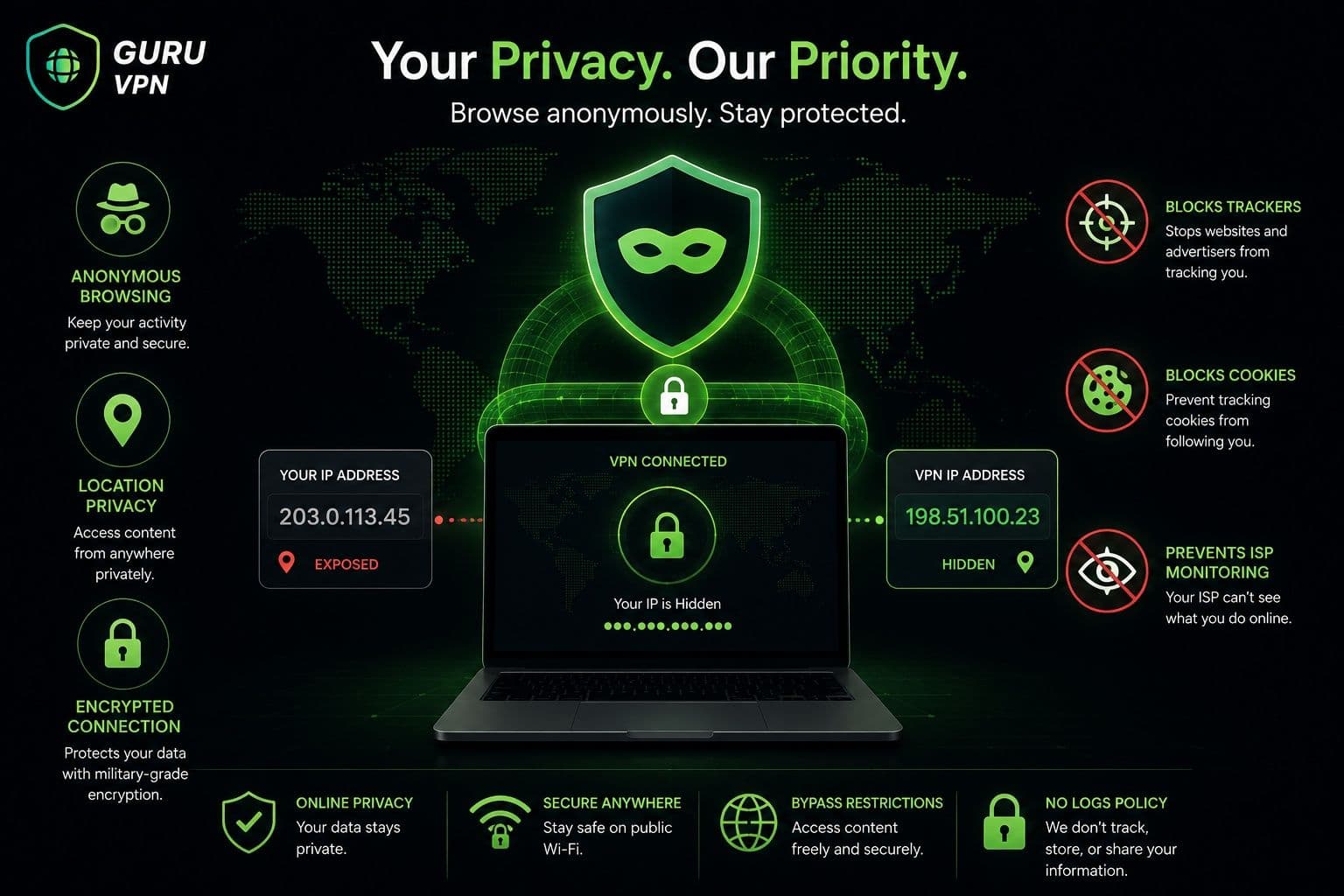
A Virtual Private Network (VPN) is a technology that creates a secure connection between your device and the internet. Instead of sending your data directly to websites and online services, a VPN routes it through a secure server while encrypting the information along the way. This process helps protect your internet traffic from unauthorized access and makes it much more difficult for third parties to monitor your online activity.
A VPN also replaces your real IP address with the IP address of the VPN server. As a result, websites and online services see the server's location instead of your own, providing an additional layer of privacy while browsing.
Is a VPN Safe?
For most users, the answer is yes — provided they choose a reputable VPN provider. Modern VPN services use advanced encryption standards that transform your internet traffic into unreadable data while it travels across the network. Even if someone were able to intercept that traffic, they would not be able to view its contents without the encryption keys.
Another important security feature is IP address masking. By hiding your real IP address, a VPN makes it more difficult for websites, advertisers, and other third parties to associate your online activity with your actual location or identity.
Secure VPN servers also play a major role in protecting your connection. Trusted providers invest in reliable infrastructure, regularly update their software, and follow transparent privacy policies. In contrast, unreliable or free VPN services may use outdated security technologies, collect user data, or provide limited protection. This is why vpn safety depends not only on the technology itself but also on the provider behind it.
| A VPN Protects | A VPN Does Not Protect |
|---|---|
Internet traffic through encryption | Weak or reused passwords |
Your real IP address | Malware already installed on your device |
Public Wi-Fi connections | Phishing websites or online scams |
Data transmitted between your device and the VPN server | Information you voluntarily share online |
Privacy from many forms of network monitoring | Unsafe downloads or malicious software |
How VPNs Keep You Safe Online
Security Benefits
A VPN improves online security by encrypting the data that travels between your device and the VPN server. This encrypted tunnel helps prevent hackers, cybercriminals, and other unauthorized parties from reading your internet traffic, especially when you're connected to unsecured public Wi-Fi networks.
Public hotspots in airports, hotels, cafés, and other public places are convenient, but they may also expose users to security risks. Without encryption, attackers on the same network may attempt to intercept sensitive information. A VPN significantly reduces this risk by protecting your connection before any data leaves your device.
VPNs also help reduce monitoring by internet service providers and local network administrators. While they can still see that you're connected to a VPN server, they generally cannot view the encrypted contents of your browsing activity. This additional privacy makes VPNs valuable for everyday internet use, remote work, and traveling.
Privacy Benefits
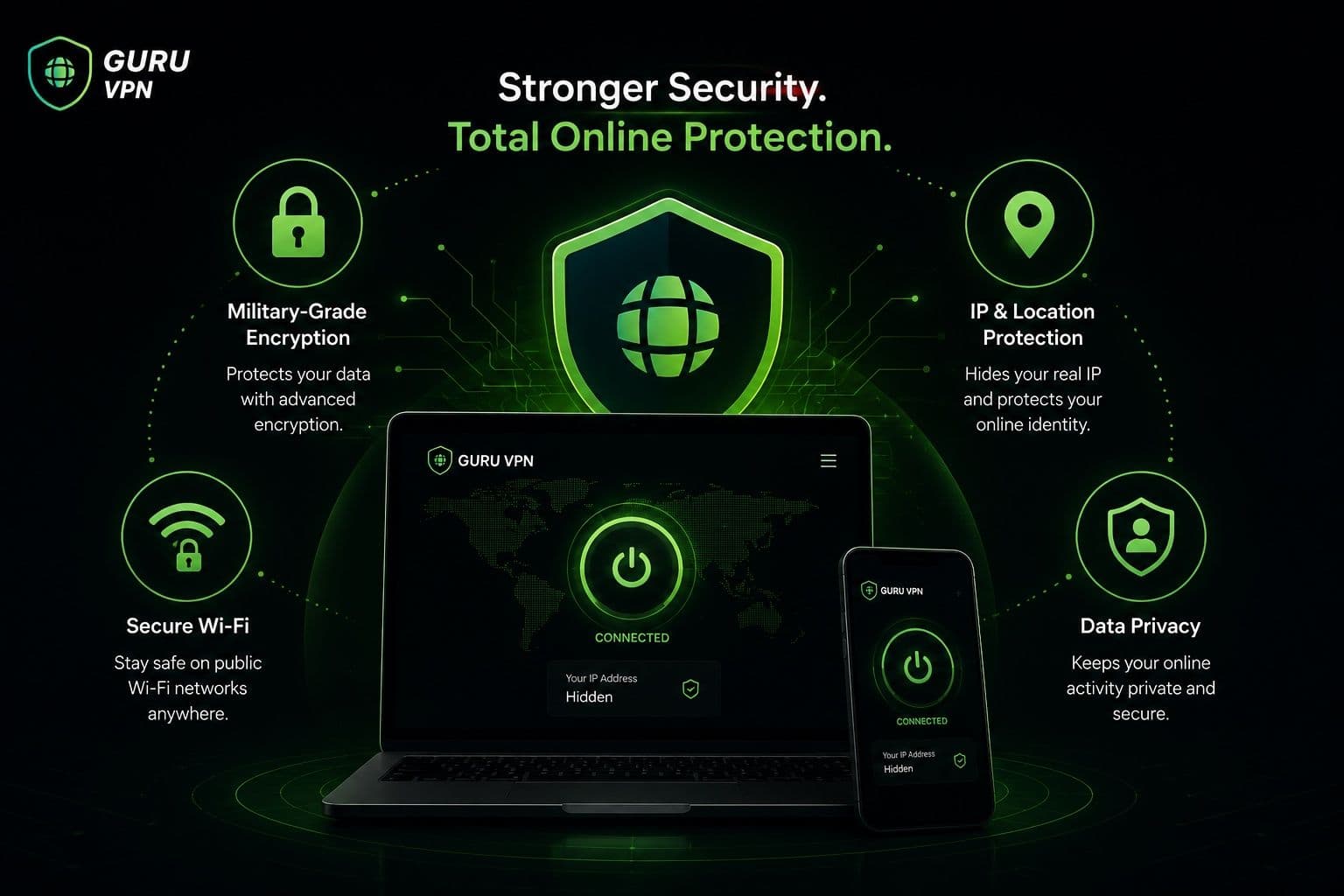
Privacy is another major reason people choose a VPN. By replacing your real IP address with one assigned by the VPN server, your actual location becomes much less visible to websites and online services. This helps reduce the amount of information that can be used to identify or profile your online activity.
A VPN can also make it more difficult for advertisers and third-party trackers to build detailed browsing profiles based solely on your IP address. While it doesn't eliminate all forms of online tracking — for example, websites can still recognize you through cookies if you're logged into an account — it provides an additional layer of privacy during everyday browsing.
These protections are especially valuable when accessing online banking, making purchases, or handling other sensitive information. Although many users ask whether a VPN is vpn safe or not, the technology itself is widely trusted when offered by a reputable provider that uses strong encryption, secure infrastructure, and transparent privacy practices. Combined with good cybersecurity habits, a VPN becomes an effective tool for protecting both your personal data and your online privacy.
When a VPN May Not Be Safe
VPNs are widely recognized as an effective way to improve online privacy and security, but that doesn't mean every VPN service is equally trustworthy. If you're wondering about vpn safety, it's important to remember that the technology itself is secure — the real difference lies in how a provider manages its infrastructure, privacy practices, and user data.
Risks of Free or Untrusted VPNs
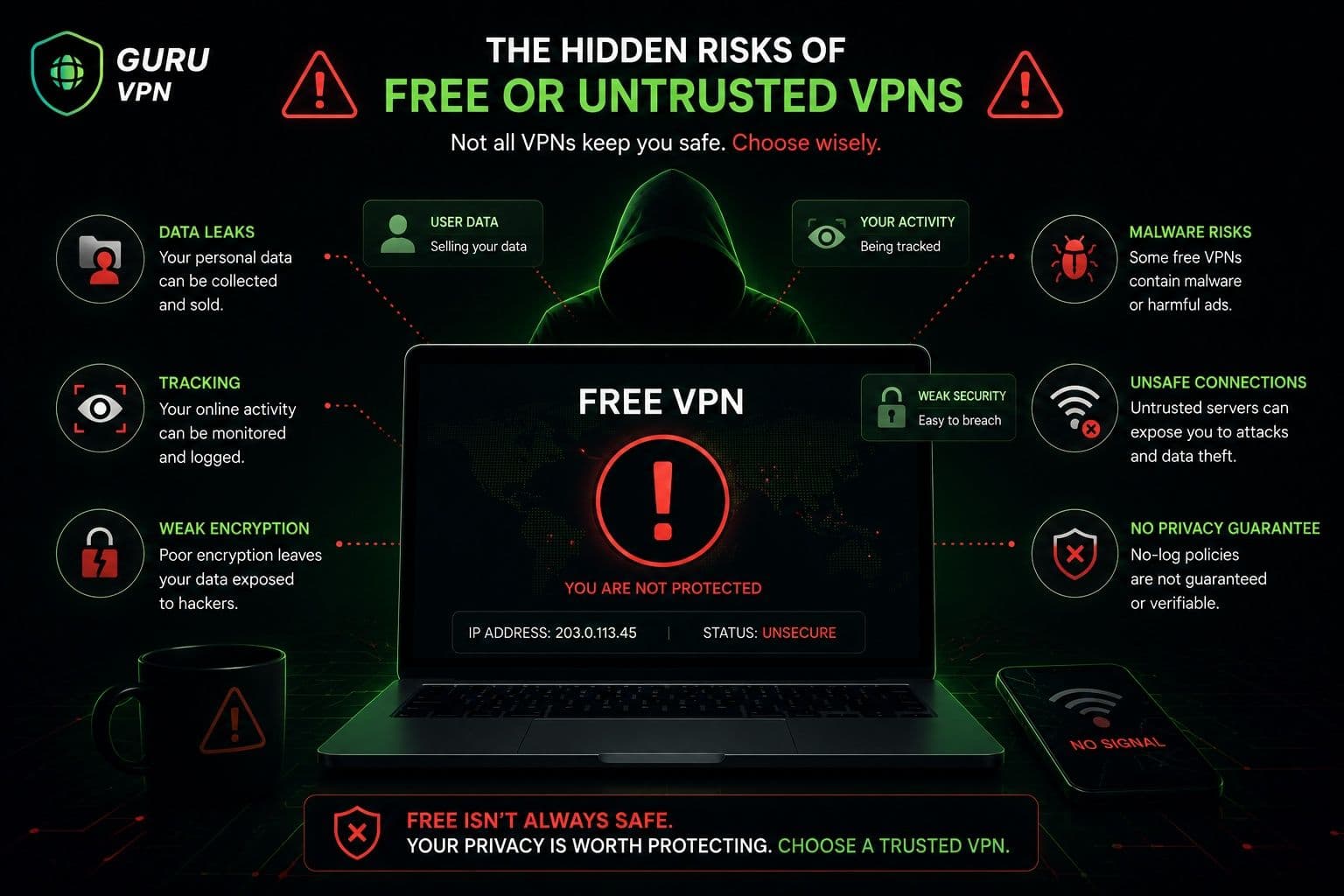
One of the biggest risks comes from using unknown or completely free VPN services. Running a global VPN network is expensive, so providers that don't charge users often rely on other business models. In some cases, that means collecting browsing activity, connection metadata, or device information and using it for advertising or analytics. Instead of protecting your privacy, these services may reduce it.
Weak security is another concern. Reliable VPN providers regularly update their encryption, applications, and server infrastructure. Less reputable services may use outdated protocols, poorly maintained servers, or insufficient encryption, making connections less secure than users expect.
Some free VPN applications have also been found to contain excessive advertising, intrusive tracking libraries, or unwanted software. While this doesn't apply to every free VPN, it's a good reminder to install VPN applications only from trusted providers and official app stores.
Before choosing any VPN, review its privacy policy, security features, and reputation. A provider should clearly explain how it handles user data and what technologies it uses to protect customer connections.
Common Misconceptions
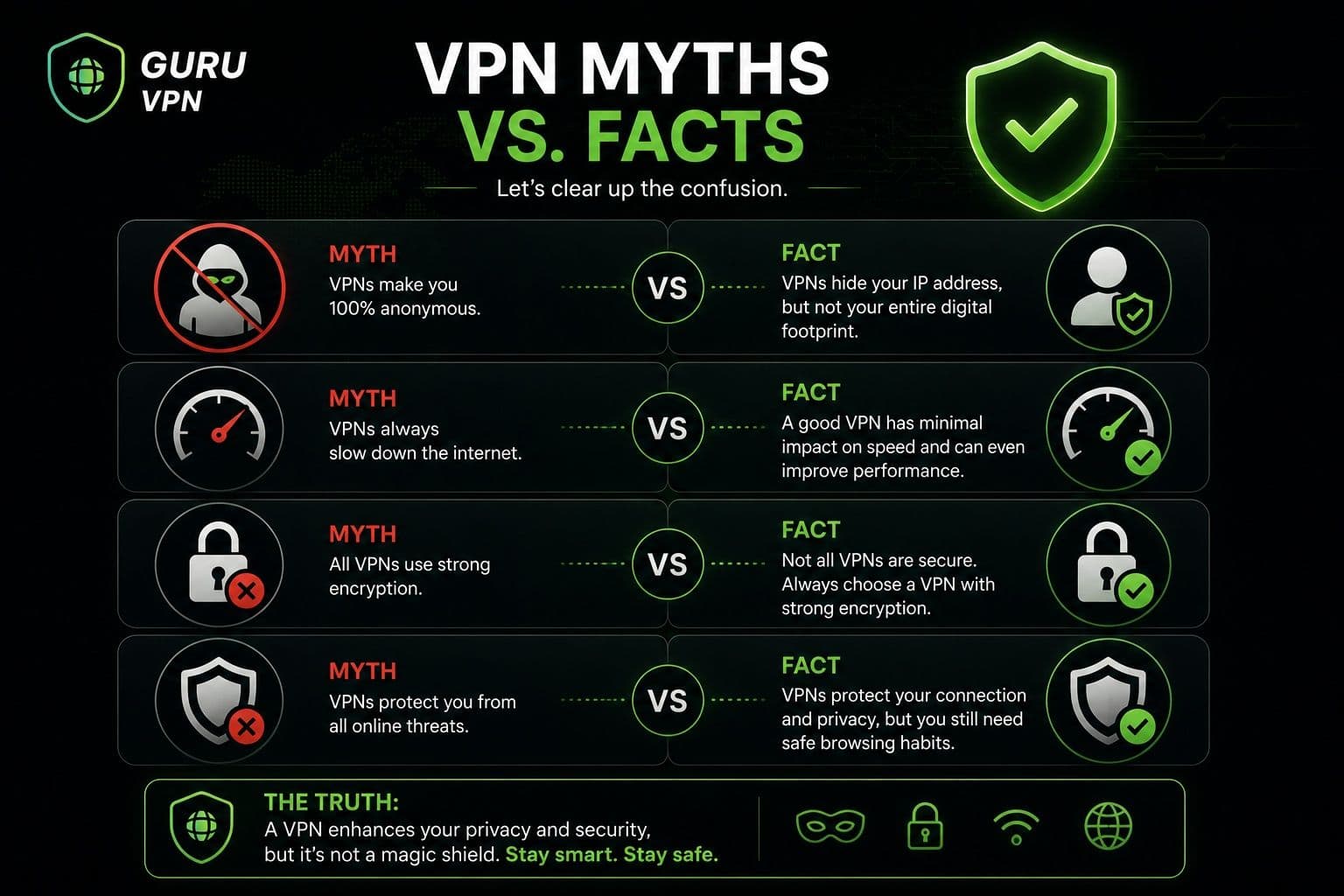
A common myth is that a VPN makes you completely anonymous online. In reality, a VPN significantly improves privacy by encrypting internet traffic and hiding your IP address, but websites can still recognize you if you log into accounts, accept tracking cookies, or voluntarily share personal information.
It's also important to understand that a VPN doesn't block phishing attacks or remove malware from an infected device. If you download malicious software or enter your password on a fake website, a VPN cannot prevent those actions. Likewise, it isn't a replacement for antivirus software or safe browsing habits.
The best protection comes from combining a trustworthy VPN with strong passwords, multi-factor authentication, software updates, and reliable endpoint security. A VPN is one of the most valuable privacy tools available, but it works best as part of a complete cybersecurity strategy.
How to Choose a Safe VPN
If you're comparing VPN providers, don't focus only on price or the number of available servers. The safest VPN is one that combines strong security, transparent privacy practices, and reliable performance for everyday use.
What to Look For
Start by checking the encryption standards used by the provider. Modern VPN services should use strong encryption together with secure protocols that protect internet traffic without significantly affecting performance.
A strict no-logs policy is another essential feature. A trustworthy provider should clearly explain what information is collected, why it's collected, and how long it's retained. Transparency is a strong indicator that the company takes user privacy seriously.
Additional security features are equally important. A Kill Switch prevents accidental exposure of your IP address if the VPN connection drops unexpectedly, while DNS leak protection helps ensure your browsing requests remain inside the encrypted tunnel.
Reputation also matters. Look for providers that regularly update their applications, maintain secure server infrastructure, publish clear privacy policies, and provide responsive customer support.
For users looking for an easy-to-use solution, Guru VPN is a good example of a beginner-friendly VPN. It combines modern encryption, secure VPN protocols, and an intuitive interface without requiring advanced technical knowledge.
Red Flags
Some warning signs should immediately raise concerns when evaluating a VPN service.
Be cautious of providers promising "complete anonymity" or claiming they make users invisible online. No legitimate VPN can guarantee absolute anonymity under every circumstance.
Another red flag is a lack of transparency. If you can't easily find information about logging practices, encryption, supported protocols, or company ownership, it may indicate that the provider isn't open about how it operates.
Poor security practices should also be taken seriously. Outdated software, infrequent updates, weak encryption, or missing security features suggest that a provider may not be keeping pace with modern cybersecurity standards.
Finally, look at the overall quality of the service. Reliable VPN providers invest in secure infrastructure, publish detailed privacy information, and continuously improve compatibility with new operating systems. These factors contribute directly to long-term vpn safety and provide greater confidence that your internet traffic remains protected.
Choosing a trusted VPN is one of the simplest ways to improve online privacy. When evaluating whether a service is vpn safe or not, prioritize transparency, modern security technologies, and a proven reputation over unrealistic marketing claims or free offers that reveal little about how they protect your data.
Why Choose Guru VPN
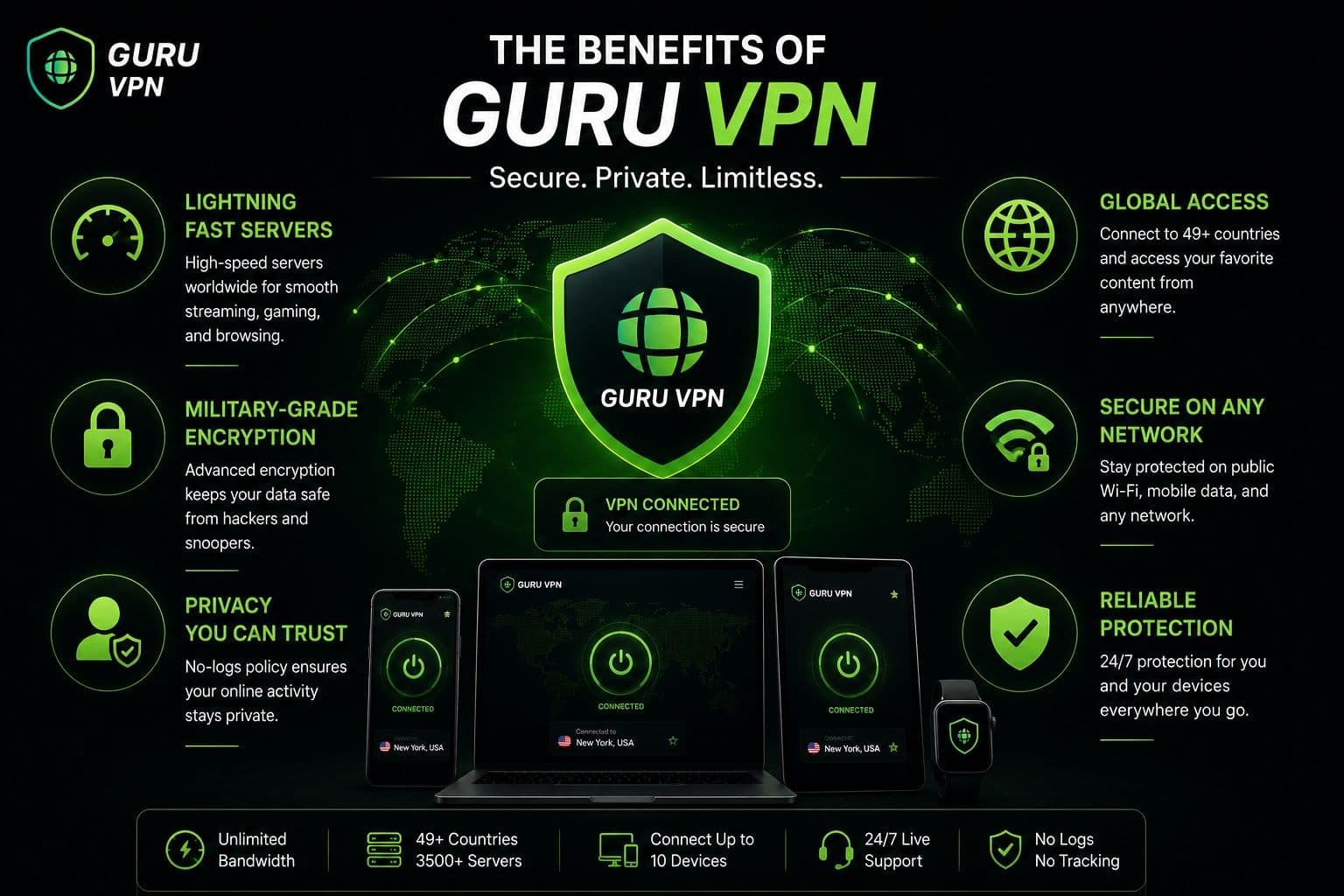
Choosing a VPN is about more than simply hiding your IP address. A reliable provider should combine strong security, consistent performance, and an easy-to-use interface that makes protecting your online activity effortless. Guru VPN is designed with these goals in mind, offering modern security technologies alongside a global server network that supports everything from everyday browsing to streaming, remote work, and online shopping.
Key Features
| Feature | Benefit |
|---|---|
Military-grade encryption | Protects internet traffic from unauthorized access |
Strict no-logs policy | Keeps your browsing activity private |
High-speed global servers | Delivers fast and stable connections for everyday use |
Kill Switch and leak protection | Prevents accidental exposure of your IP address |
Cross-platform support | Works across Windows, macOS, Android, and iPhone |
Unlimited bandwidth | Browse, stream, and download without data limits |
Servers in 49+ countries | More connection options with lower latency and better performance |
How Guru VPN Helps Protect Users
Guru VPN is built to make online security simple for both beginners and experienced users. Once connected, it encrypts your internet traffic to help protect personal information from interception, especially when using public Wi-Fi networks in airports, hotels, cafés, or other shared locations.
Privacy is another key advantage. By masking your real IP address and routing traffic through secure servers, Guru VPN helps reduce online tracking and makes it more difficult for third parties to monitor your browsing activity. Combined with a strict no-logs policy, this allows users to enjoy greater privacy while browsing, shopping, or working online.
Performance is equally important. Optimized server infrastructure helps maintain stable connections with low latency, making the service suitable for streaming, video calls, gaming, and everyday browsing. Whether you're connecting from home or traveling abroad, you can choose from servers in more than 49 countries to find a location that best matches your needs.
The application is also designed for ease of use. Installation takes only a few minutes, and the intuitive interface makes it simple to connect without configuring advanced settings. If questions arise, responsive customer support is available to help users troubleshoot issues and get connected quickly.
Best Practices for Staying Safe with a VPN
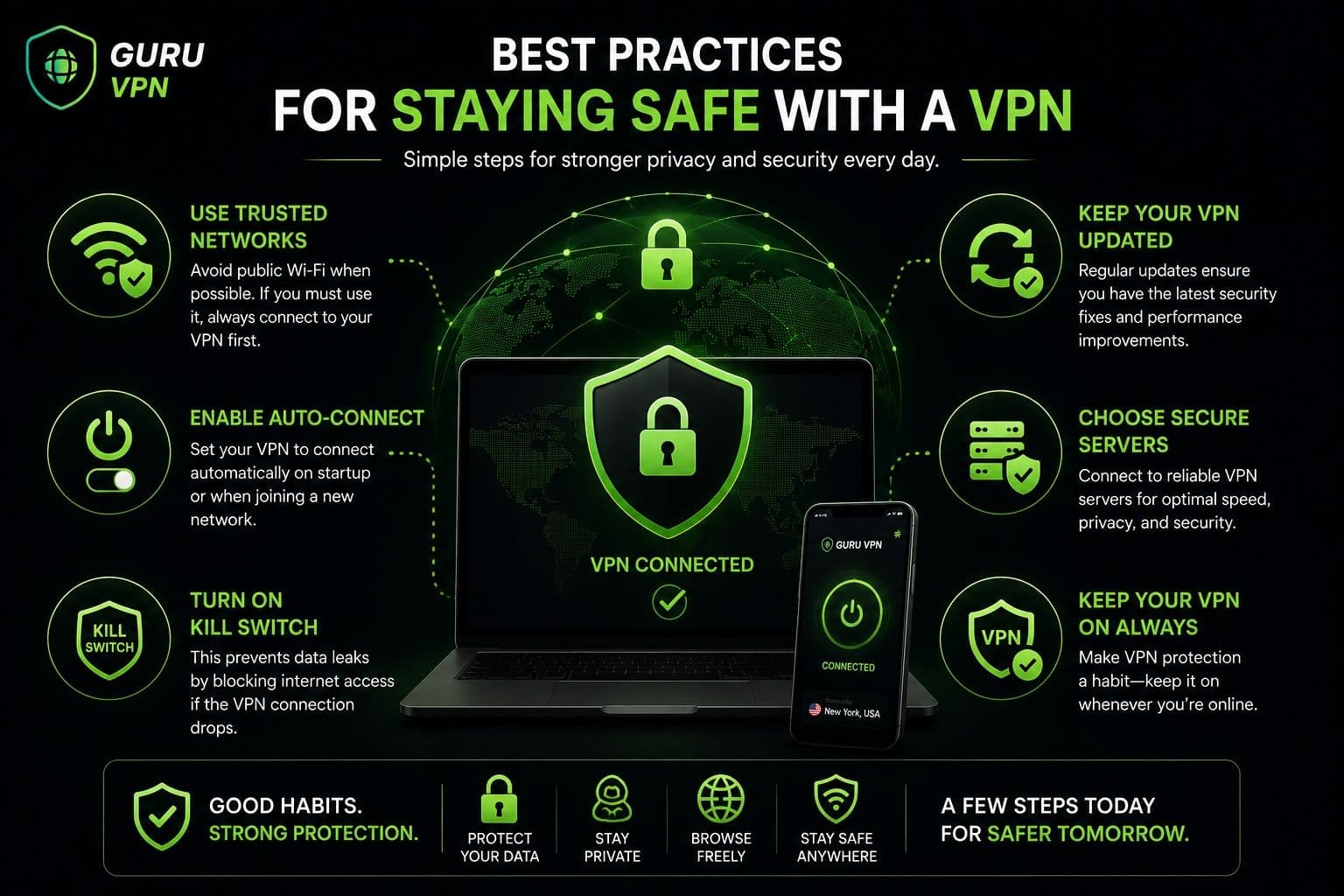
A VPN provides a strong foundation for online privacy, but the best results come from combining it with good cybersecurity habits. Following a few simple practices can help maximize both security and performance.
Security Tips
Keep your VPN enabled whenever you connect to public Wi-Fi. Shared wireless networks are often less secure than private home connections, and using a VPN helps encrypt your internet traffic before it leaves your device.
It's also important to keep your VPN application updated. Regular updates improve compatibility with new operating systems, fix security vulnerabilities, and often include performance improvements.
When possible, connect to trusted VPN servers provided by reputable services. Choosing nearby servers can improve connection speed while still maintaining strong security.
Privacy Tips
Enable features such as Kill Switch if they're available. This helps prevent your internet traffic from being exposed if the VPN connection unexpectedly disconnects.
It's also a good idea to periodically check for DNS or IP leaks to confirm that your VPN is protecting your identity as expected. Many reputable VPN providers include built-in leak protection to simplify this process.
Finally, remember that a VPN works best alongside other security measures. Continue using strong, unique passwords for your online accounts and enable multi-factor authentication (MFA) whenever possible. Together with a trusted VPN, these practices create a much stronger defense against common online threats.
Frequently Asked Questions
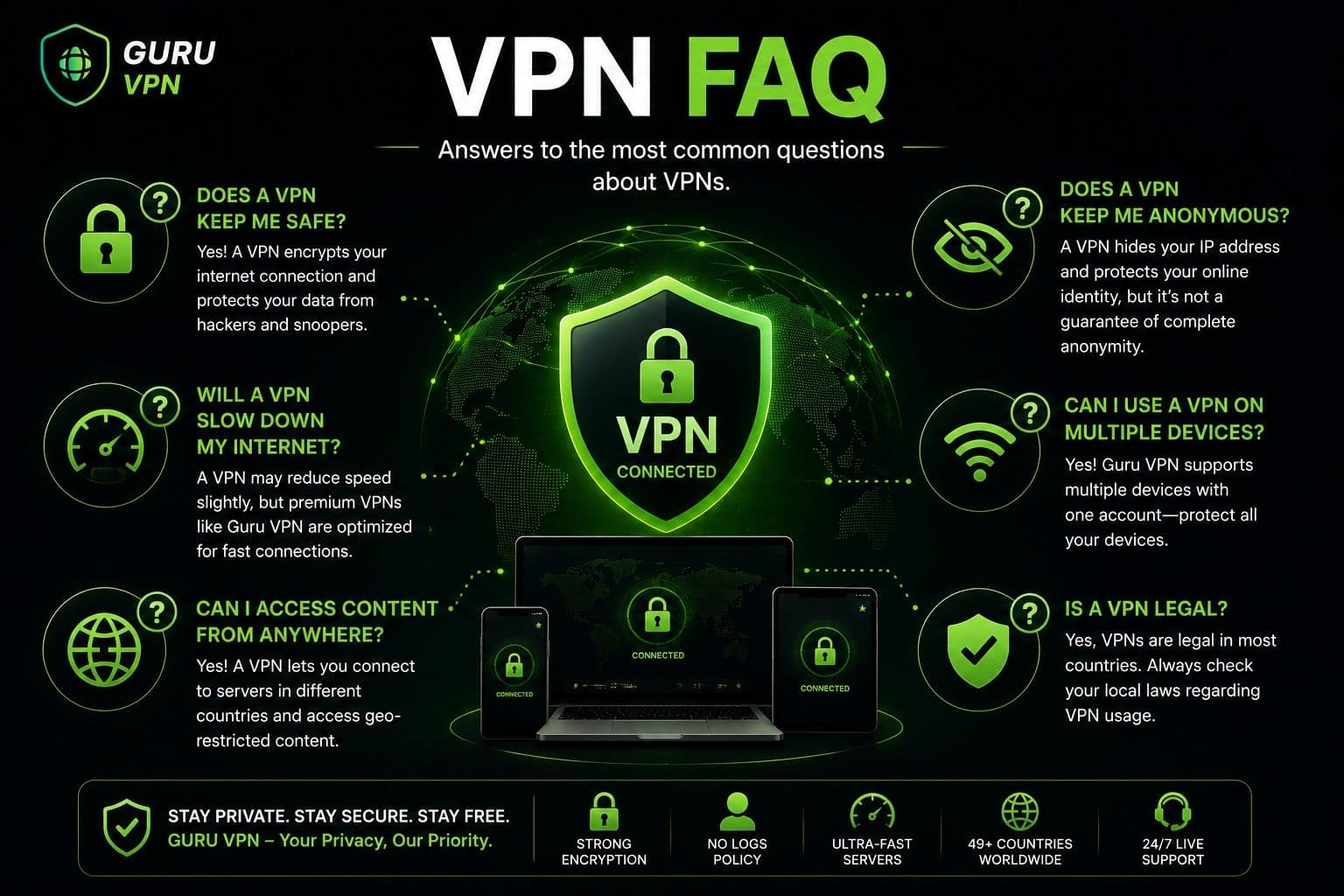
Yes. Using a reputable VPN on a daily basis is considered safe and is one of the simplest ways to improve online privacy. A VPN encrypts your internet traffic, protects your connection on public Wi-Fi, and helps reduce online tracking. Many users keep their VPN enabled throughout the day without noticing any significant impact on their normal browsing experience.
A VPN helps protect your data from interception by encrypting internet traffic, especially on unsecured networks such as public Wi-Fi. However, it cannot stop every type of cyberattack. A VPN won't prevent phishing scams, remove malware from your device, or protect accounts with weak passwords. For the best security, combine a VPN with antivirus software, regular updates, and multi-factor authentication.
Some free VPNs are legitimate, but others may collect user data, display intrusive advertisements, or provide weaker security than paid services. Before installing any VPN, review its privacy policy, supported security features, and reputation. A transparent provider that clearly explains how it protects user data is generally a much safer choice.
That depends on the provider's privacy practices. A VPN provider can technically process your internet traffic because it routes your connection through its servers. This is why it's important to choose a provider with a transparent no-logs policy that limits or avoids storing information about your online activity.
Guru VPN is designed with modern security features that help protect user privacy. It uses strong encryption, secure VPN protocols, leak protection, and a strict no-logs policy to help safeguard internet traffic. Combined with regularly updated applications and reliable server infrastructure, these features provide a secure environment for everyday browsing, streaming, remote work, and online shopping.
No. A VPN greatly improves privacy by encrypting your internet traffic and hiding your IP address, but it does not make you completely anonymous. Websites can still identify you if you sign into personal accounts, accept tracking cookies, or voluntarily share personal information. A VPN is best viewed as an important privacy tool rather than a guarantee of complete anonymity.
Is VPN Safe? The Final Verdict
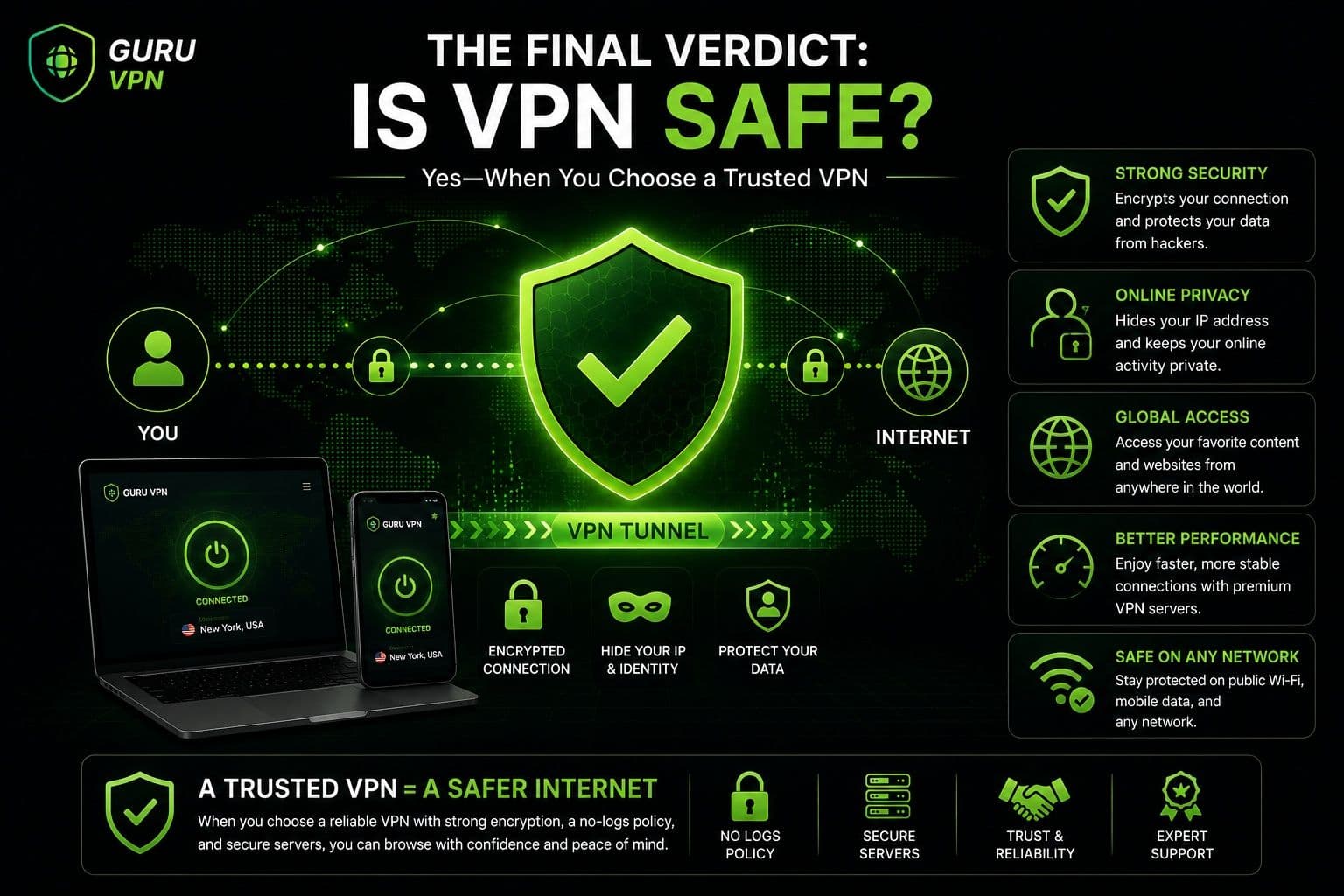
For most users, the answer is yes. A VPN is a safe and effective tool for protecting internet traffic, improving online privacy, and reducing exposure to common network threats. However, the level of protection you receive depends largely on the provider you choose. Strong encryption, transparent privacy policies, reliable infrastructure, and regular security updates all contribute to a trustworthy VPN experience.
It's also important to remember that a VPN works best alongside other cybersecurity practices. Keeping your devices updated, using strong passwords, enabling multi-factor authentication, and staying alert to phishing attempts are all essential parts of protecting your personal information online.
Guru VPN combines modern encryption, secure protocols, and an intuitive interface to make online privacy accessible without unnecessary complexity. When paired with responsible online habits, it provides a reliable way to browse more securely wherever you connect.
Conclusion: Stay Safe Online with the Right VPN
A VPN is one of the most effective tools for improving online privacy and protecting your internet connection. By encrypting your traffic and masking your IP address, it helps reduce online tracking and keeps your data more secure, particularly when using public Wi-Fi or accessing sensitive accounts.
At the same time, no VPN replaces good cybersecurity habits. Strong passwords, regular software updates, multi-factor authentication, and careful browsing remain essential for staying safe online.
Guru VPN brings together strong encryption, reliable global servers, and an easy-to-use experience, making secure browsing accessible to users of all experience levels. Choosing a trusted VPN provider and using it consistently is a simple step that can significantly strengthen your everyday online security and privacy.