 EN
EN BR
BR DE
DE ES
ES FR
FR RU
RU ID
ID TR
TR IT
IT JP
JP SA
SA VN
VN TH
TH KR
KR


Thanks
During a drive across the Prairies I used Guru VPN whenever I stopped at motels with open Wi‑Fi, and the app connected quickly each time and kept my email access private.
Google Drive holds contracts, IDs and work files — and you often open them on Wi-Fi you don't control. Guru VPN encrypts your connection so uploads, downloads and sync stay private.
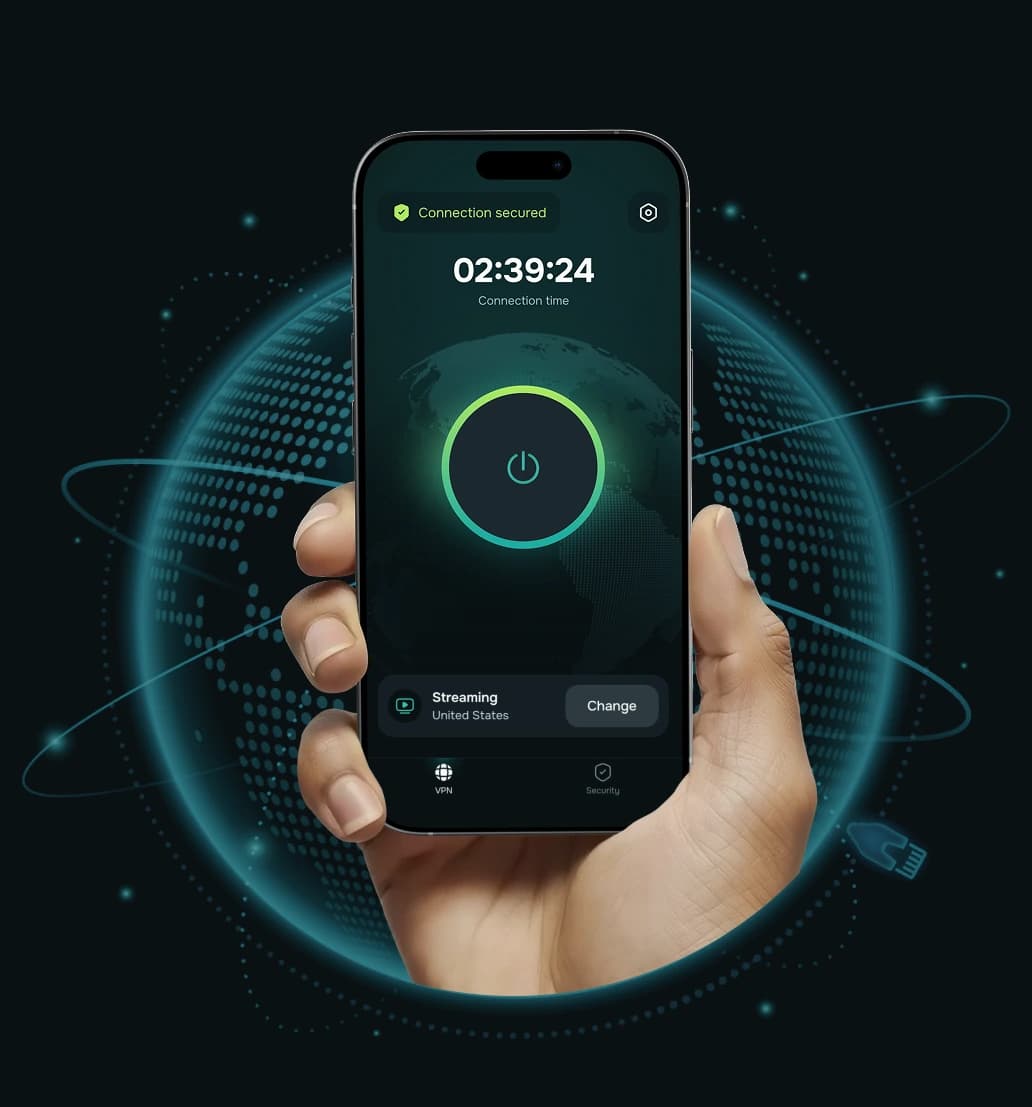



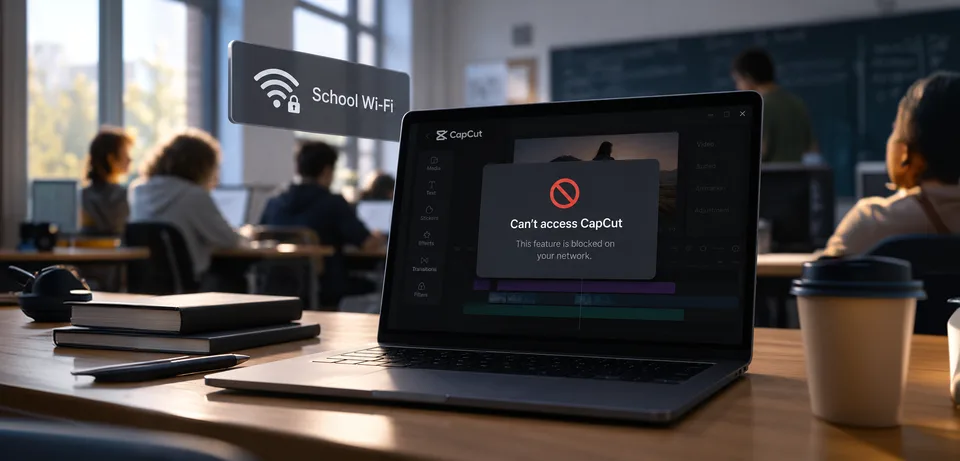
Some school, hotel and office networks block personal cloud storage. A VPN can restore access when the block is at the network level. Follow your organization's IT policy.
Drive already uses HTTPS, but on shared Wi-Fi the network can still see which services you use. Guru VPN adds a second layer of encryption and hides that too.
Video files and full-folder backups are exactly what ISPs slow at peak hours. The encrypted tunnel hides what you send, so there's nothing to throttle.
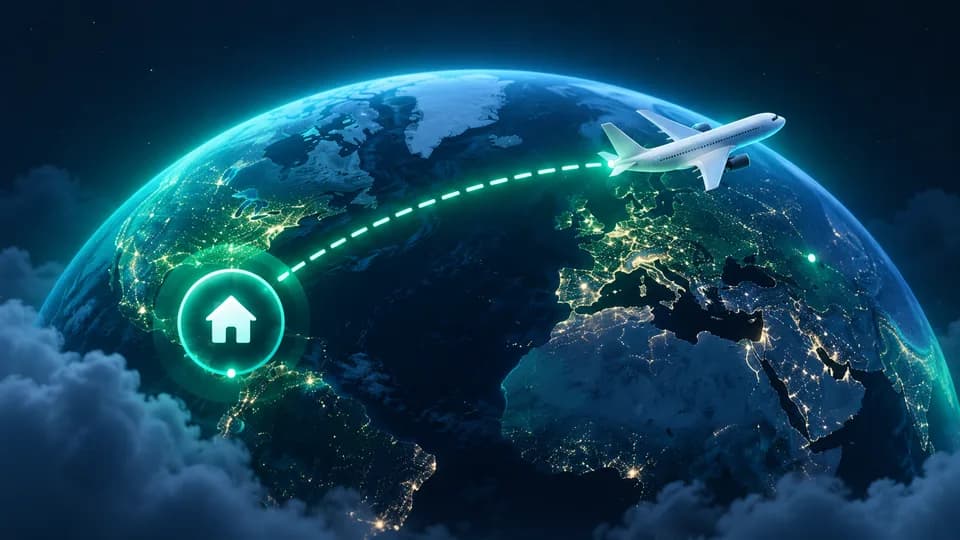
Google services have been blocked in mainland China since 2014, and hotel networks filter cloud storage. A server at home keeps your usual access on the road, where local law allows it.

Your ISP or Wi-Fi owner sees encrypted traffic, not that you're using Drive. Google still sees activity in your signed-in account.
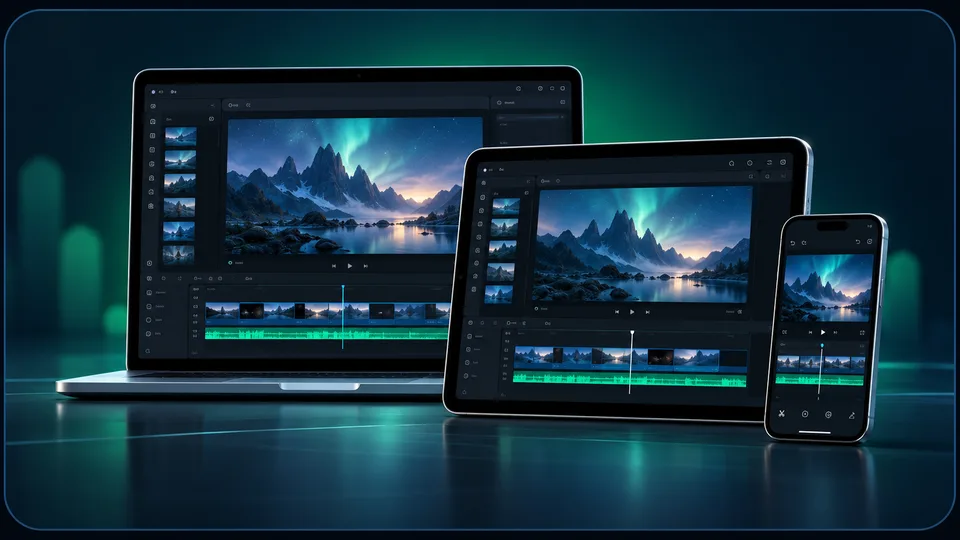
Up to 10 devices on one subscription: phone, tablet and computer.
Get protected in under a minute.
Install the app on your phone or computer.

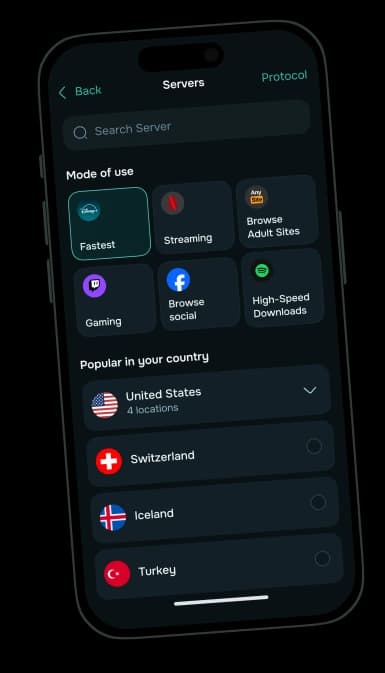
Pick the nearest server for the fastest uploads and sync, or a server in your home country when you travel.

Use the app or website as usual. Your connection is protected from the moment you connect.
Drive works in most of the world, with a few big exceptions.
| Where | Status | What happened |
|---|---|---|
 Mainland China | Blocked | Google services, including Drive, have been blocked since June 2014. |
 Work and school accounts | Admin-controlled | Google Workspace admins can allow access only from certain IP ranges or countries (Context-Aware Access). |
Hotel, school and office networks | Sometimes blocked | Some networks block personal cloud storage. |
A VPN doesn't change national bans or sanctions — check local rules before using one to reach a blocked service.
Connect close to you for fast uploads, or to your home country while you travel.
Large files, backups and long sessions without slowdowns.
Strong protection without a speed penalty on phones and laptops without dedicated encryption hardware.
If the VPN drops mid-upload, your device goes offline instead of exposing your real IP.
Send Google Drive through the VPN while video calls and local devices connect directly — or the other way round.
Nothing about your Google Drive sessions is stored.
Laptop, phone and tablet on one subscription.
Google's cloud storage, launched in April 2012.
Google Drive stores files in the cloud and syncs them across your devices, with Docs, Sheets and Slides built in for editing and sharing. Every Google Account gets 15 GB free, shared with Gmail and Google Photos; Google One plans add more. Drive for desktop syncs folders on Windows and macOS, and the mobile apps can scan documents and keep files offline.
What you can do in Drive depends on your Google account and storage plan. Here's where a VPN fits in.
 A VPN does A VPN does |  A VPN doesn't A VPN doesn't |
|---|---|
| Encrypt uploads and sync on public Wi-Fi | Hide your files or activity from Google |
| Hide from the network that you're using Google Drive | Add storage or change your Google One plan |
| Restore access when a network blocks cloud storage | Get you past your Workspace admin's location rules |
| Help avoid ISP throttling of large uploads | Protect a file you've shared with "Anyone with the link" |
Built on transparent privacy standards, designed to keep your Google Drive sessions private.

Guru VPN doesn't monitor, log or store your activity — no browsing history, DNS queries, connection timestamps or IP addresses on file.

Only the bare minimum needed to keep the service running is collected.

Anyone sharing your network, from your ISP to a stranger on public Wi-Fi, sees encrypted traffic, not your Google Drive session.

"Anyone with the link" files can be opened by anyone who gets the URL. A VPN secures your connection — but check Drive's sharing settings on sensitive files, especially IDs and contracts.
If you hit a problem, here's what's actually happening — and how to fix it.

VPN servers are shared, so Google sometimes asks for a CAPTCHA. Solve it once or switch to another server in the same country.
Restart Drive for desktop after the VPN connects so it picks up the new connection. Use the server closest to you for big uploads.
Your Workspace admin may allow access only from certain IPs or countries. Disconnect, or use split tunneling to keep Drive off the VPN, and check with IT.
Guru VPN runs on the devices you already use — connect once, then open Google Drive as usual. Google Drive runs on: Web browsers, Windows and macOS (Drive for desktop), iPhone, iPad and Android.
Download Guru VPN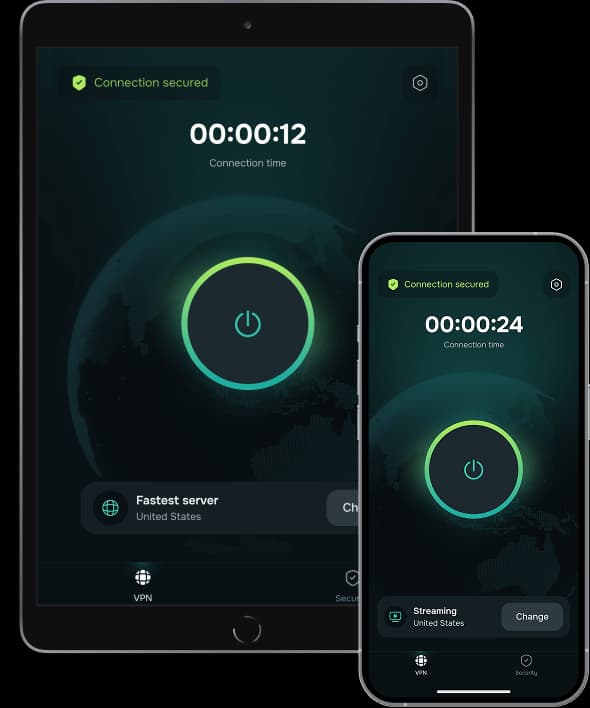
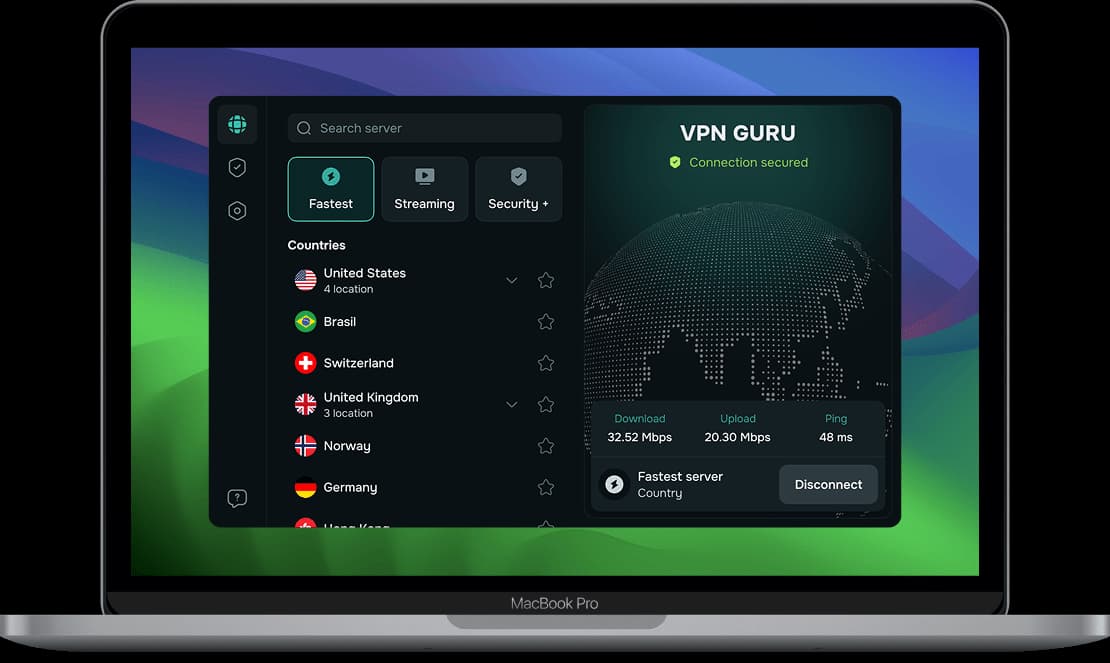
| Feature | Guru VPN | Most free VPNs |
|---|---|---|
 Devices | Up to 10 | Usually 1 |
 Bandwidth | Unlimited, up to 10 Gbps per server | Limited, often throttled |
 Data cap | None | Often a few GB per day |
 Server countries | 49+ | Usually 5–10 |
 Logging | Zero-logs, GDPR | Often monetizes user data |
 Ads | None | Often present |
 Support | Yes | Usually none |
| Feature | Guru VPN | Other VPNs |
|---|---|---|
 ChaCha20 encryption | | Often not supported |
 Zero-logs policy | | Varies |
 Unmetered connections | | Sometimes limited |
 Stable local servers | | Often overcrowded |
 Easy-to-use apps | | Can be complex |
Connect up to 10 devices | | Often 1–2 devices |
24/7 support | | Not always available |
Choose the plan that fits your needs. All Guru VPN plans include unlimited bandwidth, access to all servers, apps for all devices, strong encryption, a strict no‑logs policy, and 24/7 customer support.
$0.99 for the first 7 days, then $6.99/week
Ideal for short‑term use or trying Guru VPN with minimal cost.
Plan includes:
Perfect for long‑term protection with the biggest savings.
Plan includes:
$11.99 billed monthly
Flexible, commitment‑free protection.
Plan includes:

During a drive across the Prairies I used Guru VPN whenever I stopped at motels with open Wi‑Fi, and the app connected quickly each time and kept my email access private.
lectures from a university portal that blocks some regions, and since switching to a suggested server the streams load quickly and stay smooth.
After noticing my kids often connect to random Wi‑Fi at malls, I added Guru VPN to their phones and showed them the single connect button, and now they enable it before watching videos or using social apps in public places.
auto-connect on certain networks, so once configured, I don't have to think about it. It provides constant, silent protection in the background. I've never seen that feature before.
I use this app daily for streaming, and it never buffers. It's super fast, super secure, and I love that it doesn’t log anything. One tap and I’m fully protected! Couldn’t ask for more!
layer of security when accessing corporate dashboards from home, and it now connects automatically before I log in to any work system or cloud service.
The way this VPN works, I'd say it is perfect for everyday use! Whether I’m shopping online or watching geo-restricted media, Guru VPN keeps me anonymous and connected. Simple, trustworthy, and effective.
On my daily train cọmmute I open Guru VPN, hit the single button, and read emails over the train Wi‑Fi knowing my connection is encrypted the entire ride.
every millisecond counts. This VPN's optimized servers actually improved my ping. I connect to a location closer to the game host, and my latency drops noticeably.
As someone who works remotely, I rely on VPNGuru every day to secure my connection. It’s fast, stable, and I’ve never had an issue with dropped connections.
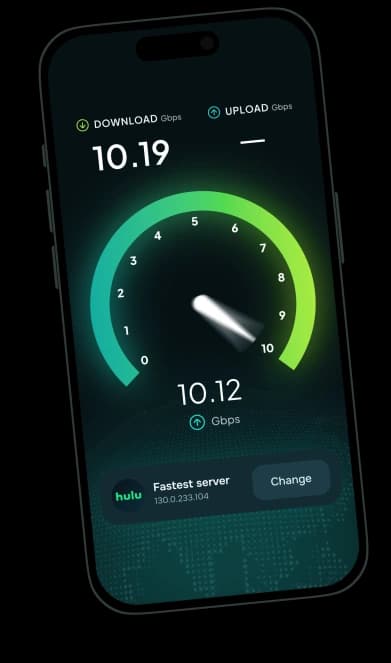
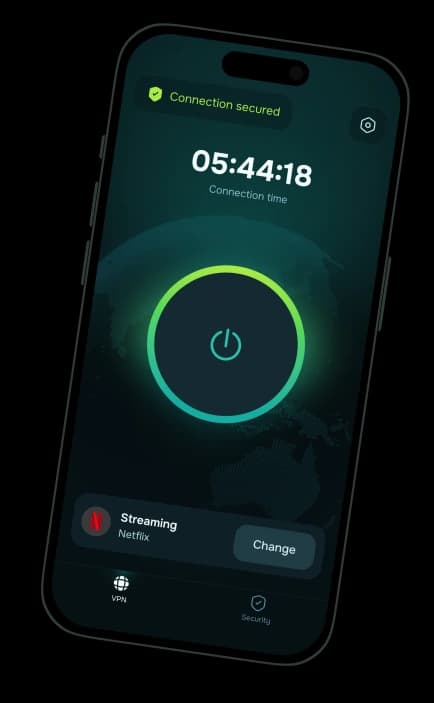
An encrypted connection for Google Drive on any network, with a 30-day money-back guarantee.