

 BR
BR DE
DE ES
ES FR
FR RU
RUDownload GURU VPN for macOS
Download the Guru VPN app for macOS to stay private and protected online
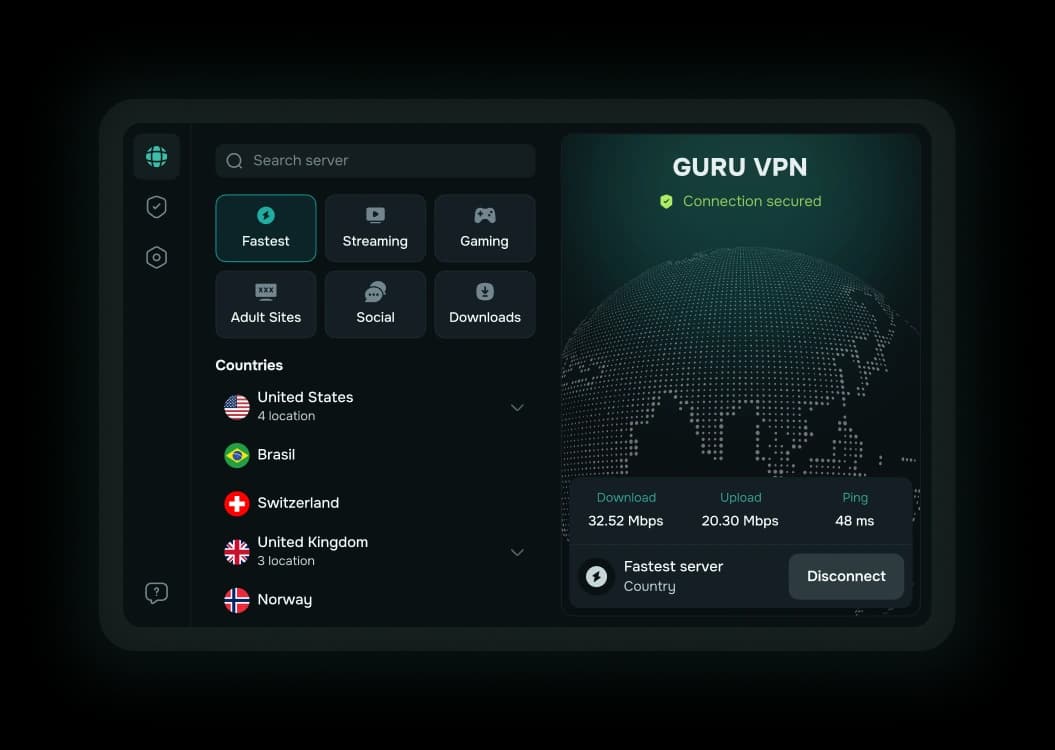
How to start using Guru VPN
Start protecting your connection in 3 simple steps
- Step 1
Download the app for macOS

- Step 2
Log in or sign up
Use your account or start instantly with a free session
- Step 3
Tap to connect
One tap — and your data is encrypted and protected anywhere
Features
Experience total freedom and privacy — one tap, zero limits
One-tap connection
Turn on your VPN on macOS with a single tap and stay protected anywhere
Smart Modes
Instantly switch between optimized presets for streaming, gaming, or private browsing
Multi-device protection
Stay secure on all your devices, including Mac, iPhone, and iPad
Kill Switch
Automatically blocks your internet on macOS if the VPN connection drops
Split tunneling
Choose which websites use VPN and which connect directly to the internet
Secure Wi-Fi
Browse with confidence in cafés, hotels, and airports — your data stays private
Why choose Guru VPN
Getting a safer, unrestricted internet has never been this easy — just one click
Advanced Encryption
Your data stays locked and private on your macOS, even on public Wi-Fi
Total Privacy
Enjoy true online privacy on your macOS with hidden IPs, no activity tracking, and zero logs.
Zero Logs
We never track, store, or share your activity. Your privacy is absolute
Global Access
Unlock streaming, social media, and restricted websites anywhere in the world
Start secure browsing on your Mac with Guru VPN
Enjoy a clean, fast, and secure VPN experience built for Mac
Download for macOS