
 BR
BR DE
DE ES
ES FR
FR RU
RU
Articles
Fake and Scam Websites: How to Spot Them and Stay Safe Online

Guru VPN experts
20.01.2026
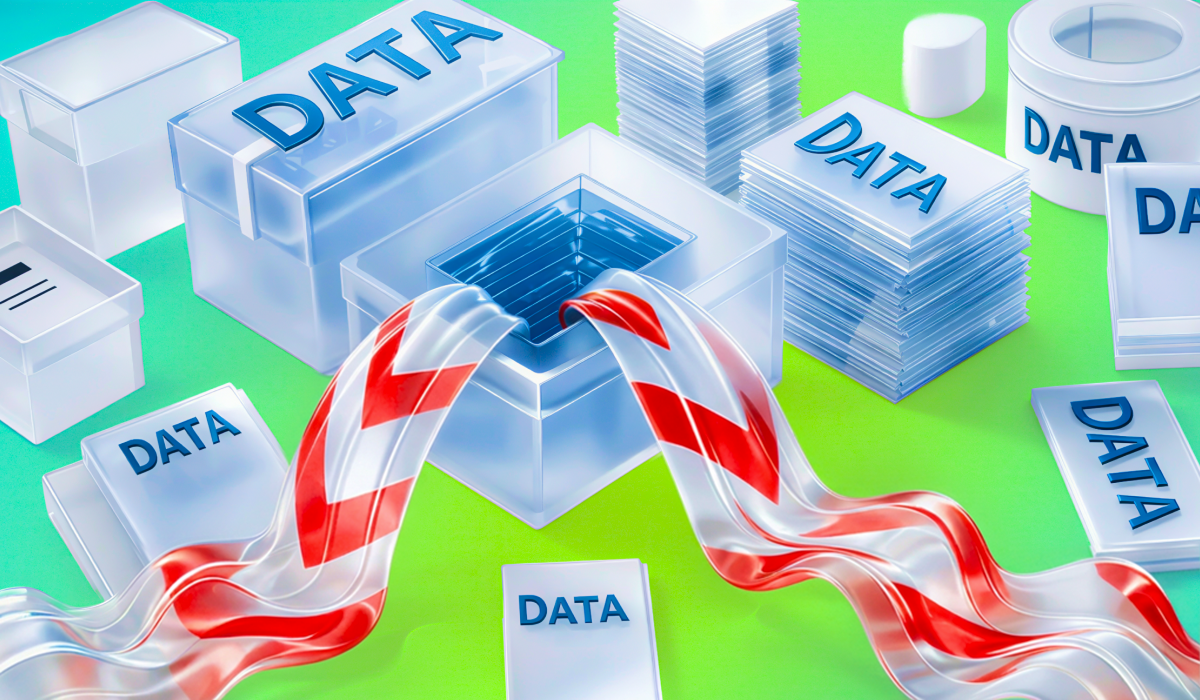
Finding out your info might be out there after a leak is pretty scary. Maybe it's a heads-up from an app you use, or you heard about some big security mess in the news. Either way, you're probably going to feel stressed and want to fix it ASAP.
That's normal, but rushing without a plan can mess things up even more. Not every leak shows the same stuff, and you don't always need to do the same things to fix it. Don't try to do everything, just do the right stuff when you need to.
Also, keep in mind that leaks don't always happen because some service got hacked. Sometimes, your passwords get out because you're using sketchy Wi-Fi, someone's watching your internet traffic, or later on, after the main leak, bad people use that info to attack you. This is where using something like a VPN can help as part of keeping yourself safe. It won't fix everything, but it can keep you from showing more than you have to.
This guide will tell you what you can do to take back control after a leak and not get into even deeper trouble.
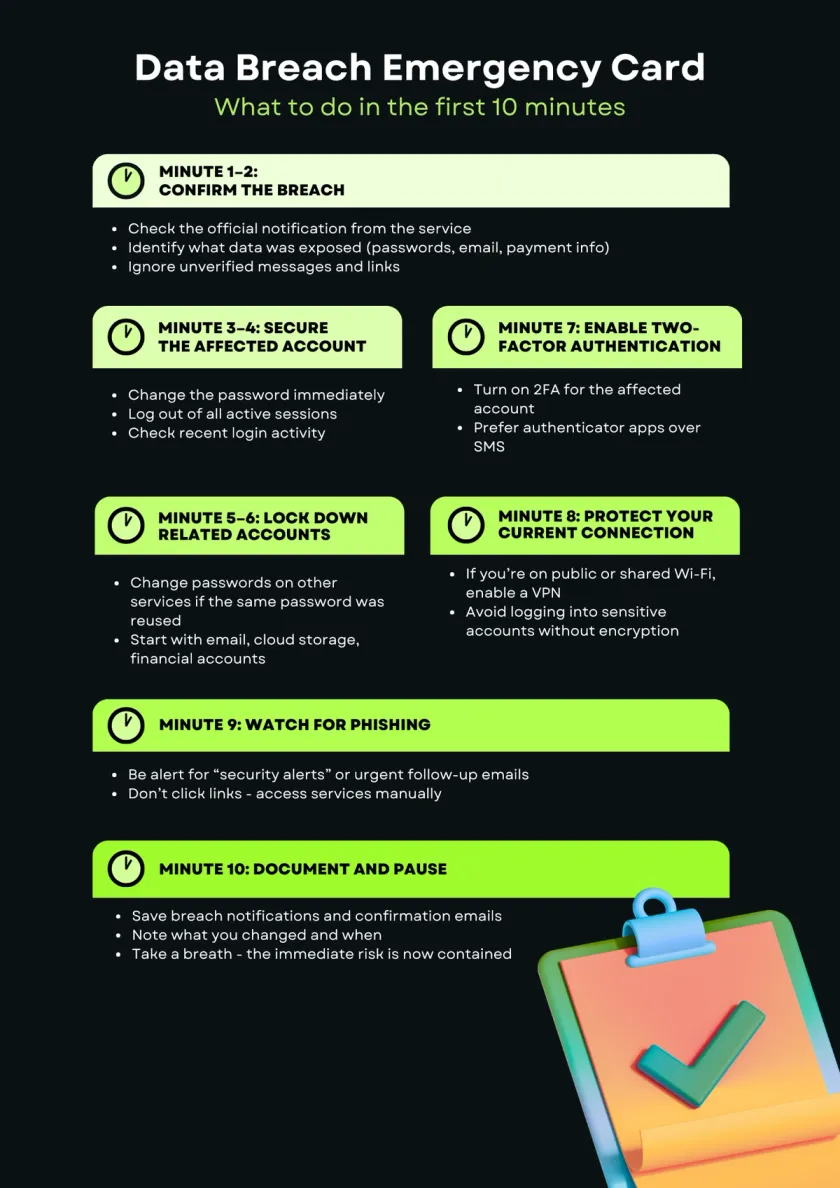
Before you freak out and start changing all your passwords, take a sec to figure out what info got exposed.
See if the company that got hacked has put out any info – like emails, notices, or statements. What kind of stuff got out? An email address being out there is way different than if your passwords or credit card info got stolen.
Also, check if the leak hits:
This helps you chill out and not do stuff you don't need to – and focus on what's really important.
Once you know an account's been hit, make it super secure.
Change your password to something totally new. Don't use old passwords or anything you've used somewhere else. If you can, sign out of all your logged-in sessions to kick everyone else out.
Check your account activity for anything weird – logins you don't know, settings that have been changed, or stuff you didn't do. If something looks fishy, tell the company through their support or security channels.
This is about stopping anyone from getting in right now – you don't have to fix everything all at once.
If the password that got leaked was one you used for other accounts, those accounts could be in danger.
This is how hacks get worse: hackers try out leaked usernames and passwords on things like email, social media, and bank accounts. Even if you don't see anything wrong yet, changing your passwords can stop future attacks.
Change passwords on accounts that:
Using different passwords for everything makes hacks way less bad.
Two-factor authentication is like having a second lock on your door. Passwords alone aren't always enough.
Even if someone steals your password, 2FA can stop them by sending a code to your phone or asking you to okay the login on another device. This is super important for email, online storage, and banking.
If you can, use an app for 2FA instead of getting codes by text. Apps are less easy to hack.
Think of 2FA as damage control – it doesn't stop hacks, but it makes it way harder for hackers to do anything with stolen info.
Data breaches aren't usually a one-time thing. A lot of times, the info that's stolen gets used later to mess with you, especially when you're not really thinking about it.
One thing that happens a lot is phishing. The bad guys might send emails or texts talking about the breach, pretending to be from security people, or trying to get you to do something fast. These can look real because they already have some of your info.
Watch out for:
Don't click links in messages. If you need to do something, just go to the service's website or app yourself. Be careful with any messages about the breach that you didn't ask for, even if they look legit.
If the stuff that was stolen includes payment info, addresses, or ID stuff, check to see if anyone's using it wrong.
Go through your bank and card activity for anything weird. Turn on alerts for transactions if you can. You might want to freeze a card for a bit or get a new one.
If really personal info was stolen, like identity stuff, checking your credit reports or official records can help you catch issues quickly. You don't have to assume the worst, but be aware while things are risky.
Doing something early can save you from a lot of trouble later.
After you've taken care of the immediate problems, take a minute to write down what happened.
Save copies of the breach notices, emails, and anything you talked about with the companies involved. Write down when you changed passwords, turned on security stuff, or contacted customer service. This can assist you if any problems occur, or if further action is needed.
Also, keep up with any news about the breach. Things might change as more info comes out. If you find out more of your info was involved, you can decide if you need to do anything else.
This last step is about being clear and in control after the first reaction.
Why a VPN Matters in Emergency Situations?
After a breach, attackers often look for quick wins - especially on unsafe networks. A VPN encrypts your traffic before it leaves your device, reducing the risk of credential interception, session hijacking, and follow-up attacks while you secure your accounts.
Guru VPN is designed to provide that protection instantly, whether you’re at home, traveling, or connected to public Wi-Fi.
Data leaks are tough to see coming, but you can really cut down on the trouble they cause by doing a few things regularly. These tips won't get rid of all danger, but they sure make it easier to handle things when something happens.
Using the same passwords everywhere means one leak can mess up all your accounts. A password keeper makes it easy to come up with and save strong, different passwords without you having to remember them all. So, if one place gets hacked, it doesn't spread to everything else.
If a site lets you use two-step verification, just turn it on. It should be the usual thing to do, not something special. This is super important for your email, cloud storage, and anything that can be used to reset other passwords.
A lot of hacks start with old problems that never got fixed. Keeping your computers, phones, and apps updated closes those doors before bad guys can walk through them.
After a leak, hackers look for more chances, mostly on public Wi-Fi. A VPN keeps your web traffic private as it travels on the internet. This reduces the danger of someone snooping, stealing your session, or getting your passwords.
Keep an eye out for weird login warnings, security notices, or strange messages about your accounts. Spotting things early can stop small problems from turning into big headaches.
A data leak feels scary, but it doesn't have to ruin everything. If you stay calm and do things the right way, you can limit the damage, secure your accounts, and stop things from getting worse.
Doing the right things for security makes a big difference in how much a future leak can bother you. Strong passwords, two-step verification, regular updates, and using a VPN on risky networks all work to make your digital life tougher to break into.
A VPN is part of that base. By keeping your web use private and lowering risk on public networks, Guru VPN helps keep your data safe not just after something goes wrong, but every moment you're online.
If you want some protection when you're just browsing, when you travel, or when you work away from the office, Guru VPN is made to keep your web use just for your eyes, no matter where you go online.